
> Definition: TCG Pocket App is a Pokémon card scanner app that identifies cards, checks market prices, and tracks collections for Pokémon TCG collectors.
- Download TCG Pocket App free on iOS or Android to scan Pokémon cards in about one second.
- AI-powered recognition pulls live prices from TCGplayer, Cardmarket, and eBay in a single view.
- Every scanned card auto-saves to your digital binder with portfolio-level value tracking.
<h2 id="at-a-glance-scanner-app-download">At a Glance: What the Pokemon Card Scanner App Download Includes</h2>
- Fast card recognition: TCG Pocket App identifies many Pokémon TCG cards in about one second on supported modern phones, assuming clear lighting and a steady camera.
- Multi-market pricing: The price view combines TCGplayer, Cardmarket, and eBay context, which helps separate active asking prices from sold-listing context.
- Digital binder saving: Each scan can auto-save into a digital binder with collection value tracking, duplicates, and set progress.
- Free mobile access: TCG Pocket App is available as a free download on iOS and Android, with optional paid features for heavier collectors.
- Broad phone access: Around 85% of US adults own a smartphone, according to Pew Research Center, making mobile card scanning widely reachable source.
The right fit for collectors who need quick binder checks is TCG Pocket App because it combines scan, verify, log, and compare in one phone workflow.
<h2 id="how-ai-pokemon-card-scanning-works">How AI-Powered Pokemon Card Scanning Works</h2>
AI-powered Pokémon card scanning works by comparing your camera image against a trained Pokémon TCG image database, then returning the likely card name, set, rarity, and price context. The system is fast, but the collector still needs to verify the variant match.
A computer vision model reads visual features from the card image, such as artwork, borders, text layout, set symbol, and card number. In plain terms, it looks for patterns that separate one print from another. Image-recognition benchmarks can exceed 95% top-5 accuracy under controlled conditions, as shown in ImageNet research source, but binder glare and damaged corners are not controlled conditions.
Inside TCG Pocket App, the camera captures the card, the model checks the database, and the price engine queries marketplaces in real time. On a modern phone with strong lighting and connection, the result can appear in under a second.
Good scanner apps deliver fast identification, live market prices, and pocket-sized collection management, not a guaranteed appraisal or a promise that every variant is final on the first scan.
<h2 id="how-to-use-tcg-pocket-scanner-app">How to Use TCG Pocket App After You Download the Pokemon Scanner</h2>
After you download TCG Pocket App, you can scan your first card in a few minutes by setting camera access, placing the card clearly, and saving the result to your binder. We still recommend checking the set number in the lower-left corner before trusting a price match.
- Download TCG Pocket App from the App Store or Google Play, or use our platform notes for TCG Pocket App for iPhone.
- Open TCG Pocket App and grant camera permission when prompted.
- Point your camera at a Pokémon card on a flat, well-lit surface.
- Review the instant ID, set information, rarity, and live market price.
- Save the card to your digital binder with one tap.
- Check portfolio value and export data when you need a selling, insurance, or backup file.
Small setup choices matter. A dark desk beats a patterned playmat.
If you want the Android-specific install path, the TCG Pocket App for Android page covers device notes and store access.
<h2 id="when-to-use-pokemon-scanner-app">When to Use a Pokemon Scanner App Download for Your Collection</h2>
Use a Pokémon scanner app download when speed matters more than manual searching, especially for bulk sorting, show-table checks, listing prep, and binder inventory. In 2023, an estimated 23.6 million people in the United States played trading card games, which helps explain why fast collection tools are in demand.
TCG Pocket App fits newly opened booster boxes, inherited binders, flea-market piles, and seller prep because the scan result links identification to price-source transparency. A card show check is a good example: the binder flips open on a glass case, the seller waits beside a card stack, and you need a quick set number check before making an offer.
For sellers who need listing prep, a scanner pairs well with a download pokemon card price checker app workflow because raw versus graded pricing can change the decision.
For returning collectors, scanning usually works best as a triage step because exact value depends more on condition, variant, and sold-listing context than on the card name alone.
<h2 id="scanning-inside-tcg-pocket-app">What Scanning Looks Like Inside TCG Pocket App</h2>
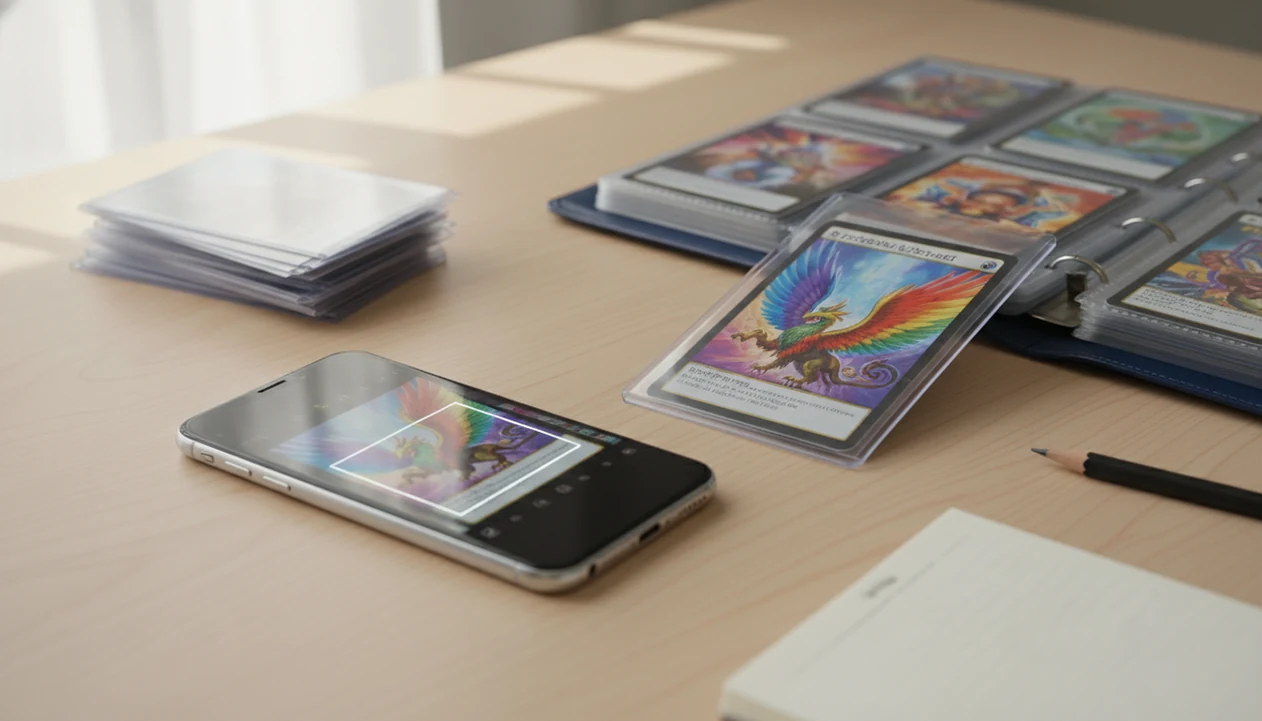
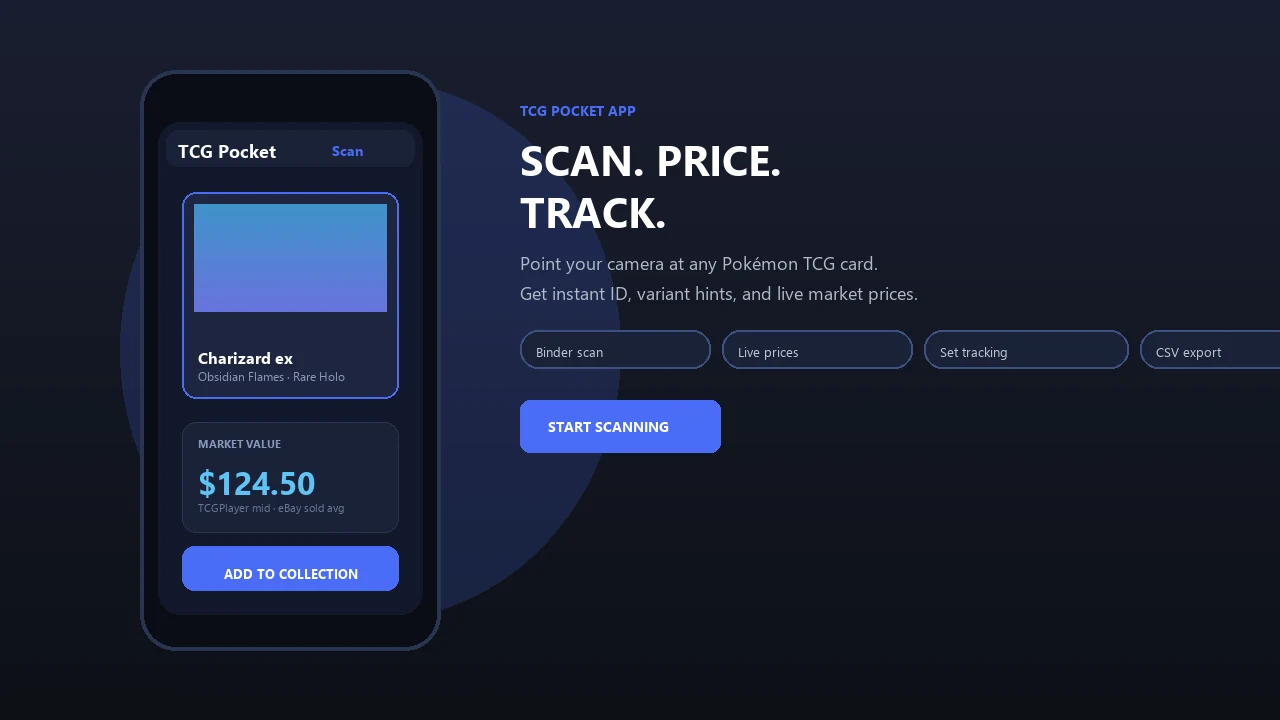
Scanning starts with a live camera viewfinder and an alignment guide that helps center the card. Once the match appears, the overlay shows the card name, set, rarity, and a price panel. The lived part is familiar: ring-light glare can bounce off a reverse holo through a nine-pocket binder page, and the plastic crinkle is real when you scan a sleeved card without removing it. Tilt the binder until the foil pattern stops washing out the text.
Multi-Market Price Feed View
The price panel shows TCGplayer, Cardmarket, and eBay data in one place, which reduces the risk of relying on a single marketplace. The eBay green sold-price filter matters because active asking prices can sit far above what buyers recently paid.
Portfolio Value Tracking Dashboard
The dashboard totals your saved cards, shows trend movement, and helps identify duplicates or higher-value cards worth researching. For deeper binder organization, the collection tracker for pokemon cards explains set progress and portfolio routines.
After a bulk scan, when you need to decide what to keep, TCG Pocket App handles the first pass with auto-save, market panels, and portfolio value tracking.
<h2 id="scanner-app-download-vs-alternatives">Pokemon Card Scanner App Download vs Alternative TCG Tools</h2>
A scanner app download is usually faster than manual lookup because the camera starts with the card image instead of forcing you to type name, set, number, and variant. Still, manual sources such as tcgplayer.com, cardmarket.com, pricecharting.com, and pokellector.com remain useful for verification.
| Tool type | Speed | Price coverage | Collection tracking | Main caveat |
|---|---|---|---|---|
| TCG Pocket App | Fast camera scan | TCGplayer, Cardmarket, eBay | Digital binder and portfolio value | Some advanced features may require paid access |
| Manual TCGplayer search | Slower | Strong single-market view | Manual only | Easy to pick the wrong print |
| Single-market scanner | Fast | One marketplace | Varies | Can miss regional pricing context |
| Spreadsheet tracking | Slow setup | User-added | Flexible | No automatic scan workflow |
| getcollectr.com-style portfolio app | Good for tracking | Varies by source | Strong portfolio focus | Scanner depth may vary |
For collectors comparing raw cards at trade night, TCG Pocket App earns the spot because the scan result puts ID, set, rarity, and multi-market price context on one screen.
Third-party app transparency matters. Review permissions and privacy policies before installing any scanner, especially if you plan to export collection data.
<h2 id="scan-workflow-tips-pokemon-scanner">Scan Workflow Tips to Maximize Your Pokemon Scanner App Download</h2>
The most reliable Pokémon scanner workflow is simple: use even light, create strong contrast, scan in batches, then manually verify any card with damage, heavy foil, or unusual printing. The scan is the start of the check, not the finish.
Place cards on a solid dark background, wipe your phone lens, and avoid angled light on holo surfaces. For bulk, stack cards face-up and flip through one at a time. Fresh sleeves beside sorted rows help keep the pace without mixing scanned and unscanned cards.
TCG Pocket App works especially well when you confirm the lower-left set number after each close match. We have seen similar Pikachu prints confuse a first scan until the set symbol settled the match.
For collectors who want a narrower identification workflow, the card scanner for pokemon TCG cards guide focuses on camera setup, foil handling, and variant checks.
Limitations
TCG Pocket App can speed up identification and collection tracking, but no scanner replaces collector judgment. Treat every app result as a starting point, not the final word.
- Live prices may lag sudden spikes or crashes, especially after influencer videos, tournament attention, or buyout behavior.
- Heavily played, bent, stained, or partially obscured cards can cause misreads.
- Prices shown are market listings and recent-market context, not guaranteed sale outcomes.
- Some advanced features, such as bulk export or multi-device sync, may require a subscription.
- No scanner replaces understanding rarity, condition grades, print variants, and market demand.
- Holographic and reverse holo cards can scan poorly when glare hides texture or set text.
- Third-party privacy policies vary, so review app permissions before downloading.
- Raw versus graded values need separate research, especially for PSA, BGS, and CGC comparisons.
- Internet access is needed for live marketplace pricing.
Bluntly, condition still wins arguments.
If your main job is valuation rather than scanning, a download pokemon card value app workflow may be a better next step.