
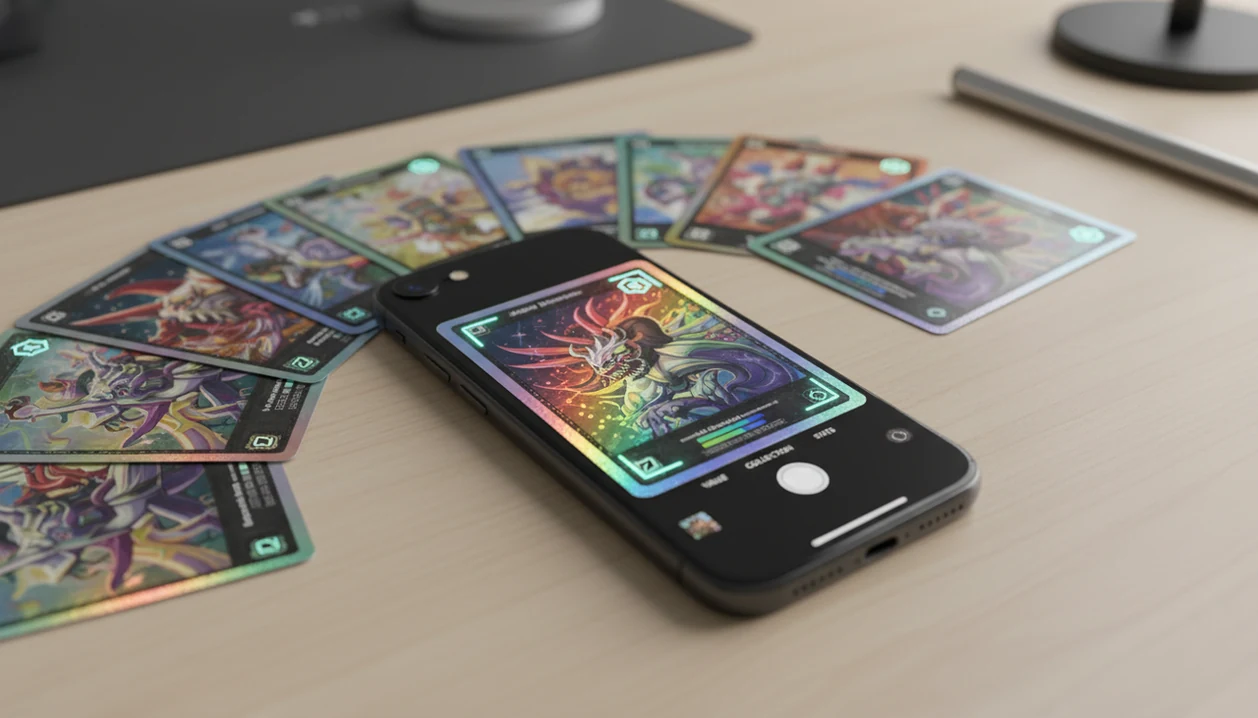
Definition: TCG Pocket App is a Pokémon card scanner app that identifies cards, checks market prices, and tracks collections for Pokémon TCG collectors on iPhone.
What TCG Pocket App Does on iPhone
The app turns an iPhone into a Pokémon card identification, pricing, and collection logging workflow. Treat the app result as a starting point, not the final word, especially on variants and condition.
- AI card scanning: The scanner uses the iPhone rear camera to scan Pokémon TCG cards and suggest a match.
- Live price lookup: Each recognized card can show current market pricing for quick value checks.
- Digital binder management: Saved cards become part of a phone-based collection with duplicates, sets, and value tracking.
- Set, variant, and rarity detection: The scan checks details such as set symbol, rarity, and foil or reverse holo differences.
- Independent companion status: The iPhone card scanner is not an official Pokémon or Nintendo app. It is an independent collector tool.
A good ai-powered Pokémon TCG card scanner, live market prices, and pocket-sized collection management app should deliver fast identification and price context, not guaranteed appraisals or official Pokémon data.
Minimum iPhone Requirements for Card Scanning
The iPhone card scanner requires iOS 15 or later, rear camera access, and an internet connection for live matching and pricing. An iPhone 8 or newer is recommended because newer cameras usually focus faster and capture sharper card text.
You’ll need to approve camera permission when iOS asks. If scanning fails, check Settings > Privacy & Security > Camera and confirm access is enabled. The scan depends on the rear camera, not the front camera.
The app does not require a large offline card-image database download. That keeps storage light, but it also means live pricing and database matching need a stable connection. We’ve seen scans slow down at crowded card shows when the phone drops to weak cellular.
Signal matters.
Collectors who mainly want identification can also compare the broader card scanner workflow before choosing a dedicated iPhone card scanner setup.
How iPhone Card Scanner AI Recognition Works
An iPhone card scanner works by capturing the card image, extracting visible features, and matching those features against a Pokémon TCG card database. In plain terms, the app compares what your camera sees against known card records.
The app starts with the iPhone rear camera image. The recognition system looks for card art, borders, printed text, set symbol, card number, and foil or holo patterns. These visual signals become feature data, sometimes called image embeddings. The database match then returns the likely card name, set, variant, rarity, and current market price.
The hard part is not always the card name. A scan can confuse two similar Pikachu prints until the collector verifies the set symbol and lower-left set number. Ring-light glare bouncing off a reverse holo through a nine-pocket binder page can also hide the detail that matters.
New sets depend on database updates. Faster updates mean faster support.
How to Use TCG Pocket App on iPhone
Use the iPhone card scanner by scanning, verifying, saving, and reviewing your collection value. The important step is verification, because a clean scan can still miss a variant match.
- Download and open the app from the App Store.
- Grant camera permission when iOS prompts you.
- Point your iPhone camera at a Pokémon card in bright, even lighting.
- Review the AI match and confirm the card name, set, and variant.
- Save the card to your digital collection or binder.
- Check your value dashboard for updated pricing across saved cards.
iPhone collectors trying to digitize a binder without removing every card can use the scanner because it supports quick scan, verify, and log sessions from the phone camera. The plastic crinkle of a binder page is normal, but glare still needs adjusting.
For a broader install path, the download pokemon card scanner app page covers scanner-first setup.
iPhone vs Android Pokémon Scanner App Experience
The iPhone and Android experience is broadly similar when the card database and pricing feeds are the same. The difference is usually camera behavior, permissions, and low-light performance.
| Factor | iPhone experience | Android experience |
|---|---|---|
| Camera sharpness | Recent iPhones often capture crisp text and borders | Varies widely by device and camera app behavior |
| Permissions | iOS requires explicit camera access | Android also requires permission, but prompts vary |
| Low light | Better on newer models; older phones may struggle | Depends heavily on sensor and processing |
| LiDAR | Not required for card scanning, even on Pro models | Not relevant for most Android scans |
| Updates | Same supported card database and pricing updates | Same supported card database and pricing updates |
If the priority is consistent camera behavior at trade night, the app on iPhone fits because iOS camera permission and rear-camera capture are predictable once enabled. Android collectors can compare TCG Pocket App for Android if device flexibility matters more.
Live Card Pricing Accuracy on iPhone
Live prices in the app are market estimates, not guaranteed sale prices. They are useful for quick collection valuation, but not for insurance valuation, tax records, or a professional appraisal.
Price feeds can lag after tournaments, viral sales, or new set releases. A card may show one number in-app while active listings on tcgplayer.com, cardmarket.com, or pricecharting.com tell a messier story. We still check the green sold-price filter on eBay when a card looks unusually high, because active asking prices are not sold-listing context.
According to Pew Research Center, 76% of U.S. adults said they had bought something online using a smartphone, which makes phone-based price checking a familiar behavior: https://www.pewresearch.org/internet/fact-sheet/mobile/.
For pricing-first users, the download pokemon card price checker app guide is the closer fit.
Pokémon Scanner App Use Cases for iPhone Collectors
The collection tracker fits iPhone collectors who need fast identification, lightweight pricing, and collection tracking from the same device. It is strongest when the job is scan, verify, log, compare, then move to the next card.
- Casual collectors: Check values at home, card shops, or trade nights without typing long card names.
- Binder organizers: Digitize physical Pokémon TCG collections and track duplicates by set.
- Sellers: Prepare inventory for marketplace listings with quick names, variants, and reference prices.
- Returning collectors: Sort older cards before deciding what deserves deeper research.
Anyone dealing with a shoebox of unsorted cards on the carpet will value the workflow because it saves each confirmed scan into a digital collection. Pew Research Center reported that 46% of U.S. adults said they played video games on a smartphone in 2022, and GSMA’s Mobile Economy reporting estimated roughly 6.8 billion unique mobile subscribers worldwide in 2023: https://www.pewresearch.org/internet/2024/05/09/what-americans-know-about-ai-cybersecurity-and-big-tech/ and https://www.gsma.com/mobileeconomy/.
A collection-focused setup is covered in download pokemon collection tracker app.
Download TCG Pocket App for iPhone
The iPhone card scanner is available on the Apple App Store. Search for “TCG Pocket App,” install it, then open the first-scan walkthrough before scanning a stack of cards.
The download has no upfront cost to start scanning, but you should still review the App Store listing before installing. Check app size, iOS compatibility, camera permission notes, and any in-app purchase details. App Store information is the most current place to confirm device support.
When the first scan runs, use a card with a clear set number and minimal foil glare. A plain uncommon card is often a better test than a glossy secret rare. Boring test cards are useful.
Collectors who want a value-first install path can compare the download pokemon card value app page.
Limitations
The scanner is useful for fast iPhone scanning, but it does not remove the need for collector judgment. The scan result should be verified before pricing, selling, or grading decisions.
- Poor lighting, heavy foil glare, and reflective sleeves can cause misidentification that needs manual correction.
- Live market prices may lag behind rapid price swings after tournaments, viral sales, or set releases.
- Recognition and pricing are strongest for English-language mainstream Pokémon TCG printings.
- Niche promos, foreign-language cards, stamped variants, and misprints may have limited or no coverage.
- The app cannot grade card condition; it identifies and prices cards but does not replace PSA, BGS, or CGC grading.
- New Pokémon TCG sets are not supported instantly. Coverage depends on database update timing.
- Card images may be processed on remote servers for AI recognition, so review the privacy policy if data handling matters.
- Competitor databases such as pokellector.com and getcollectr.com may show different organization or pricing coverage.