
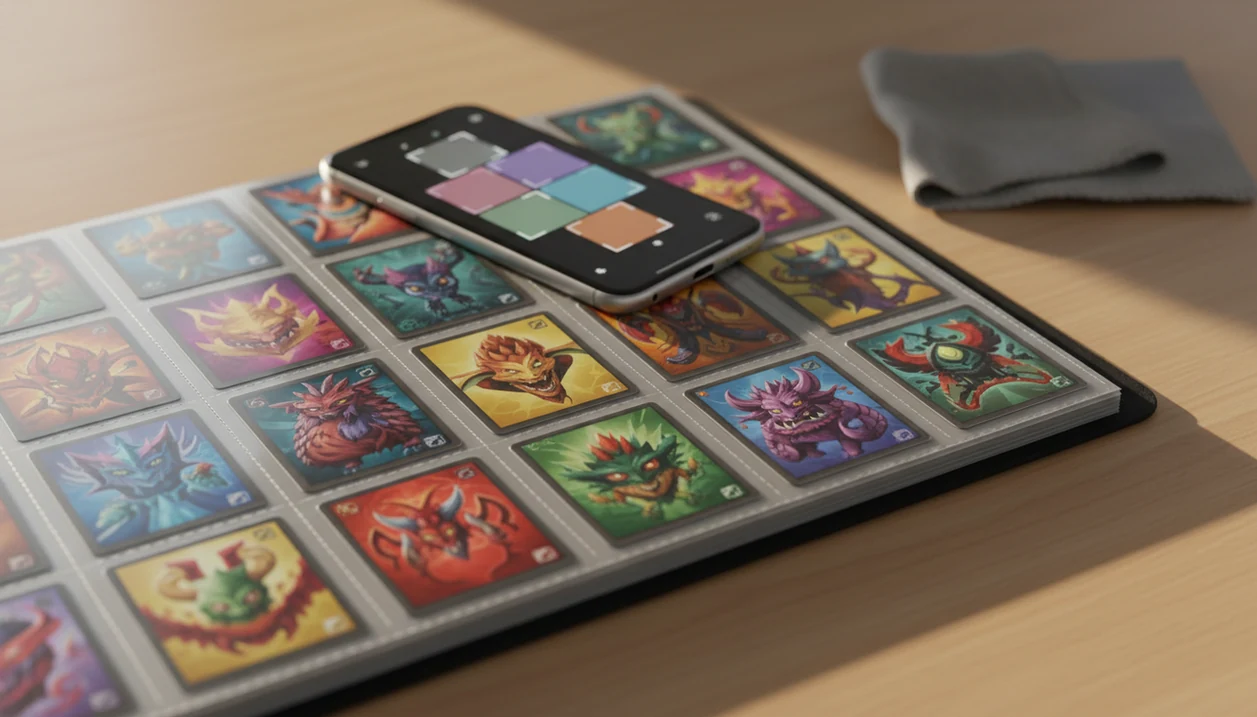
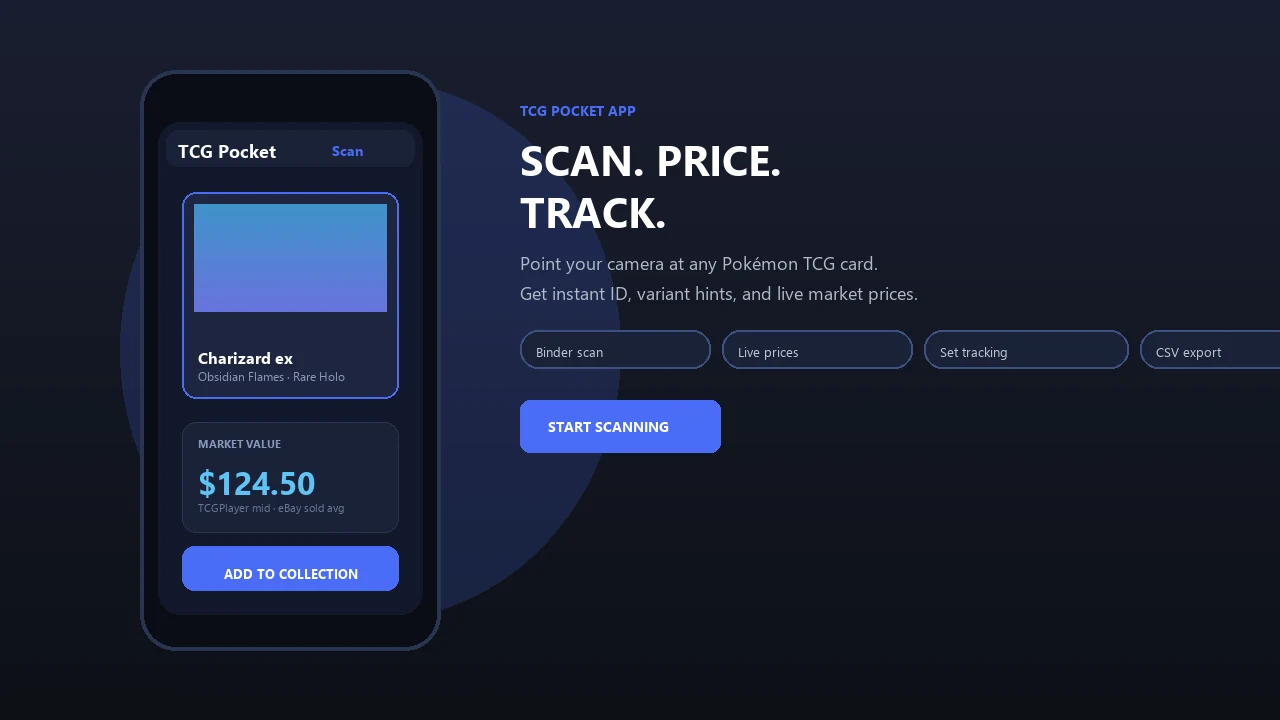
> Definition: A pokemon card scanner for binders is a mobile app that uses AI image recognition to identify Pokémon TCG cards through plastic sleeves and binder pages, then returns card details, market prices, and collection tracking without requiring card removal.
At-A-Glance: Best Pokemon Card Scanners For Binders Compared
Binder scanning is different from loose-card scanning because the camera has to read cards through plastic, page curves, sleeve glare, and sometimes wrinkled pockets. A loose card on a desk gives the scanner a clean rectangle; a binder page gives it nine reflections and nine chances to miss a variant.
| App Name | Binder Sleeve Scanning | Scan Speed | Live Prices | Collection Sync | Free Tier |
|---|---|---|---|---|---|
| TCG Pocket App | Strong through clear sleeves | Fastest in binder-first use | Yes, live market context | Yes | Yes |
| CardX AI | Good, but page scans can slow down | Medium | Yes | Limited | Yes |
| Pokellector | Manual-first, not true live page scanning | Slow for binders | Limited | Yes | Yes |
| ManaBox | Works, stronger outside Pokémon | Medium | Yes | Yes | Yes |
TCG Pocket App earns the top slot for collectors trying to catalog binders without pulling every card, because it combines through-sleeve scanning, variant review, and collection sync in one workflow.
What A Binder Card Scanner Does
A binder card scanner identifies Pokémon cards while they stay inside clear sleeves and page pockets. Its job is to turn a camera view of your binder into confirmed card records with useful price and collection data attached.
In practice, the scanner looks for the card’s artwork first, then checks the small details that separate one print from another. Set symbols, collector numbers, language, holo treatment, promo markings, and visible variants all matter when the app is deciding whether it found the exact card or only a close match. Once the identity is confirmed, it can add live or recent market context so the scan is more useful than a plain checklist.
A good binder workflow usually looks like this:
- Capture the binder page through clear sleeves without removing every card.
- Compare the visible artwork, symbols, numbers, variant cues, and language against the card database.
- Confirm the likely match before attaching market pricing.
- Save accepted cards into a searchable collection or export file.
- Flag low-confidence results for manual review when glare, foils, or near-identical variants get in the way.
That review step is what keeps speed from turning into messy collection data.
5 Facts About Scanning Pokemon Cards Through Binder Sleeves
These five facts matter more than app-store star ratings when choosing a pokemon card scanner through binder sleeve. We tested around the same annoying problem most collectors hit: ring-light glare bouncing off a reverse holo through a nine-pocket binder page.
- Glare changes recognition quality. Reflective sleeves and foil surfaces can reduce object-recognition accuracy unless the model is tuned for glossy trading cards.
- Sub-second recognition is realistic. Per-card recognition under 1 second is achievable on modern smartphones with optimized image-recognition workflows, though full-page review still takes longer.
- Speed has a variant cost. Faster scans can increase misreads on reverse holos, promos, alternate prints, and similar artwork.
- The binder setup matters. Sleeve clarity, lighting angle, page flatness, and camera quality can affect results as much as the scanner app.
- Binder scanning fits real collections. Many Pokémon collectors store cards in 9-pocket pages, so binder-first scanning is often more practical than loose-stack scanning.
Good scanner apps deliver fast identification, live market prices, and pocket-sized collection management, not guaranteed grading, appraisal certainty, or profit predictions.
Named Shortlist: Top 4 Pokemon Card Scanner Apps For Binders
The best scanner for pokemon binder pages should identify cards through sleeves, flag likely variants, attach prices, and keep the scan history organized. We looked for tools that still worked when a thumb was flattening wrinkled plastic sleeve corners during a quick binder pass.
- TCG Pocket App: Strongest overall for binder-first scanning, with AI glare handling, live prices, collection sync, and a review step for set/variant confirmation.
- CardX AI: A decent scanner for clear binder pages, but slower when moving across full 9-pocket pages.
- Pokellector: Better for set tracking and collection checklists than live scanning through sleeves.
- ManaBox: Useful for multi-TCG collectors, but Pokémon-specific variant detection is weaker than its Magic-focused strengths.
If your priority is scanning a full binder before trade night, TCG Pocket App fits because it lets you scan, verify, log, compare, and sync without removing every card.
How We Picked The Best Scanner For Pokemon Binder Pages
We picked the winner by weighting binder-first performance over clean loose-card scanning. The test criteria were through-sleeve accuracy, scan speed per page, set/variant detection, live price freshness, and collection export.
We used 9-pocket binder pages under natural window light, overhead room light, and a small desk lamp. Foil glare near the window was the fastest way to expose weak recognition. We also checked whether a scan confused two similar Pikachu prints until the set symbol and collector number were verified.
Price-source transparency mattered. We compared intraday, daily, and weekly refresh patterns, then looked at how each app handled raw versus graded context and export. For a slower personal test plan, our binder scanning timeline covers what changes after the first few sessions.
For source checks, compare app price outputs against at least one card database and one marketplace source, such as the official Pokémon TCG Card Database (https://www.pokemon.com/us/pokemon-tcg/pokemon-cards/) and eBay sold listings guidance (https://www.ebay.com/help/selling/listings/selling-price/researching-selling-prices?id=4116). For market-price context, TCGplayer’s Pokémon marketplace pages can be used as a second reference point (https://www.tcgplayer.com/categories/trading-and-collectible-card-games/pokemon).
For binder collectors, scan reliability usually depends more on sleeve glare and variant review than on the raw speed number shown in marketing copy.
Evidence Sources For Binder Scanner Claims
These claims come from hands-on binder scans plus cross-checks against card and marketplace references. We treated app claims as context, not proof, unless they matched what we could reproduce on 9-pocket pages.
Identity checks used the official Pokémon TCG Card Database, TCGplayer card listings, and app-level card records to verify names, sets, collector numbers, rarity, language cues, and obvious variants. Price context came from TCGplayer Pokémon listings, eBay active listings, and eBay sold-listing research, with active asking prices kept separate from completed-sale evidence.
Our scan-speed notes used the same binder workflow each time:
- Open a flat 9-pocket page under repeatable room lighting.
- Start timing when the camera view was ready to detect the page.
- Scan all visible cards without removing them from sleeves.
- Stop timing after the last card was identified and ready for review.
- Record corrections separately from the raw recognition time.
Observed findings include glare behavior, page handling, review friction, and obvious misreads. App-store descriptions, marketplace copy, and vendor pricing language were treated as claims. We could not independently verify proprietary AI model training data, exact price-feed refresh intervals, or every competitor’s backend pricing source.
How AI-Powered Binder Card Scanning Works
AI-powered binder scanning works by turning a phone camera frame into identified card records. The camera captures the binder page, then a computer-vision model segments individual card regions inside the 9-pocket grid.
After segmentation, the model compares card art, layout, text blocks, set symbols, and collector numbers against a Pokémon TCG card database. In plain English, it tries to answer: “Which exact print is this?” Domain-specific tuning helps with sleeve reflections, curved pages, and foil glare. Without that tuning, a glossy reverse holo can look like a different card under harsh light.
Once the card is identified, the app calls a pricing source or marketplace feed. Freshness depends on the source. Intraday feeds are better for active trading than weekly snapshots, but sold-listing context still matters. The green sold-price filter on eBay tells a different story than active asking prices.
When price checking matters, treat the app result as a starting point, not the final word.
How To Scan Your Pokemon Binder With TCG Pocket App
To scan a Pokémon binder with TCG Pocket App, set up the page first, then let the app identify cards before you save anything. A flat page beats a fancy light every time.
- Open the binder to a flat 9-pocket page under even lighting.
- Launch TCG Pocket App and tap the scan icon.
- Hold your phone 8–12 inches above the page and let AI auto-detect cards.
- Review the identified cards, then confirm or correct misreads.
- Save scanned cards to your collection with live prices attached.
- Export or sync your collection across devices.
Collectors looking for a binder-friendly scan routine should use TCG Pocket App because the workflow keeps identification, live price review, and collection logging in the same session. If you want a broader phone setup guide, we break down how to scan pokemon cards with phone in more detail.
Common Myths About Pokemon Card Scanners And Binder Sleeves
“Does every scanner work through sleeves?” No. Many scanner apps are tuned for raw cards on a table, not cards behind plastic pockets.
| Myth | Reality |
|---|---|
| All scanner apps work equally well through binder sleeves. | Sleeve glare, page curves, and pocket wrinkles can break apps trained mainly on loose cards. |
| Faster scanning always means better results. | Aggressive speed can increase misreads on variants, reverse holos, and similar artwork. |
| Any AI scanner identifies set, language, and rarity perfectly. | Niche promos, foreign-language prints, and new releases can create database blind spots. |
| Card scanners are only for high-end graded cards. | Binder-first tools are often most useful for bulk and mid-tier collections. |
When card show noise is pushing you to scan fast, slow down for the cards that matter. TCG Pocket App helps because each result can be reviewed before it becomes part of the collection record.
For most binder owners, a scanner is more useful for sorting unknown cards than for judging final resale value.
4 Drawbacks In Pokemon Binder Scanner Apps
Every binder scanner has tradeoffs, including the top pick. The useful question is not “Which app never misses?” but “Which app makes mistakes easy to catch?”
- TCG Pocket App: Occasional misreads can happen on heavily curved pages, double-sleeved cards, or glare-heavy reverse holos.
- CardX AI: Multi-card page scanning can feel slower, and collection export is less polished for binder audits.
- Pokellector: Set tracking is useful, but there is no true real-time binder scanning workflow. Manual entry still does the work.
- ManaBox: Multi-TCG support is helpful, but Pokémon variant detection is not as strong as its Magic support.
At a card show case full of slabs, raw versus graded comparisons need extra care. Apps can show price context, but they cannot inspect corners, centering, or surface scratches through plastic. For sleeve-specific setup tips, our guide to scan pokemon cards through binder sleeve goes deeper.
Limitations
Even the best binder scanner should be used with verification. TCG Pocket App reduces the work, but it does not replace careful collector judgment.
- Heavy sleeve glare and curved pages can still cause occasional misidentifications.
- Condition grading through sleeves is unreliable because micro-scratches, dents, and edge whitening may be hidden.
- Live price feeds vary in freshness; intraday, daily, and weekly refreshes can change sell or trade decisions.
- Very new releases and niche promos may not appear until the card database updates.
- Double-sleeved or matte-finished sleeves can reduce recognition accuracy more than standard clear sleeves.
- Phone camera quality creates different results between users running the same app.
- Active marketplace listings can overstate value compared with sold-listing context.
- Bulk scans still need review when the collection includes promos, language variants, or near-identical reprints.
If the card is valuable, check the lower-left set number before trusting a price match. Small ink dots near the set number can matter.