
2 Weeks Scanning Pokémon Binders: What To Expect
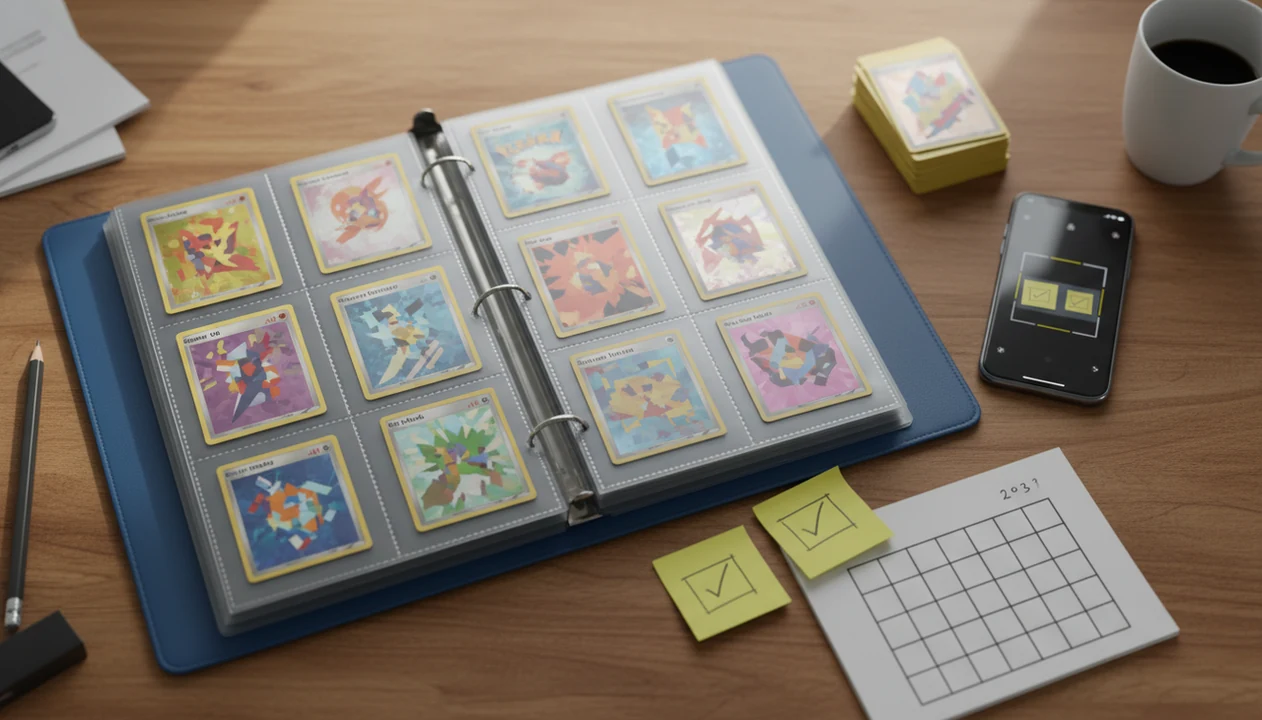
2 weeks scanning pokemon binders is usually enough to build a useful digital inventory, spot duplicates, and get rough market values, but it is not always enough to perfectly finish a large collection. Expect the biggest gains in organization and visibility, with manual review still needed for promos, reverse holos, glare-heavy scans, and uncertain prices.
> A Pokémon card scanner app can identify cards, check market prices, and track collection entries, but it should still be treated as an inventory aid rather than an appraisal tool.
- Two weeks can create visible pokemon binder progress, especially if you scan in short daily sessions.
- Inventory accuracy matters more than raw scan count because misreads, variants, and duplicates need review.
- Live market prices are useful estimates, not final appraisals or guaranteed sale prices.
Two Week Binder Scan Expectations For Real Pokémon Collections
A two week binder scan can turn a messy collection into a usable inventory, but it should not be treated as a completion guarantee. A small, sorted binder may feel nearly done; a multi-binder collection with hundreds or thousands of cards usually still needs cleanup.
Success means knowing what you own, which cards repeat, and which cards deserve closer price review. It does not mean every holo pattern, promo stamp, language, and condition note is solved.
The set number check matters. Before trusting a price match, look at the lower-left corner and confirm the card lines up with the app result. A good ai-powered pokémon tcg card scanner, live market prices, and pocket-sized collection management app give faster identification and organization, not a certified appraisal or guaranteed sale outcome.
For most collectors, reviewed inventory is a better two-week goal than perfect catalog completion because it catches the mistakes that matter.
How 2 Weeks Scanning Pokémon Binders Works Behind The Scenes
Binder scanning works by turning a camera image into a card-identification guess, matching that guess to a card database, then saving the confirmed card as a collection entry. The useful part is not just recognition speed; it is the chain from image quality to variant match to logged record.
A scanner compares visual features such as artwork, layout, text, and set details. In technical terms, image recognition and database matching work together. In plain language, the app is asking, “Which known card does this photo most resemble?”
Ring-light glare can bounce off a reverse holo through a nine-pocket binder page and hide the exact finish. Shadows, sleeves, busy tabletops, and curved pages can all lower confidence. Card database coverage and pricing feeds also shape the result, especially for older cards, Japanese sets, and promos.
If sleeve glare is the problem, the workflow in how to scan pokemon cards through binder sleeve is often more useful than rescanning the same page ten times.
How To Use A Two Week Binder Scan Plan
Use a two-week plan as a repeatable scan, verify, log, compare routine. The goal is steady review, not a race through pages that creates more correction work later.
- Set up a clean surface, steady lighting, and one binder section for the day.
- Scan cards in short sessions, keeping pages flat and backgrounds consistent.
- Review every uncertain match, especially promos, reverse holos, languages, and similar artwork.
- Tag duplicates as you confirm them, so repeat cards do not inflate your progress.
- Check rough values after identification, then compare high-interest cards against sold-listing context.
- Clean up unknown cards, condition notes, and export needs at the end of each week.
Tools like TCG Pocket App can support this kind of routine, but the collector still decides whether the match is correct. For phone setup basics, the how to scan pokemon cards with phone guide covers camera distance and lighting in more detail.
Method We Tracked For Pokémon Binder Progress
Measure pokemon binder progress with accuracy metrics, not just total scans. A page count looks satisfying, but a confirmed inventory tells you what is actually usable.
- Pages scanned: Count binder pages completed, including pages that need later review.
- Cards confirmed: Track cards whose set, number, language, and variant match were checked.
- Duplicates found: Mark extras separately from unique collection entries.
- Unknown cards: Keep a list for promos, damaged cards, foreign-language cards, and scanner misses.
- Estimated value: Record rough value ranges, then flag cards needing raw versus graded research.
Inventory completion means the card is entered. Inventory accuracy means the entry is correct.
Log scan time and cleanup time separately. Sorting a shoebox of cards on carpet, with a tiny set symbol under your fingertip, can take as long as photographing the cards. That is not wasted time. It prevents bad data from becoming a bigger mess later.
Small Binder Story: Fast Pokémon Binder Progress
Maya had two binders, both already sorted by era and set. After two weeks of 20-minute evening sessions, her visible progress was fast because she was not fighting the collection before scanning it.
The first binder went quickly. Most cards had clear set numbers, and the pages were flat enough to scan without removing every card. By the second week, duplicate notes started to matter more than scan count. Three copies of the same Trainer card stopped looking like three discoveries and became one card plus two extras.
Her rough value review also improved. Raw holo compared to slab price was marked separately, which kept graded numbers from making the binder look richer than it was.
A final condition check still remained. Soft corners, light surface marks, and binder dents do not always show clearly in a quick scan. Small collections move faster, but condition caveats still follow the cards.
Large Binder Story: Slow Two Week Binder Scan Cleanup
Jordan had multiple binders, older pages, loose extras, and several cards tucked behind other cards. After two weeks, the collection was not finished, but the partial inventory was already useful.
The slow part was not opening the camera. It was scanning every card carefully enough to avoid bad matches. Reverse holos needed angle changes. Older cards had worn edges. Promos with similar artwork needed manual set symbol checks. The binder zipper brushing the table became the sound of another review session starting.
Some sleeves were cloudy, and a few pages bowed just enough to throw reflections across the card name. Similar Pikachu prints were especially annoying until the set symbol settled the match.
For large collections, a reviewed partial inventory is often better than a rushed complete list because it can guide trades, sales prep, and duplicate cleanup without pretending every entry is final.
Common Pokémon Binder Progress Patterns After Two Weeks
Two-week results usually split by binder size, lighting discipline, and how much review the collector does. Duplicates and rough value ranges often become clear before every card is perfectly cataloged.
| Collection or workflow | Likely two-week outcome | Main bottleneck |
|---|---|---|
| One small sorted binder | Mostly scanned and reviewed | Condition notes |
| Two to four mixed binders | Strong inventory start | Variant matching |
| Large multi-era collection | Partial inventory with useful flags | Cleanup time |
| Poor lighting or busy background | Many rescans and corrections | Image quality |
| Older phone or full device | Slower capture and review | Device performance |
Good lighting and a consistent background do more for progress than most collectors expect. Device limits can also matter; app speed, camera quality, storage, and database response all affect the day’s pace.
If you compare scanner tools, test the same binder page in Collectr, PriceCharting, and the TCGplayer app; the useful winner is the one that creates the fewest variant corrections for your cards, not the longest feature list.
Scanner inventories are separate from Pokémon TCG Pocket game binders. If you are comparing scanner tools rather than game binders, the best pokemon card scanner for binders guide keeps that distinction clear.
What A Two Week Binder Scan Does Not Show
Does a two-week binder scan show the exact value and condition of every Pokémon card? No. It shows a useful inventory snapshot, but it does not replace condition grading, variant review, or current sold-price checking.
A scan cannot guarantee exact condition. Surface scratches, whitening, dents, and centering need human review, especially before selling or grading. A slightly bowed card in a sleeve may scan fine and still need a condition caveat.
For condition notes, align your wording with a public grading framework such as PSA's grading standards (https://www.psacard.com/resources/gradingstandards), even if you are not planning to submit the card for grading.
Market prices can also move after scanning. Active asking prices are not the same as completed sales, and the green sold-price filter on eBay often tells a different story than listings that have not sold.
For source-backed price checking, compare any app estimate with TCGplayer's explanation of Market Price (https://help.tcgplayer.com/hc/en-us/articles/201357836-Understanding-Market-Price) and eBay's sold-listing guidance (https://www.ebay.com/help/selling/listings/searching-sold-listings?id=4145) before treating a card as sale-ready.
Scanners may misread reverse holos, promos, language differences, and closely related prints. App organization limits can also affect very large collections if folders, binders, tags, or exports do not fit the way you collect.
For pricing workflow, the best app for pokemon card prices guide explains why price-source transparency matters.
Limitations
Two weeks is a useful planning window, but it is not a fair benchmark for every collector. A 60-card childhood binder and a 2,000-card mixed collection are different jobs.
- Two weeks is not comparable across collection sizes, binder layouts, or card eras.
- Scanner accuracy depends on lighting, glare, card condition, sleeves, page plastic, and background.
- Live prices are estimates, not guaranteed sale prices or formal appraisals.
- App limits, device performance, storage, and database coverage can affect progress.
- Promos, reverse holos, Japanese cards, and language variants often need manual confirmation.
- Organization before scanning can take as long as scanning, especially with loose piles.
- High-value matches should be reviewed with condition notes and sold-listing context.
- Some unrelated apps publish device or binder limits, which is a reminder that software constraints can affect collection workflows.
The practical takeaway is simple. Treat the app result as a starting point, not the final word.
FAQ
Can I scan a binder in two weeks?
Yes, small or organized binders can often be scanned in two weeks. Large collections with many pages, variants, and duplicates usually need more time.
How many cards can I scan daily?
Daily scan volume depends on lighting, phone speed, review depth, and how organized the binder is. A careful session may produce fewer scans but better inventory accuracy.
Do card scanners make mistakes?
Yes, card scanners can misread cards because of glare, sleeves, variants, promos, damaged cards, or poor images. Manual review is needed for uncertain matches.
Should I remove cards from sleeves?
You can often leave cards in sleeves if the image is clear. Remove or adjust the card only when glare, reflections, or page plastic blocks identification.
Are scanned card prices exact?
No, scanned prices are estimates based on available market data. They may not match condition-based appraisal, negotiation, fees, or final sale value.
What slows binder scanning most?
Sorting, lighting setup, manual corrections, duplicate review, and variant matching are common bottlenecks. Sleeves and reverse holos can also slow recognition.
What should I review after scanning?
Review unknown cards, duplicates, variants, condition notes, estimated values, and any high-value matches. Collectors should still verify set numbers before relying on a price result.