
Do Pokemon Card Scanner Apps Work for Real Collections?
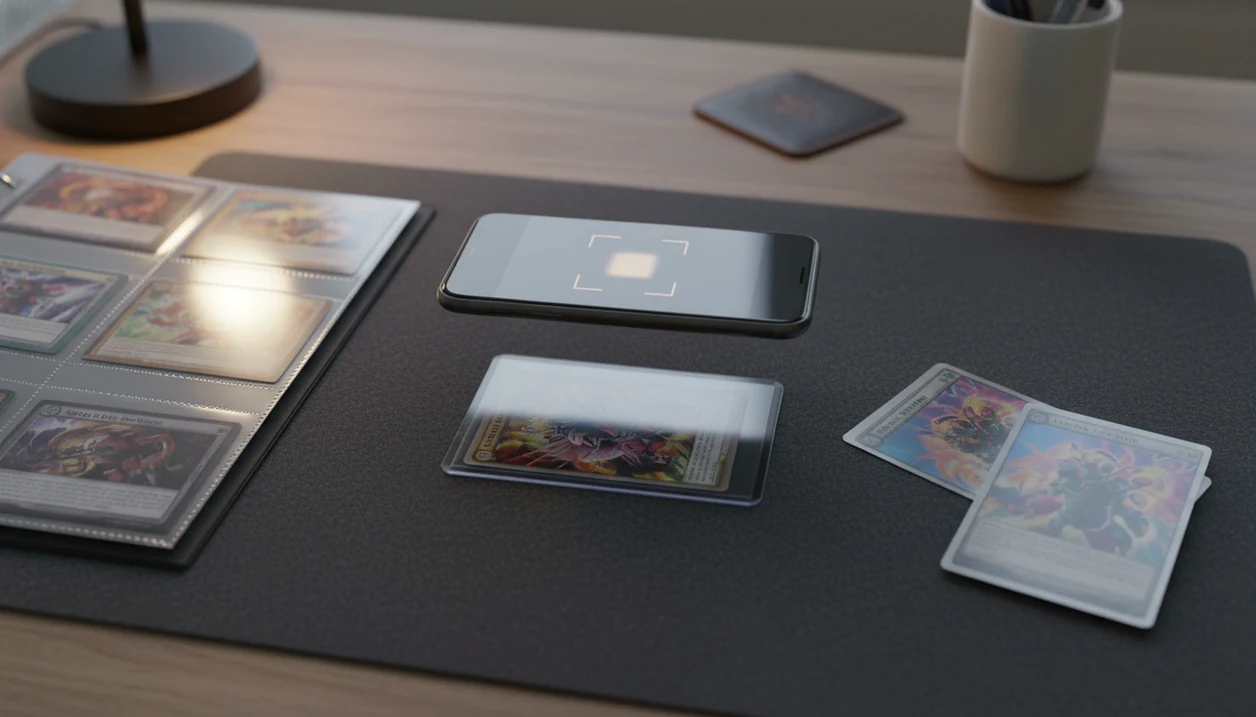
If you are asking “do pokemon card scanner apps work,” yes: they work for most standard cards when lighting, angle, and card condition are controlled, but they are not perfect. They are best for fast identification, price lookup, and collection entry, while foils, Japanese cards, promos, heavy wear, and similar reprints still need manual review.
TCG Pocket App is a pokemon card scanner app that identifies cards, checks market prices, and tracks collections for Pokémon TCG collectors.
- Scanner apps usually work well for clean, standard English Pokémon cards photographed in good light.
- Accuracy drops with glare, sleeves, binders, foreign-language cards, damaged cards, promos, and visually similar reprints.
- Price results are market estimates, not guaranteed sale values or professional grading opinions.
At-a-glance answer for Pokemon card scanner apps
Pokemon card scanner apps work best as fast identification and price lookup tools, not as final authorities. Give the app a flat card, bright even light, a clean camera lens, and the correct orientation, and standard English cards usually scan well.
The trouble starts when the card is bowed in a sleeve, the phone tilts, or a reverse holo throws glare across the name box. We’ve seen a scan look confident until the lower-left set number told a different story.
Use the result as a starting point. Before selling, grading, trading, or logging a high-value card, verify the set, card number, language, foil type, and condition yourself. For a deeper comparison of app choices, our best pokemon card scanner app guide covers the tradeoffs.
How Pokemon card scanner apps work behind the camera
A Pokemon card scanner app works by matching a camera image against known card artwork, layout, text clues, set symbols, and database records. The price shown afterward usually comes from marketplace feeds or pricing APIs, which are separate from the visual identification step.
Under the hood, the app uses computer vision. In plain terms, it tries to turn the card image into patterns it can compare. If the border, name, artwork, set number, and card layout line up, the app suggests a match. If ring-light glare bounces off a reverse holo through a nine-pocket binder page, the same system has less clean information to use.
Published image-recognition benchmarks show why scan results vary by image quality: top-1 accuracy changes substantially across models and datasets, and poor lighting or occlusion gives the system less usable visual information to match (see ImageNet benchmark tracking at https://paperswithcode.com/sota/image-classification-on-imagenet).
Before You Scan Pokemon Cards
Before you scan Pokemon cards, set up the phone, lighting, and workspace so the app sees the card details clearly. A few seconds of prep can prevent a long binder scan from turning into a cleanup job later.
- Wipe the phone camera lens before you start, especially if you are scanning a full binder or a stack of bulk cards. Fingerprints can soften the card name, set symbol, and number.
- Choose bright, indirect light instead of aiming a ring light straight at the card. The goal is even light without a white reflection across the artwork or text box.
- Remove a card from its sleeve only when glare hides important details and the card can be handled safely. For valuable cards, wash and dry your hands first, then handle the edges.
- Keep a plain background nearby for dark, holo, or full-art cards that blend into a busy desk or playmat.
- Decide your purpose before scanning: quick ID, price checking, or collection logging. That choice affects how carefully you need to review set numbers, variants, and condition notes.
Five facts about scanner app accuracy for Pokemon cards
- Standard, well-lit Pokémon cards are the easiest scans because the artwork, border, text, and set details are clear.
- Similar reprints and promos can be misread, especially when two Pikachu prints share nearly identical artwork.
- Foil glare, top loaders, penny sleeves, and binder plastic can reduce accuracy by hiding names, symbols, or texture.
- Price data is an estimate from marketplace signals, not a guaranteed sale value or grading opinion.
- Bulk scanning works better when cards are sorted first and reviewed afterward, instead of trusting every result live.
A useful Pokémon card scanner should speed up lookup and collection logging; it should not ask you to trust condition, authenticity, or future resale value from a single camera match.
How to use a Pokemon card scanner app for a real binder
Use a repeatable scan routine, especially when working through binder pages or a mixed pile. The goal is to reduce false matches before they enter your collection list.
- Set up bright, even lighting and place the card on a plain background.
- Remove glare from sleeves, top loaders, or binder plastic when the name, set symbol, or number looks washed out.
- Scan one card at a time from roughly 6 to 8 inches away when possible.
- Review the set, card number, foil version, language, and condition before saving.
- Save or export the corrected collection list after the review pass.
The plastic crinkle of a binder page is normal, but the camera may not like it. For binder-heavy collections, the best pokemon card scanner for binders guide focuses on sleeve glare, page curvature, and batch workflows.
Pokemon card app limitations for foils, binders, and Japanese cards
Do Pokemon card scanner apps work on foils, binders, and Japanese cards? They can, but these are the exact cases where manual confirmation matters most.
Foil cards create reflective texture that can cover the name, rarity mark, or set symbol. Binder plastic adds another layer, and curved pages can bend the artwork just enough to confuse recognition. A thumb flattening a wrinkled sleeve may improve the scan, but it still does not confirm the variant.
Japanese and other foreign-language cards may also have weaker database coverage, depending on the app. Promos, alternate arts, misprints, and nearly identical reprints are common mismatch points. If a card has meaningful value, check the set number and foil version before trusting the app result. For identification-only questions, what app identifies pokemon cards breaks down the camera lookup side.
Pokemon card scanner prices versus real sale value
Scanner prices are market estimates, not the same thing as a confirmed sale. Many apps use live or near-live marketplace data, but the number can reflect listings, recent transactions, or an averaged market signal.
| Price term | What it means | What to check |
|---|---|---|
| Listing price | What a seller is asking | Often higher than sale value |
| Market price | An app or marketplace estimate | Source method and update timing |
| Recent sold price | What buyers actually paid | Condition, language, shipping, date |
| Graded value | Value for PSA, BGS, or CGC slabs | Grade, cert, population, demand |
We always compare the app number with sold-listing context, especially the green sold-price filter on eBay. For resale checks, compare active listings against completed or sold results on the marketplace itself; eBay explains sold-item filtering in its search help at https://www.ebay.com/help/buying/search-tips/searching-items?id=4057. Raw versus graded matters too. Apps cannot replace PSA, Beckett, or CGC-style condition assessment; PSA describes professional grading as a review of authenticity and condition, not just card identification, at https://www.psacard.com/services/tradingcardgrading. If value lookup is your main goal, start with an app that scans pokemon cards and tells value.
Evidence Behind Pokemon Card Scanner Accuracy
The evidence supports the basic idea: cleaner images improve visual identification, and sold-price checks are stronger than asking prices. It does not prove that any specific Pokemon card scanner app is accurate on every card, variant, or collection.
Computer-vision benchmarks show that image-recognition results change when the image is blurred, blocked, poorly lit, or outside the model’s training examples. That maps directly to Pokémon cards: glare on a holo, a sleeve crease over the set number, or a tilted binder page gives the scanner less useful information. This is visual identification evidence, not price evidence.
To verify a scan, use a simple review pass:
- Check the card name, set symbol, collector number, language, and foil treatment.
- Compare the app’s match against the card database coverage, especially for promos, Japanese cards, alternate arts, and regional variants.
- Treat price output separately from identification, then compare sold results instead of only active listings.
- Separate grading questions from scanner results; condition, authenticity, and slab value need a different review.
The available evidence can explain why scanner accuracy rises or falls, but it cannot guarantee one app’s performance on your exact phone, lighting, database version, or card mix.
Common myths about Pokemon card scanner app accuracy
Myth 1: Scanner apps are 100% accurate. They are useful, but lighting, glare, blur, set similarity, and database coverage all affect results.
Myth 2: Scanner apps can grade cards like a grading company. They can help log condition notes, but they do not authenticate or assign PSA, Beckett, or CGC grades.
Myth 3: Scanner apps show the exact value of a card. They show estimates based on available market data, not a guaranteed buyer price.
Myth 4: Scanner apps work equally well on every language, foil, and misprint. Standard English cards are usually easier than foreign-language prints, unusual promos, or error cards.
Tools like TCG Pocket App are speed and organization tools. Treat the app result as a starting point, not the final word.
Limitations
Pokemon card app limitations are specific and practical. They show up most often when the image is unclear or the market data lacks context.
- Poor lighting, shadows, glare, and shaky cameras can cause wrong matches.
- Sleeves, top loaders, and binder pages may hide set symbols, numbers, or foil texture.
- Similar artwork, reprints, promos, and alternate versions can be mismatched.
- Japanese cards, foreign-language cards, and unusual regional prints may be less reliable.
- Heavy wear, creases, ink issues, soft corners, or partial occlusion reduce scan quality.
- Marketplace prices are estimates and may not reflect completed sales.
- Apps do not provide professional grading, authentication, or counterfeit detection.
- Bulk scans still need review before export, especially after a school backpack spills loose cards across a desk.
For many collectors, scanner apps work best when used for speed first and verification second.
FAQ
Are Pokemon scanner apps accurate?
Pokemon scanner apps are generally accurate for standard cards scanned in good light. Accuracy drops with glare, blur, sleeves, unusual variants, and weak database coverage.
Can apps scan foil cards?
Yes, apps can scan foil cards, but glare often causes misreads. Tilt the card or change the light before trusting the result.
Do scanner apps work in binders?
Scanner apps can work in binders when the page is flat and glare is controlled. Plastic shine and page curvature often require rescanning outside the binder.
Can apps identify Japanese cards?
Some apps can identify Japanese cards, but coverage may be weaker than for English releases. Manual set and card number checks are recommended.
Do apps show exact card value?
No, app prices are estimates based on marketplace data. They do not guarantee a sale price.
Can scanner apps grade cards?
Scanner apps cannot replace professional card grading. They do not provide PSA, Beckett, or CGC authentication.
Why did my scan fail?
Common causes include poor lighting, glare, blur, tilted framing, sleeves, binder plastic, and unusual versions. Similar reprints can also confuse the match.
What improves scanner app accuracy?
Use bright light, a flat card, a plain background, a steady phone, and manual review. Check the set number before saving important cards.
Are free scanner apps reliable?
Free scanner apps can be useful, but reliability depends on database quality, pricing sources, and scan conditions. TCG Pocket App and similar tools should still be verified on valuable cards.