
What App Identifies Pokémon Cards From A Phone Photo?
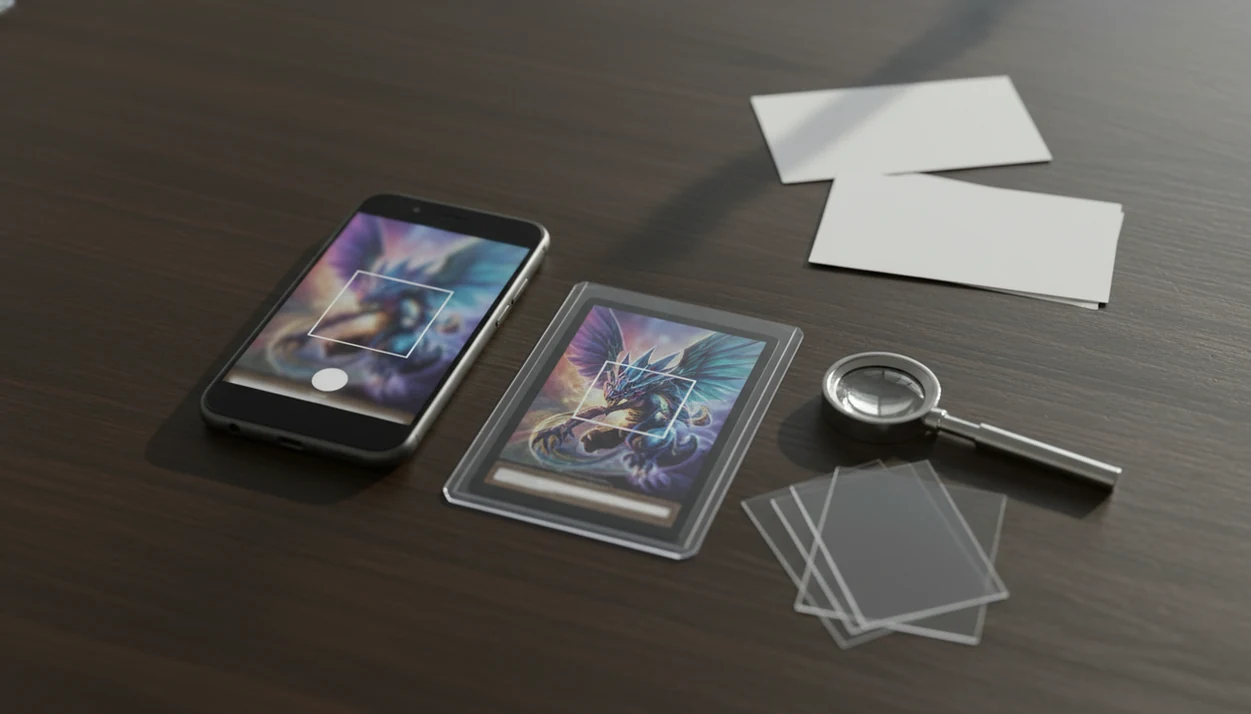
A camera-based Pokémon card scanner is the type of app that answers what app identifies pokemon cards: it matches a phone photo against a card database, then shows the card name, set, number, variant, and estimated market price. After every scan, collectors should verify the set symbol, card number, rarity, language, foil treatment, and condition before trusting the result.
> Definition: TCG Pocket App is a pokemon card scanner app that identifies cards, checks market prices, and tracks collections for Pokémon TCG collectors.
TL;DR
- Use a Pokémon card identifier app with camera matching, OCR, set data, and price feeds.
- Do not rely on the scan alone; confirm the set symbol, card number, rarity, variant, and condition.
- Official Pokémon digital game apps are not the same thing as third-party apps that identify physical cards.
What App Identifies Pokémon Cards By Camera?
The right tool is a camera-based pokemon card identifier app, not a regular camera app and not an official Pokémon digital card game. It should scan the physical card, compare it with a Pokémon TCG database, and return the likely card name, set, number, variant, and price range.
Useful scanner apps combine image recognition, OCR, card-reference data, and pricing or collection tools. The image match reads the artwork and frame. OCR helps with the name, attack text, and lower-left card number.
Tools like TCG Pocket App fit this physical-card workflow for collectors who want to scan, verify, log, and compare cards from a phone. Treat the app result as a starting point, not the final word. A scan does not authenticate the card, grade its condition, or guarantee what someone will pay.
Check the set number first.
5 Facts About A Pokémon Card Identifier App
- Camera recognition reads visible design signals. A Pokémon card identifier app compares card art, name placement, borders, frame style, and layout against known cards.
- OCR helps with printed details. Optical character recognition can read names, set numbers, HP, attack text, and other text that narrows the match.
- Database coverage matters as much as AI branding. A scanner with stale set data may miss promos, new releases, foreign-language prints, or alternate art versions.
- Live prices are estimates, not guaranteed sale prices. Market prices can reflect listings, recent sales, averages, or marketplace feeds, and those numbers move.
- Collectors still need manual review. Variants, promo stamps, foil treatment, reverse holo status, language, and condition often need a human check.
A good ai-powered pokémon tcg card scanner, live market prices, and pocket-sized collection management app should deliver faster identification and organized research, not authentication, grading, or guaranteed resale value.
At-A-Glance Pokémon Card Scanner App Checks
A useful app that tells what pokemon card i have should identify the card quickly, then let the collector correct the match. A strong app experience is fast enough for binder scanning but still leaves room for human review.
| App capability | What it tells you | What to verify manually |
|---|---|---|
| Camera match | Likely card based on art, frame, and layout | Similar reprints and alternate artwork |
| OCR | Name, text, HP, and visible numbers | Misread digits, glare, and worn text |
| Set number | The printed collector number | Set symbol and full card number format |
| Variant detection | Holo, reverse holo, promo, or special print guess | Foil pattern, stamp, rarity, language |
| Price feed | Estimated raw or market value | Sold-listing context and condition |
| Collection saving | Adds the scan to a digital binder or inventory | Duplicates, quantities, and corrected version |
For binder-heavy users, the best pokemon card scanner for binders is usually the one that keeps scanning fast without hiding edit controls.
Before You Scan Pokémon Cards
Before scanning, set up the card and phone so the app can see the same details a collector would check by hand. A clean, glare-free photo usually saves more time than rescanning a bad match.
- Clean your phone camera lens with a soft cloth, then choose bright, indirect light instead of a harsh lamp or direct window glare.
- Remove the card from a sleeve only if it is safe and the card is not fragile, sticky, or at risk of edge damage. If it is valuable or delicate, leave it protected and adjust the angle.
- Place the card on a flat, non-reflective surface such as a plain mat, desk pad, or dark paper so the border stands out.
- Frame the entire card in the camera view, keeping all four borders, the name area, and the lower card number visible.
- Prepare a second price check for cards that might be valuable, such as sold listings, a trusted marketplace, or a separate price guide.
This setup is boring on purpose. It helps the scanner read the card before foil shine, sleeve wrinkles, or cropped corners get in the way.
How A Pokémon Card Identifier App Works
A Pokémon card identifier app turns a phone photo into a ranked card match through image cleanup, feature matching, OCR, and database lookup. In plain terms, the app looks for visual fingerprints, then checks printed text to decide which card is most likely.
The process usually starts when the app crops the card from the background and sharpens the image. It may compare image embeddings, which are numeric summaries of visual features, against known card images. Then OCR reads the card name, set number, and card number. The app ranks possible matches using art, frame, name, set symbol, and number together.
This works because most collectors already have the hardware: Pew Research Center’s Mobile Fact Sheet tracks high U.S. smartphone adoption, which explains why camera-first card tools are practical for collectors (https://www.pewresearch.org/internet/fact-sheet/mobile/). Consumer camera recognition is also now familiar from shopping, translation, and AR workflows.
Ring-light glare can still fool it. We have seen a reverse holo shine through a nine-pocket binder page and push the app toward the wrong print until the lower-left number was checked.
How To Use An App That Tells What Pokémon Card I Have
Use the scanner as a fast first pass, then verify the exact print before saving or pricing the card. For higher-value cards, slow down after the match appears.
- Set the card on a flat, well-lit surface outside a sleeve if it is safe to remove it.
- Open the scanner and frame the full card, including all borders, the name area, and the lower card number.
- Scan the front and review the suggested match before accepting the result.
- Compare the set symbol, card number, rarity, language, and foil treatment against the physical card.
- Save the corrected card to your collection and check price ranges only after the version is confirmed.
If the card stays sleeved, expect more glare and edge distortion. The plastic crinkle of a binder page can shift the corner just enough to confuse the frame match.
For pricing-first workflows, our app that scans pokemon cards and tells value guide explains how to read value ranges after identification.
Best Pokémon Card Identifier App Features To Look For
The best Pokémon card identifier app features are practical: fast scans, editable results, clear variant data, transparent prices, and collection tracking. Database freshness and marketplace integration matter more than saying “AI-powered.”
Fast camera scanning. The app should recognize a card in a few seconds, especially when sorting bulk or scanning binder pages.
Editable match results. Collectors need to correct a set, variant, quantity, or condition after the app guesses.
Set and variant detail. Look for card number, set name, rarity, language, holo, reverse holo, promo, and special-art handling.
Live market prices. Price-source transparency matters. The app should make clear whether it uses listings, market averages, or recent sales.
Collection management. A scanner is more useful when it can save cards, track duplicates, export lists, and show set completion.
Tools like TCG Pocket App can work as a binder-friendly scan option for collectors who want identification and collection logging in the same workflow. If you are comparing broader options, use a best pokemon card scanner app guide.
Pokémon Card Scanner App Verification After A Scan
“What should I check after a Pokémon card scanner app gives a result?” Check the card name, set symbol, card number, rarity symbol, artwork, language, foil or reverse holo treatment, promo stamp, and condition before using the price.
Visually similar reprints can have very different prices. A scan may confuse two similar Pikachu prints until the collector verifies the set symbol and number. That is not a rare edge case. It happens most often with promos, reprints, alternate holos, and cards with the same artwork across products.
Condition also changes value, and a basic identification scan cannot fully judge whitening, dents, surface scratches, bends, or print defects. A creased back under a fingertip matters, even if the front scan looks clean.
For expensive cards, cross-check a major marketplace, sold listings, or a trusted price guide before selling, buying, or grading. For collectors, checking the green sold-price filter on eBay is often more useful than reading active asking prices because it shows completed transactions.
Common Mistakes With An App That Identifies Pokémon Cards
The most common mistake is treating the first scan as the exact answer. A scanner can be right about the character and wrong about the set, variant, language, or price tier.
Poor scanning conditions cause many bad matches. Glare-heavy sleeves, top loaders, dark rooms, and angled photos can hide borders or wash out foil texture. A price sticker curling on a top loader at a card show can block the same corner where the app needs printed detail.
Another mistake is treating listed price or market price as guaranteed sale value. Active asking prices are not the same as sold-listing context, and raw versus graded comparisons can be especially misleading.
Some collectors also confuse official Pokémon digital card game apps with physical card scanner apps. They are different tools. If a new set or promo gets no match, do not assume the card is fake. The database may simply lag behind the release.
Pokémon Card Collection Apps And Market Price Estimates
Many scanner apps also act as collection apps because identification is only half the job. Once a card is matched, it can be saved to a digital binder, inventory, set checklist, or portfolio-style collection view.
Price feeds may come from marketplaces, recent sales, active listings, aggregated market data, or grading-specific sources. That creates useful context, but it also creates gaps. Raw versus graded prices should not be blended casually, and shipping, fees, condition, and timing can change the real outcome.
Digital collecting behavior helps explain why these tools are popular. The Pokémon Company has reported Pokémon as one of the world’s highest-grossing entertainment franchises (https://corporate.pokemon.co.jp/en/aboutus/figures/), and McKinsey has projected long-term growth in digital collectibles and related digital-asset markets (https://www.mckinsey.com/capabilities/mckinsey-digital/our-insights/value-creation-in-the-metaverse). Those trends do not make every card valuable; they explain why collectors want pocket-sized inventory and price checks.
For most users, scanning into a collection app is easier than spreadsheet-only tracking because the card identity, quantity, and set progress stay connected.
Limitations
Pokémon card identifier apps are helpful, but they can fail or mislead in specific situations:
- Damaged, bent, heavily played, or obscured cards may not match cleanly because the art and borders are distorted.
- Foil glare, sleeves, top loaders, dark lighting, and uneven camera angles can hide key details.
- Promos, foreign-language cards, regional releases, special artwork, and new sets may be missing or incomplete in some databases.
- Price feeds can lag behind sudden market movement, especially after new releases, influencer attention, or grading-population changes.
- A scanner cannot fully grade condition; whitening, dents, scratches, and surface wear need close inspection.
- Scanner apps do not prove authenticity by themselves, even when the image match is correct.
- Similar reprints can share artwork but have different set numbers, rarity symbols, and values.
The safe habit is simple: scan, verify, then compare. If the card might be expensive, add a second source before making a trade or sale.
FAQ
What app identifies Pokémon cards?
A camera-based Pokémon card identifier app scans a phone photo and matches it to a Pokémon TCG card database. It usually shows the card name, set, number, variant, and estimated price.
Can my phone scan Pokémon cards?
Most modern smartphones can scan Pokémon cards if the app supports camera recognition and the photo is clear. Good lighting and a full-card frame improve accuracy.
Are Pokémon card scanner apps accurate?
Pokémon card scanner apps are helpful, but they can misread variants, promos, glare-heavy cards, damaged cards, or newer releases. Always verify the set symbol, card number, and variant.
Do scanner apps show card value?
Many scanner apps show estimated market prices or recent price ranges. Those prices are not guaranteed sale values.
Can apps identify fake Pokémon cards?
Scanner apps may flag mismatches or odd results, but they cannot fully authenticate a physical card. Texture, print quality, card stock, and expert inspection still matter.
Is the official Pokémon digital card game a scanner?
No. The official Pokémon digital card game is for digital play, not identifying physical cards from phone photos. Use a third-party physical-card scanner app when you need to identify real Pokémon cards.
What should I check after scanning?
Check the set symbol, card number, rarity, language, foil treatment, promo stamp, artwork, and condition. These details decide the exact version and price context.
Can scanner apps read Japanese cards?
Some scanner apps can read Japanese cards, but support depends on database coverage and OCR quality. Verify Japanese set names, card numbers, and variants manually.