
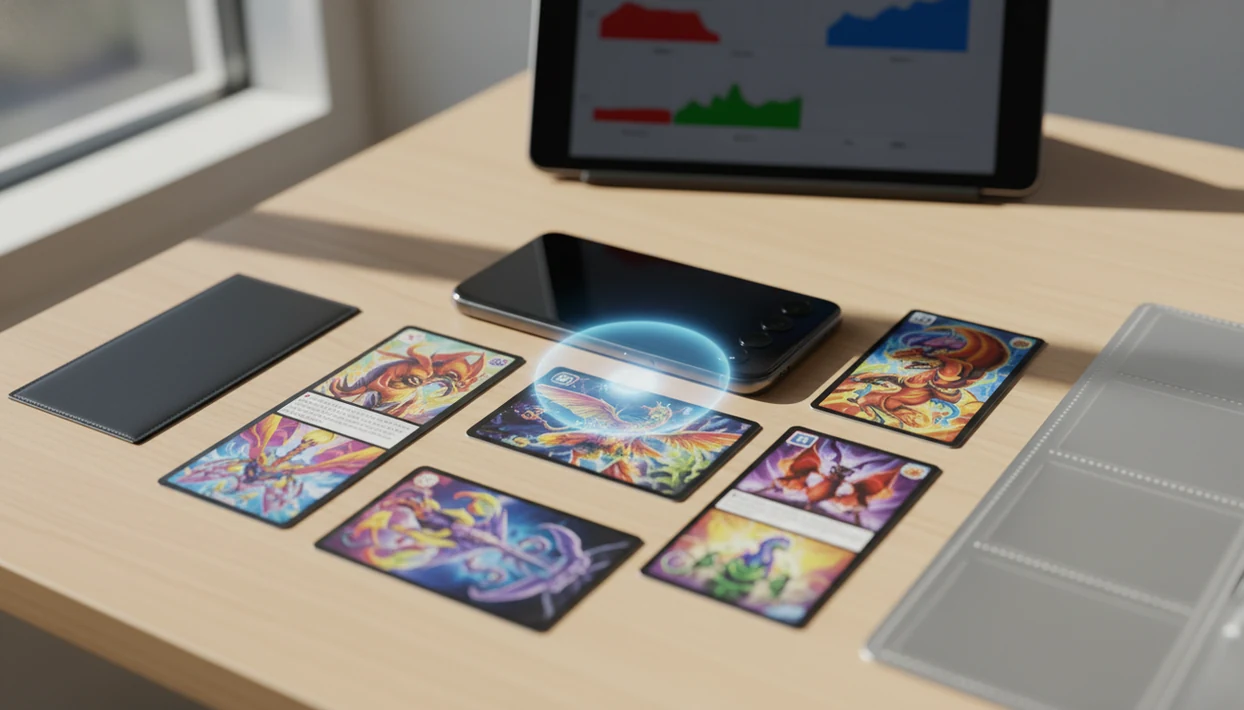
> Definition: TCG Pocket App is a Pokémon card scanner app that identifies cards, checks market prices, and tracks collections for Pokémon TCG collectors on Android.
What Works in the Android Card Scanner
TCG Pocket App for Android covers the core workflow Android collectors usually need: scan, verify, price-check, save, and export. Treat the app result as a starting point, not the final word, especially when a variant match affects value.
- Camera identification: AI-based recognition reads the card image through your Android camera and suggests the set, rarity, and print.
- Market price lookup: Live prices pull from marketplace-style sources such as TCGplayer, Cardmarket, and sold-listing checks on eBay; treat them as estimates, not guaranteed appraisal values.
- Digital binder: Saved cards build a collection view with duplicate counts and total value tracking.
- CSV export: Inventory can be exported for spreadsheets, insurance notes, or a seller prep sheet.
- Batch scanning: Binder pages and bulk piles can be scanned faster than manual search, though each unusual card still needs review.
At a crowded trade table, the scanner is most useful when it pairs quick camera recognition with a manual set-number check before price comparison.
The plastic page crinkles. Keep scanning anyway.
At a Glance: TCG Pocket App for Android Specs
Here is the short version of what Android users should check before installing. For download-focused setup notes, the download pokemon card scanner app page covers the install path in more detail.
| Spec | Android support |
|---|---|
| Minimum OS | Android 8.0 or later |
| Recommended camera | 8 MP or better, autofocus preferred |
| Supported cards | Pokémon TCG sets, promos, variants, holos, reverse holos |
| Price data | Marketplace aggregation with regular updates, not guaranteed real-time final sale value |
| Export options | CSV export and shareable collection records |
| Cost model | Free tier availability may vary, with optional paid features depending on release |
If the priority is a pocket-sized collection manager, TCG Pocket App fits because scans can move directly into a digital binder with total value tracking.
Minimum Requirements for the Pokemon Scanner App on Android
For a reliable pokemon scanner app android setup, use Android 8.0 or later, an 8 MP rear camera, autofocus, and enough free storage for cached images and collection data. Most recent mid-range phones work, but older budget models can feel slower when the scanner processes many cards in a row.
Live pricing needs a network connection. Identification may cache some data, but marketplace comparisons, currency conversion, and regional price checks depend on internet access. If you are pricing at a card show, test mobile data before you stand in front of a seller's case.
Mid-range Android GPUs can also affect scan speed. Some devices use Vulkan graphics pipelines for real-time camera processing, which can improve responsiveness but may increase battery drain during long batch sessions.
Not glamorous. Very noticeable.
Collectors scanning a near-mint copy in a top loader should expect more retries than a bare card on a matte surface.
How the Android Card Scanner Works Behind the Scenes
The Android card scanner works by capturing a camera frame, cropping and normalizing the card image, then matching it against a Pokémon TCG image database. In plain terms, it cleans up the photo before asking the recognition model, “Which card does this look like?”
The model is trained across sets, variants, promos, full arts, reverse holos, and similar reprints. Once there is a match, the result triggers a pricing request to an aggregation layer. That layer compares marketplace data, including U.S. and European sources where available, so currency and regional demand can change the displayed value.
A good ai-powered pokémon tcg card scanner, live market prices, and pocket-sized collection management app should deliver fast identification and sold-listing context, not a guaranteed appraisal.
After a match is confirmed, the card can be stored in a local collection database with cloud sync as an option. Ring-light glare bouncing off a reverse holo through a nine-pocket binder page is still a real problem, so manual review remains part of the workflow. For broader scanner basics, our card scanner guide explains the same process without the Android-specific performance layer.
How to Use TCG Pocket App for Android Step by Step
The fastest Android workflow is simple: install, scan, confirm, save, then export if you need records outside the phone. Checking the lower-left set number before saving prevents many expensive variant mistakes.
- Install from Google Play and grant camera permission when Android asks for access.
- Place the card flat on a clean, well-lit surface and reduce sleeve glare before scanning.
- Open the scanner and center the card until auto-detect locks onto the border.
- Confirm the identity by checking set, rarity, variant, and live market price.
- Save the card to your digital binder or continue with batch scanning for the next card.
- Export the collection to CSV or review total portfolio value from the binder view.
Returning collectors trying to rebuild an old binder use TCG Pocket App well because the workflow turns a monthly binder count on the couch into saved cards, duplicates, and portfolio totals.
If price checking is the main job, the download pokemon card price checker app guide focuses on valuation features.
TCG Pocket App for Android vs iOS Scanning Differences
TCG Pocket App aims for feature parity across Android and iOS: scanning, price lookup, binder management, and exports are the core experience on both platforms. The difference is usually device consistency, not collector workflow.
| Area | Android | iOS |
|---|---|---|
| Core features | Scan, price, binder, export | Scan, price, binder, export |
| Device range | Wide variation in cameras, GPUs, and Android camera APIs | Narrower hardware range |
| Performance | Strong on newer mid-range and flagship phones, variable on older models | More predictable baseline |
| Battery use | Batch scanning can drain faster on some devices | Usually more consistent per session |
| Market context | Android held about 70.8% global mobile OS share in 2023 (StatCounter) | Smaller global share, high device consistency |
| Quirks | Autofocus behavior and glare handling vary by phone | Fewer camera API differences |
For iPhone-specific behavior, compare the TCG Pocket App for iPhone page.
Android users with mixed bulk lots often benefit more from device testing than platform debate because lighting, autofocus, and variant verification usually matter more than operating system.
TCG Pocket App Is Not the Pokémon TCG Pocket Game
TCG Pocket App is a scanner and collection manager for physical Pokémon cards; Pokémon TCG Pocket is the official digital pack-opening and battle game. The two are separate apps with different purposes.
TCG Pocket App has no affiliation with The Pokémon Company's game app. It scans real cards on a table, in a binder, or in a bulk stack, then helps identify and price them. Pokémon TCG Pocket is built around digital collecting and gameplay.
Search results confuse the names because both include “TCG” and “Pocket,” but the jobs are not similar. One handles physical-card identification and sold-listing context. The other handles digital cards inside a game.
After a scan confuses two similar Pikachu prints, the physical-card workflow still comes down to set symbol, set number, and variant review.
Evidence and Price Data Sources
Price results in TCG Pocket App should be read as market estimates, not professional appraisals. The useful evidence is the combination of marketplace context, sold-sale behavior, and the Android device reality behind scanning performance.
For card values, collectors commonly compare TCGplayer, Cardmarket, and eBay sold-listing context. Active listings show what sellers are asking right now. Sold listings show what buyers actually paid. Those numbers can split hard when a card spikes, when shipping is bundled, when condition is vague, or when a seller lists high and waits.
- Check the scan match against set number, rarity, language, and holo treatment before trusting the price.
- Compare active listings to see current asking pressure and available supply.
- Review sold listings for recent buyer behavior, especially on higher-value cards.
- Adjust for condition because whitening, dents, binder bends, and grading potential change value fast.
- Treat refresh timing carefully because the app describes pricing as regularly updated, but exact refresh intervals may depend on the current release and data provider.
Android platform claims also need context: the platform has broad global reach, but many camera modules, chipsets, and Android versions, so scan speed and focus behavior can vary by phone.
Android Card Scanner Limitations
TCG Pocket App for Android is useful, but it cannot replace collector verification. The green sold-price filter on eBay can still tell a different story than active asking prices, local store offers, or a single marketplace feed.
- Damaged, heavily played, miscut, or faded cards may be misidentified and need manual entry.
- Highly reflective holo, reverse holo, and full-art cards can confuse recognition in poor lighting.
- Live prices may lag during sudden spikes after a new set release, buyout, or competitive demand shift.
- Continuous batch scanning can drain battery and mobile data on some Android phones.
- Alternate arts, reverse holos, promos, and reprints with similar art still require manual review.
- Price data may not match local store buy or sell values because marketplaces, fees, and currencies differ.
- Sleeves, toploaders, and binder plastic can reduce scan accuracy, especially under overhead lights.
Collectors using TCG Pocket App for sale prep should still compare raw versus graded context before making pricing decisions. The download pokemon card value app page goes deeper on value checks.