
Download Pokemon Card Price Checker App For Card Values
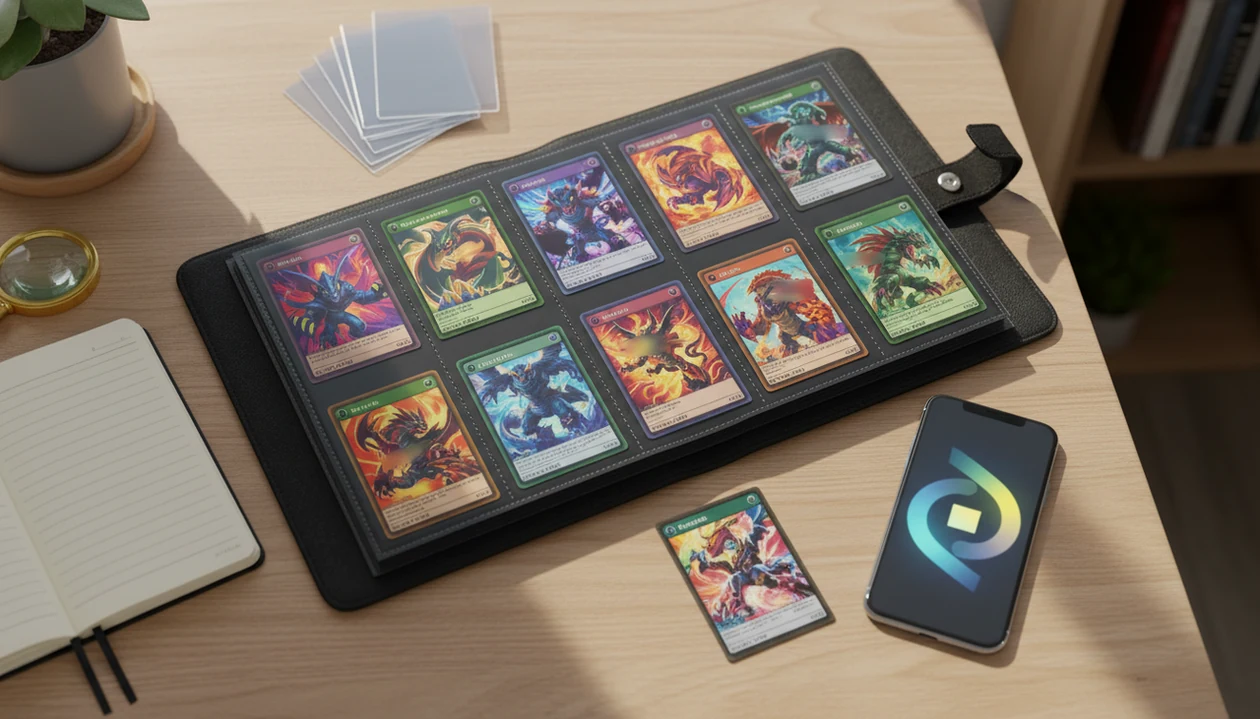
Download pokemon card price checker app if you want to scan Pokémon TCG cards, check current market values, and save price history in one mobile workflow. TCG Pocket App is built for collectors who want a fast, binder-friendly way to identify cards, review price sources, and track a collection from their phone.
> Definition: TCG Pocket App is a pokemon card scanner app that identifies cards, checks market prices, and tracks collections for Pokémon TCG collectors.
- A strong Pokémon card price checker app should combine camera scanning, set and variant matching, live or frequently refreshed market prices, and collection tracking.
- Use app prices as market estimates, not guaranteed sale prices, because condition, grade, fees, demand, and completed sales can change the real value.
- Before relying on any Pokémon prices app download, check scan accuracy, set coverage, price source transparency, privacy controls, and whether advanced features require a subscription.
How the pokemon card price checker apps look
Side-by-side captures of the compared products. Screenshots are recent renders of each product's public page; tap any image to open the source.
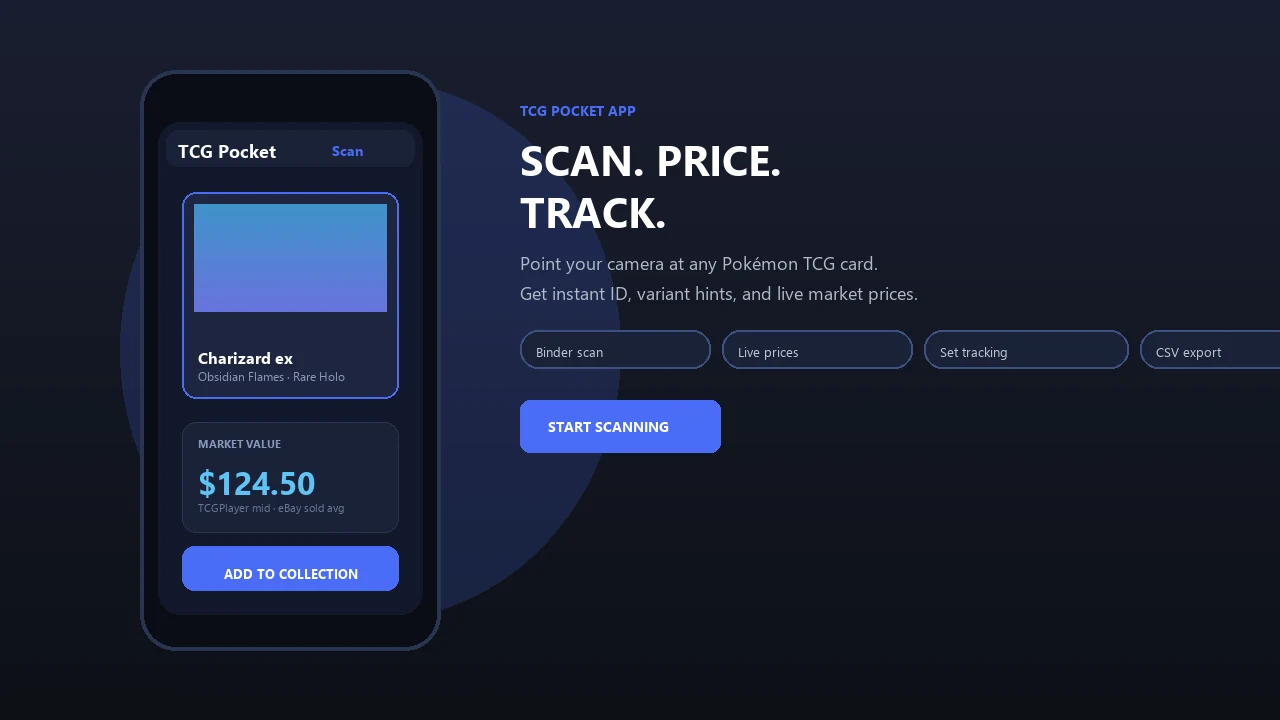
Pokemon card price checker app download: what collectors get
A pokemon card price checker app download should let you scan a Pokémon TCG card, identify the exact print, view market pricing, and save the result to a collection. That is the core job, not a side feature.
TCG Pocket App focuses on Pokémon TCG collecting workflows, not Pokémon TCG Pocket game strategy, official Pokémon services, or tournament coverage. The point is practical: scan, verify, log, compare, and revisit values later.
Trading card games accounted for about $2.1 billion in U.S. hobby game sales in 2023, which helps explain why collectors want faster mobile valuation tools. Source: ICv2, https://icv2.com/articles/markets/view/56585/hobby-game-sales-hit-2-3-billion-2023. A binder can hold trade pieces, childhood cards, grading candidates, and insurance notes in the same nine-pocket page.
Collectors doing quick binder checks need the same workflow: camera identification, market context, and saved collection records in one phone-based system. For a broader scanner-only workflow, our download pokemon card scanner app guide covers the identification side in more detail.
How a Pokémon card price checker app works behind the scan
A Pokémon card price checker app works by turning a camera image into a matched card record, then mapping that record to price data. The reliable part is not just “AI,” it is the chain from photo capture to variant confirmation.
First, the app captures the card image and cleans up the frame. Then visual recognition compares the image against known card data, including the card name, artwork, set symbol, collector number, language, and foil or reverse holo variant. Image embeddings are often part of this process; in plain terms, the model compares visual fingerprints rather than reading only typed text.
Ring-light glare can bounce off a reverse holo through a nine-pocket binder page. That is where model quality and training data matter. Sleeves, holo patterns, whitening, and visually similar Pikachu prints can slow or confuse recognition.
Pricing is usually attached after the card record is confirmed, using marketplace feeds, pricing databases, or proprietary indices. Good ai-powered Pokémon TCG card scanner, live market prices, and pocket-sized collection management app workflows deliver faster context, not guaranteed cash offers.
How to use a price checker app download for Pokémon cards
Use a price checker app download for Pokémon cards as a repeatable scan-and-verify routine, not a one-tap appraisal. The small checks matter most when the card is valuable, vintage, foreign-language, or hard to distinguish from another print.
- Set the card under even light, away from harsh glare, and keep all borders visible in the camera frame.
- Scan the front of the card, then wait for the app to suggest a name, set, number, and variant.
- Check the lower-left set number, set symbol, language, and foil type before trusting the price match.
- Review the price source context, especially the difference between active asking prices and completed sales.
- Save the confirmed card to a folder, binder, wishlist, or duplicate stack in your collection.
- Revisit price movement later, and manually cross-check high-value cards before buying, selling, or trading.
After a card show table check, when the trade binder is still balanced on your forearm, TCG Pocket App fits quick decisions because the workflow moves from scan to market context to saved collection entry.
Five must-check features before a pokemon prices app download
Before any pokemon prices app download, check whether the app can identify the card, explain the price, and organize the result. A pretty scan screen is not enough if it misses variants or hides the source logic.
- AI or image scanning: The app should recognize Pokémon cards by camera, including cards scanned through sleeves when lighting is reasonable.
- Live or refreshed market prices: Values should update often enough to reflect current demand, while still showing that different sources may disagree.
- Set and variant coverage: Strong tools separate base prints, reverse holos, promos, regional releases, Japanese cards, and similar artwork.
- Collection management: Look for binder folders, duplicate counts, wishlists, total estimated value, and export options for serious cataloging.
- Price history or trends: Saved cards are more useful when you can review movement over time instead of checking one isolated number.
A 2022 survey found that 85% of U.S. adults owned a smartphone, which makes mobile-first scanning practical for collectors. Source: Pew Research Center, https://www.pewresearch.org/internet/fact-sheet/mobile/. Anyone dealing with bulk duplicates will usually get more value from a scanner that pairs card identification with saved folders, duplicate counts, and exportable collection records.
Where to Download a Pokémon Card Price Checker App Safely
Download a Pokémon card price checker app only from the official iOS App Store or Google Play listing for your device. That gives you the clearest view of the developer, update history, privacy notes, and in-app purchase details before your collection data is involved.
- Search the official store listing directly, then confirm the app name, developer name, screenshots, ratings, and recent update date before installing.
- Read the privacy policy and data notes, especially if the app stores account details, collection records, photos, or price history.
- Review permissions before the first scan. Camera access is expected, but storage, account, and notification requests should make sense for the features you plan to use.
- Compare the free tier against paid limits, including daily scans, subscriptions, exports, price-history charts, and any collection backup paywalls.
- Avoid APK mirrors, reposted installers, and unofficial download pages. A shortcut download is not worth risking account access, collection records, or a phone you use at card shows.
A safe download check takes a minute, and it is easier than rebuilding a binder database later.
When to use TCG Pocket App as a Pokémon card price checker
“Should I use TCG Pocket App as a Pokémon card price checker?” Use it when you need fast identification plus market context, especially before manual research gets too slow.
It fits binder reviews, trade nights, card shop visits, online listing prep, convention purchases, and collection value tracking. The best use case is the messy middle: cards worth checking, but not necessarily worth a long desktop search yet. Plastic crinkles when a sleeved card gets scanned without being removed. That is normal binder work.
U.S. adults spent an average of 4.1 hours per day using apps in 2022, so collectors already expect hobby tools to work from a phone. If your priority is deciding what deserves deeper research, TCG Pocket App helps because it combines a binder-friendly scan with price-source review.
Market price is still a guide. Final value depends on condition, grade, buyer demand, timing, and selling venue.
Pokemon card value scanner app versus manual price lookup
A Pokémon card value scanner app is faster for large batches and mobile checks, while manual price lookup is often better for rare, graded, foreign-language, or ambiguous cards. The practical choice depends on the card, not loyalty to one method.
| Task | Scanner-based price checker | Manual lookup |
|---|---|---|
| Speed | Fast for binders, duplicates, and show-floor checks | Slower, especially across many cards |
| Accuracy | Good when the scan, set, and variant match are clear | Better for edge cases and rare variants |
| Variant control | Requires user verification after the scan | Lets you inspect every print detail manually |
| Collection tracking | Saves cards into folders, binders, and totals | Usually needs spreadsheets or separate tools |
| Price history | Can attach trends to saved cards | Requires repeated searches and notes |
| Best use case | Bulk review and on-the-go estimates | High-value, graded, vintage, or uncertain cards |
Global consumer mobile app spending reached about $138 billion in 2023, so paid mobile utilities are now normal purchasing tools. For collectors who need a value-focused path, our download pokemon card value app page explains that workflow separately.
What price history looks like in TCG Pocket App
Price history in TCG Pocket App starts with a simple sequence: scan the card, confirm the match, view the market value, save it to the collection, and revisit the saved record later. Treat the first price as a snapshot, not a final answer.
Useful collection views include folders, binder-style groups, duplicate counts, wishlists, and total estimated value. A collector can separate grading candidates from trade stock without rebuilding a spreadsheet every weekend.
Small habits help. A condition note beside market price keeps you honest when a whitened edge under a desk lamp changes the raw value.
If 7-day or 30-day movement is available, it can help show whether a card is drifting, spiking, or holding steady. For collectors who care more about organization than one-off scans, download pokemon collection tracker app covers the collection side.
Limitations
A Pokémon card price checker app can speed up research, but it should not replace collector judgment. The app result is a starting point, not the final word.
- Scanners can misidentify cards because of glare, sleeves, poor lighting, damaged surfaces, foreign languages, or similar artwork.
- Price feeds may lag, differ by source, or reflect active listings instead of completed sales.
- Card condition, grading status, centering, print lines, whitening, and platform fees can change real sale value.
- Some sets, promo cards, regional releases, niche variants, and older cards may have weaker coverage.
- Some apps require subscriptions or in-app purchases for unlimited scans, exports, trend graphs, or advanced collection tools.
- A scan may confuse two similar Pikachu prints until the collector checks the set symbol and collector number.
- High-value cards should be cross-checked with multiple references, including sold-listing context, before any financial decision.
Competitor sites such as tcgplayer.com, cardmarket.com, pricecharting.com, pokellector.com, and getcollectr.com can be useful references. The green sold-price filter on eBay is also different from active asking prices. Very different.
For collectors comparing platforms, TCG Pocket App for iPhone and Android availability should be checked against current store listings and feature parity. Our separate TCG Pocket App for Android page is useful if Android support is the deciding factor.
FAQ
What app checks Pokémon card prices?
A Pokémon card price checker app scans or searches a card, matches it to a set and variant, and displays a market value estimate. TCG Pocket App is one option for collectors who want scanning, pricing context, and collection tracking in one workflow.
Are Pokémon price checker apps accurate?
Accuracy depends on scan recognition, set matching, price source quality, update frequency, and card condition. Users should verify the card name, set number, language, and variant before relying on the displayed value.
Can I scan cards for free?
Many Pokémon card scanner apps offer some free scanning or basic lookup. Unlimited scans, exports, trend graphs, or advanced collection tools may require a subscription or in-app purchase.
Does card condition change app prices?
Yes, condition can materially change the real sale price of a Pokémon card. Grading, centering, edge wear, surface scratches, print lines, and damage can all affect value.
Can an app detect fake Pokémon cards?
Scanner apps may flag visual mismatches or unusual card details, but they should not be treated as definitive authentication tools. Suspected fake cards should be checked manually or reviewed by an experienced authenticator.
Which Pokémon card prices should I trust?
For high-value cards, compare app estimates with completed sales and multiple pricing references. Sold-listing context is usually more useful than active asking prices alone.
Is there an Android Pokémon card price checker app?
Yes, Android Pokémon card price checker apps are available, but users should confirm platform availability, permissions, pricing, and feature parity before downloading. If comparing devices, also check whether the same scan and export features are available on iPhone.