
Download Pokemon Collection Tracker App for Binders
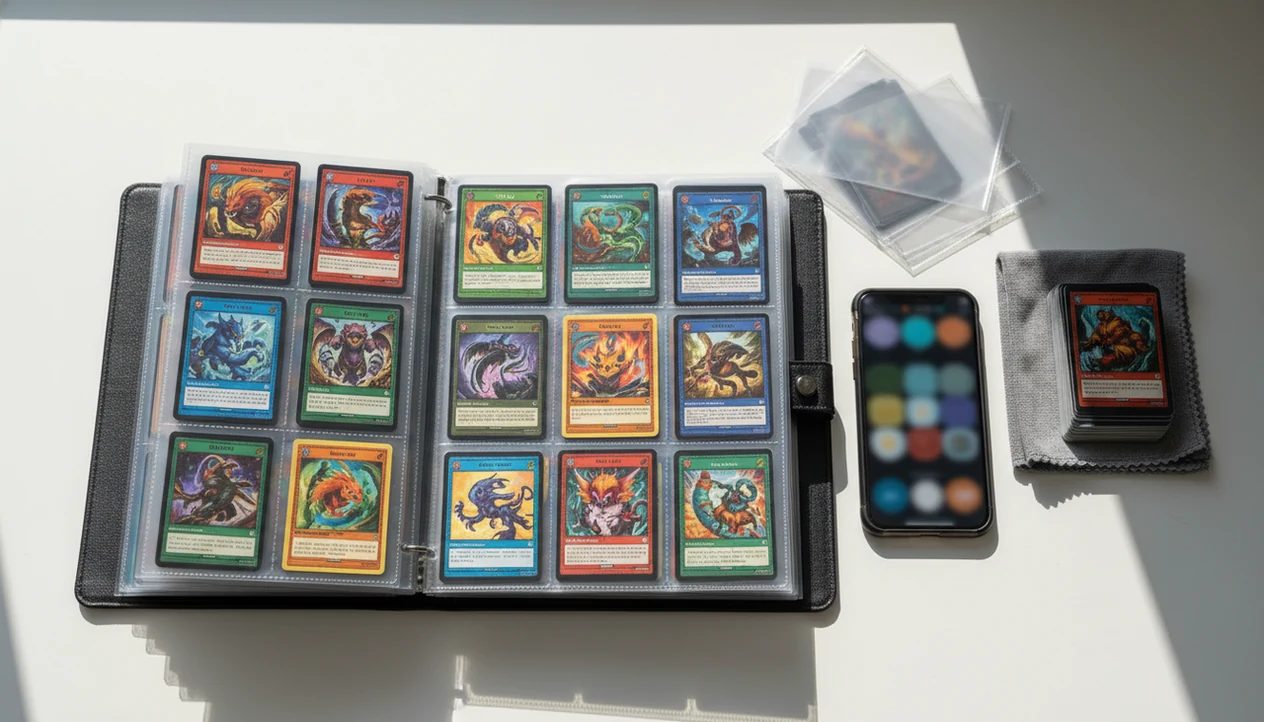
Download pokemon collection tracker app if you want a faster way to scan binder pages, identify Pokémon TCG cards, track duplicates, and keep collection value in one mobile inventory. TCG Pocket App is built for collectors who want camera-based card entry instead of spreadsheets or manual checklists.
> TCG Pocket App is a pokemon card scanner app that identifies cards, checks market prices, and tracks collections for Pokémon TCG collectors.
- Use TCG Pocket App when you want a binder-friendly Pokémon inventory app download that scans cards with your phone camera.
- A strong tracker should support card recognition, set progress, duplicates, conditions, variants, live prices, cloud backup, and export.
- No scanner is perfect: glare, damaged cards, language variants, and fast-moving prices can still require manual review.
How the pokemon collection tracker apps look
Side-by-side captures of the compared products. Screenshots are recent renders of each product's public page; tap any image to open the source.
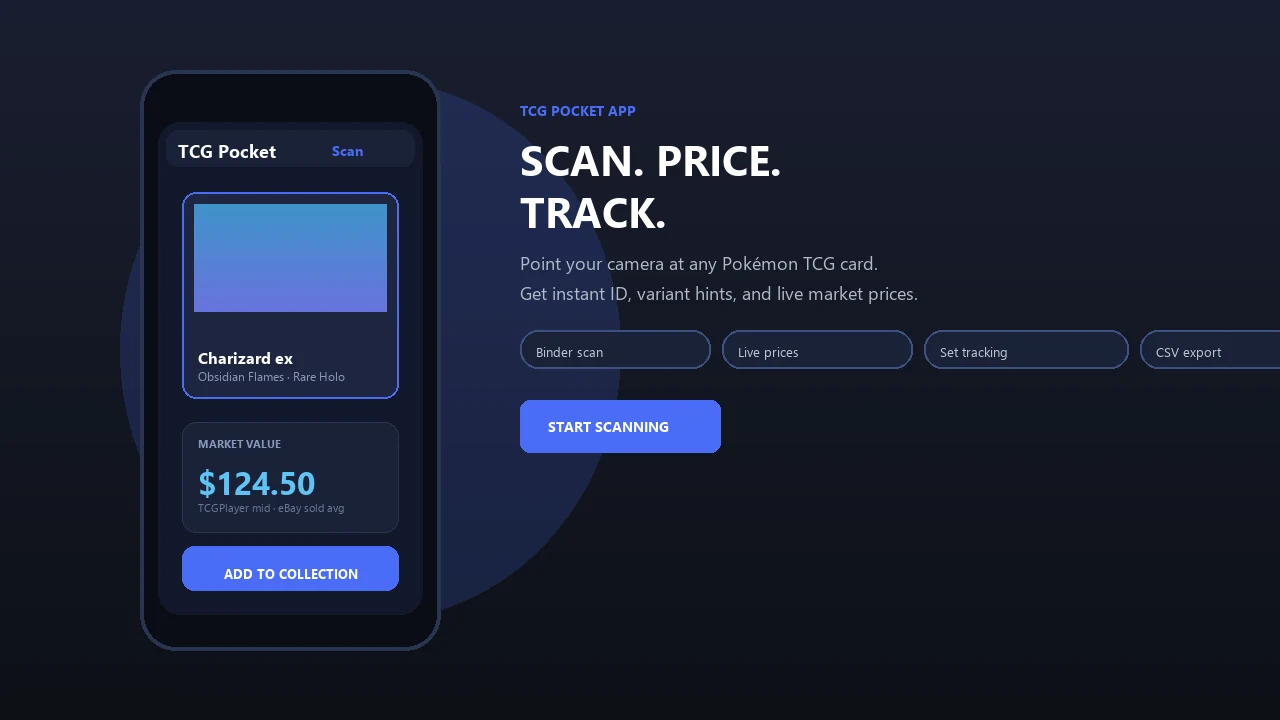
Download Pokemon Collection Tracker App for Fast Binder Inventory
Download TCG Pocket App if your goal is to turn a physical Pokémon binder into a searchable mobile inventory. It replaces the slow parts of spreadsheets, handwritten binder lists, and manual set checklists with scan, verify, and log workflows.
A dedicated tracker matters once the binder gets bigger than memory. You can scan cards, identify the set, count duplicates, add condition notes, review set progress, and export collection data from one place. A spreadsheet can still work for a small Charmander page. It gets clumsy when a fresh sleeve stack turns into sorted rows across three binders.
Quick distinction: this page is about Pokémon TCG collection management, not the Pokémon TCG Pocket game. For scanner-only entry, the related download pokemon card scanner app guide focuses more tightly on camera identification.
Pokemon Collection Tracker App Camera Scanning Workflow
A Pokémon collection tracker app works by capturing a card image, matching it against card-reference data, then asking the collector to confirm the exact print before saving it to inventory. Treat the app result as a starting point, not the final word.
The camera creates the image input. Recognition software compares artwork, borders, text blocks, set symbols, and card numbers against known records. In plain terms, it looks for the closest visual and data match. The user then checks fields such as set, card number, rarity, variant, condition, quantity, and binder location.
That confirmation step matters. We have seen a scan confuse two similar Pikachu prints until the set symbol was checked under a fingertip. Ring-light glare bouncing off a reverse holo through a nine-pocket binder page can also nudge recognition the wrong way.
Mobile-first tracking is practical because smartphone ownership is high: Pew Research Center’s Mobile Fact Sheet reported that 85% of U.S. adults owned a smartphone in 2021 (https://www.pewresearch.org/internet/fact-sheet/mobile/).
Pokemon Inventory App Download Steps for Binder Tracking
Use this workflow after a pokemon inventory app download to turn binder pages into useful collection data, not just a photo archive. Good lighting and a quick set number check will save more time than rushing.
- Prepare the binder page under even light, then tilt the page until sleeve glare is reduced.
- Scan a binder page or individual card with the phone camera, keeping the card square in frame.
- Confirm the matched card by checking the set name, set number, language, rarity, and variant.
- Add condition and duplicates before saving, especially for cards with whitening, creases, or holo scratches.
- Review set progress to see missing cards, duplicate counts, and pages that need another pass.
- Export or back up the collection so the inventory is not trapped on one device or account.
The plastic crinkle of a binder page is normal when scanning sleeved cards without removing them. Just slow down on foils.
Pokemon Collection Tracker App Download Features Collectors Should Check
Before choosing a collection tracker app download, check whether it handles the boring details collectors actually rely on. The Pokémon Company reports more than 64.8 billion Pokémon TCG cards produced worldwide as of March 2024 (https://corporate.pokemon.co.jp/en/aboutus/figures/), so manual tracking can get out of hand quickly.
- Camera recognition: A good tracker should scan cards with image recognition, not force every card through manual search.
- Price visibility: Look for live or frequently refreshed market prices for individual cards and total collection value.
- Collection detail: Duplicates, condition, variants, graded cards, and sealed product tracking matter once trades begin.
- Set progress: Missing-card visibility helps collectors build master sets without flipping through every binder page.
- Data control: Cloud sync, backup, privacy-policy review, and export options protect the work you put into logging.
If your priority is set completion, saved scans can be reviewed as organized collection records instead of loose camera-roll images. Exact card value work is covered separately in our download pokemon card value app guide.
Good apps deliver scanning, price context, and portable records, not a guaranteed appraisal or a promise that every foil variant will be recognized without review.
Collection Tracker App Download vs Spreadsheet for Pokemon Cards
Spreadsheets work for small, static lists, but dedicated collection apps are usually easier for binder-scale Pokémon inventories. The difference is friction: typing every set number is slower than scanning, confirming, and saving.
| Method | Where it works well | Where it slows down |
|---|---|---|
| TCG Pocket App | Binder scanning, duplicate counts, set progress, price checks, exports | Still needs manual review for variants and condition |
| Spreadsheet | Full control, formulas, offline access, no platform lock-in | Slow entry, no native card recognition, harder mobile trade checks |
| Paper checklist | Simple set collecting, no account needed | No prices, no duplicate math, easy to lose context |
| Notes app | Quick reminders at a shop or show | Poor structure for long-term collection value |
In 2023, the global trading card game market generated about $3.4 billion in consumer spending, according to Statista. More collectors now care about inventory and valuation because trade decisions often happen away from a desk.
Collectors looking for a low-friction binder routine usually outgrow spreadsheets because camera scanning reduces entry time and keeps trade checks mobile.
TCG Pocket App Pokemon Inventory Download Workflow
Does TCG Pocket App work as a Pokémon inventory download for binders? Yes, TCG Pocket App is designed as a pocket-sized scanner and collection manager for Pokémon TCG collectors who want to scan, identify, confirm, organize, price, and export card records.
The practical flow is simple: scan the card, verify the variant match, save the condition and quantity, then compare the record against set progress or collection value. That helps when cataloging pages, checking duplicates before trades, or spotting missing cards from a set.
When a phone screen is cupped from convention glare and a seller is waiting beside a card stack, the fast answer still needs a careful one. Check the lower-left set number before trusting a price match.
After a binder scan, when duplicates and missing cards become the follow-up, TCG Pocket App covers the routine with saved quantities, set progress, and exportable collection data. Users should verify current iOS, Android, account, sync, and export availability on the download page or app listing, including pages for TCG Pocket App for iPhone and TCG Pocket App for Android.
Pokemon Collection Tracker App Download vs Collectr and TCG Collector Tools
A Pokémon collection tracker app download should be judged by workflow fit, not by a generic ranking. Collectr, TCG Collector-style tools, marketplace watchlists, spreadsheets, and paper binder lists solve different problems.
| Tool type | Main use | Collection-management caveat |
|---|---|---|
| TCG Pocket App | Scan physical Pokémon cards, organize inventory, check values, export records | Third-party data still needs verification |
| General TCG collector apps | Track multiple games and portfolio value | Pokémon-specific variant detail may vary |
| Marketplace watchlists | Follow cards on tcgplayer.com, cardmarket.com, or pricecharting.com | Watching listings is not the same as owning verified cards |
| Spreadsheet | Custom fields and formulas | Manual typing becomes tedious at binder scale |
| Paper checklist | Simple visual progress | No backup, price history, or duplicate automation |
When raw holo compared to slab price is the issue, a tracker should separate owned inventory from market curiosity. For Pokémon-only binder tracking, scan-verified records plus export are the deciding features, because data portability is easy to forget until a platform changes.
No third-party app can guarantee permanent access to all APIs or price feeds. For price-only workflows, our download pokemon card price checker app guide explains that narrower use case.
Limitations
Scanner apps are useful, but they are not a substitute for collector judgment. The condition caveat is real, especially when a creased back sits under a fingertip and the front scan looks clean.
- AI scanning can struggle with glare, sleeves, damaged cards, foreign-language cards, stamped promos, and special variants.
- Manual correction may be required after scanning, especially for similar artwork, reprints, and reverse holo versions.
- Live market prices can lag actual sold prices or differ by marketplace, condition, region, and timing.
- Active asking prices are not sold-listing context; the green sold-price filter on eBay tells a different story.
- Some apps may be iOS-only, Android-only, or limited in cloud backup and account sync.
- Unofficial apps can lose API access, change features, remove feeds, or shut down.
- Privacy and security matter because a detailed card inventory may reveal a high-value collection.
- Export options should be checked before entering an entire binder, not after 900 cards are logged.
If the priority is long-term ownership of your data, the app should be evaluated by export, backup, and privacy details as much as scan speed.
FAQ
What is a Pokemon collection tracker app?
A Pokemon collection tracker app is a mobile or web tool for logging, organizing, and valuing Pokémon TCG cards. It usually tracks sets, quantities, conditions, variants, and collection value.
Can I scan Pokemon card binder pages with the app?
Binder scanning may be supported, but scan quality depends on lighting, angle, sleeves, and glare. Reverse holos and crowded binder pages may still need individual card review.
Is a Pokemon inventory app free to download?
Pricing varies by app. Some tools offer free downloads with limits, while others use subscriptions, paid upgrades, or premium sync and export features.
Does a Pokemon collection tracker app track duplicate cards?
Duplicate tracking is a core feature to look for in a collection manager. It helps with trades, bulk sorting, and set completion planning.
Can I export my Pokemon card collection?
Many collectors should look for CSV or similar export before committing data. Export matters for backups, switching apps, spreadsheet review, and long-term data ownership.
Are Pokemon card prices live in tracker apps?
Price data may be live or frequently refreshed, but it can differ from actual sold prices. Users should verify current pricing sources and sold-listing context before selling or trading.
Is this the Pokemon TCG Pocket game?
No. This page covers a scanner and inventory app for physical Pokémon TCG cards, not Pokémon TCG Pocket game strategy or official game coverage.