
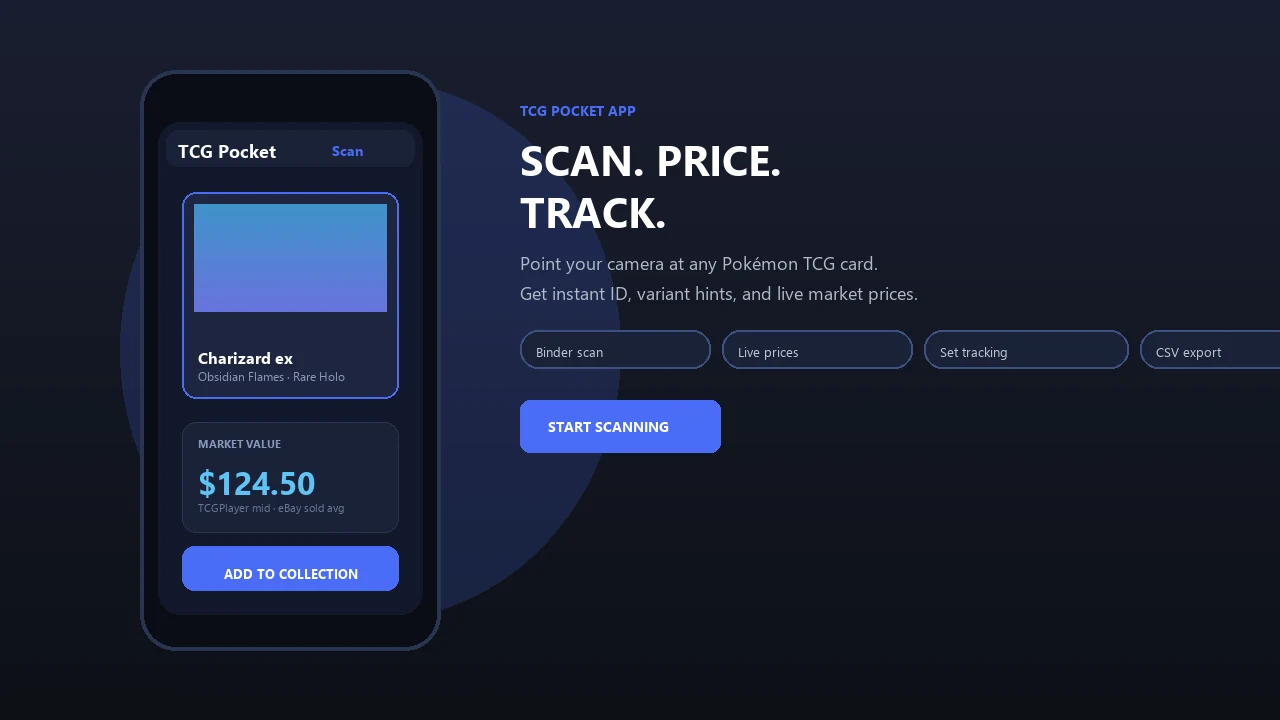
Scan physical Pokémon cards to identify the printing, review market values, organize your collection, and gather the details needed to check whether a card is legal for your next tournament.
Pokemon Card Scanner runs on iOS and web. Get pokemon tcg scanner when you are ready to scan.
What Is a Pokemon TCG Scanner?
A pokemon tcg scanner identifies a physical trading card from a photo or camera scan. Pokemon Card Scanner helps players and collectors find the likely card name, expansion, card number, printing, and market information without manually searching through a complete set list.
This is particularly useful when the same Pokémon or Trainer appears in several expansions. Artwork, collector numbers, rarity symbols, regulation marks, promotional stamps, and foil treatments can separate two cards that look similar but have different prices or competitive uses.
Pokemon Card Scanner is available on iOS and the web. It is designed for physical Pokémon Trading Card Game cards, while the TCG Pocket App name only distinguishes the site from the official Pokémon TCG Pocket digital game.
Identify the Correct Set and Card Variant
Accurate identification starts with more than the character name. A useful scan should be checked against the information printed near the bottom of the card, including the collector number, set symbol or set code, rarity, copyright line, and regulation mark.
Variants can include standard, reverse holofoil, parallel foil, promotional, stamped, alternate-art, illustration rare, and other set-specific treatments. Even when two versions share the same rules text, their market values may differ substantially. Regional language, condition, and whether a card came from a special product can also matter.
- Scan the card under even lighting and avoid glare across the artwork or text.
- Keep the full border and collector number visible.
- Compare the detected result with the set symbol and foil pattern.
- Check promotional stamps or product-exclusive markings before saving the card.
Use Card Details to Research Tournament Legality
A scanner can collect the details needed for a legality check, but it should not be treated as the final tournament ruling. Pokémon’s official rules state that legality depends on the event format. Cards must also be genuine, unmarked, legal for that format, and in a language permitted for the region.
For the Standard format, Pokémon bases rotation on the regulation mark printed in the lower-left area of modern cards. An older printing or a card without a current mark may still be playable when the same card has been reprinted with a legal regulation mark. This is especially relevant for Trainer cards with several printings.
Release timing also matters. The Pokémon Tournament Handbook says cards from a new release become tournament legal on the second Friday after the U.S. market release date. Promotional cards follow the dates confirmed through Pokémon’s monthly promo legality information.
Build a More Reliable Competitive Card List
Scanning can speed up the first stage of deck preparation by recording exact card names and printings. After scanning, group cards by their intended deck, review duplicates, and verify each entry against the current format before attending an event.
- Scan each physical card and confirm its collector number.
- Record the expansion and regulation mark shown on the card.
- Check the current Standard or event-specific legality rules.
- Look for a current legal reprint when using an older printing.
- Confirm newly released and promotional cards separately.
- Ask the tournament organizer or judge when a printing remains unclear.
The Pokémon TCG Live deck editor can also help players search for cards that appear in Standard. It is a useful cross-check, although official event rules and current legality announcements remain the controlling sources.
Compare Market Prices Without Confusing Printings
Once the exact card is identified, price comparisons become more meaningful. TCGplayer is commonly consulted for marketplace listings and market data, Cardmarket is a major source for European pricing, and completed eBay sales can show what buyers recently paid. Dragon Shield’s Poke TCG Scanner, for example, states that it uses TCGplayer and Cardmarket prices and provides 30-day price history charts.
Do not compare a reverse holofoil card with a standard copy or a promotional printing with a set release. Confirm the language, finish, card number, and condition before using a listing as a reference. Asking prices are not the same as completed sales, and a single unusual transaction may not represent the broader market.
Prices can change with tournament results, product availability, reprints, rotation announcements, and collector demand. Treat every displayed value as a reference rather than a guaranteed sale price.
Check Condition Before Valuing or Trading
A scan can identify a card, but condition still requires careful inspection. Look at the front and back under neutral lighting, then check the corners, edges, surface, and centering. Scratches, dents, creases, whitening, print lines, and foil clouding may change the value even when they are difficult to see in a camera image.
Some card-scanning products promote grading-style condition analysis, including the features described in Apple’s listing for TCG Scanner: AI. Automated estimates should still be treated as preliminary because professional grading companies apply their own standards and inspect cards in person.
For valuable cards, compare several recent sales of the same printing and condition. Keep raw-card prices separate from graded-card prices, and do not assume that a card will receive a particular grade. Pokemon Card Scanner on iOS and web can support identification and price research, while the final condition assessment remains with the owner, buyer, dealer, or grading service.