
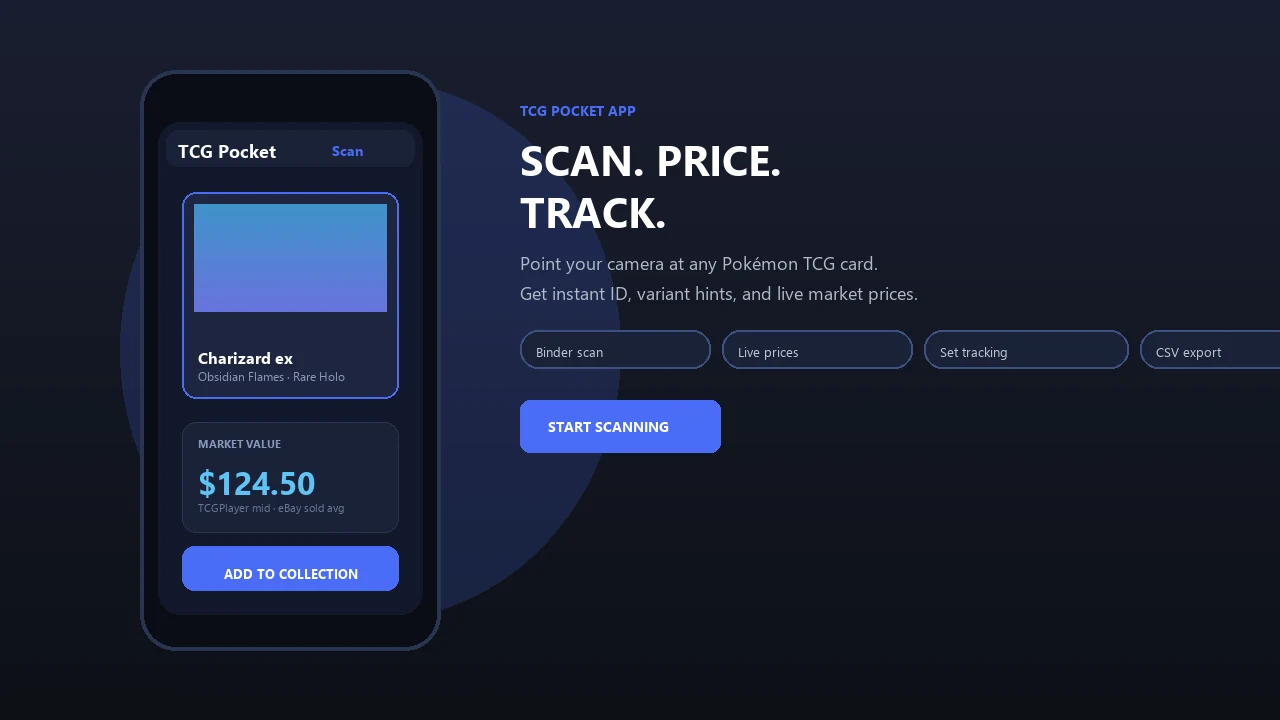
Turn binders, boxes, and new pulls into an organized set-by-set collection. Pokemon Card Scanner helps you identify physical Pokémon cards, record what you own, find missing card numbers, and work toward complete or master sets on iOS and the web.
Pokemon Card Scanner runs on iOS and web. Get pokemon card checklist when you are ready to scan.
What Is a Pokemon Card Checklist App?
A Pokemon card checklist app is a collection tool for tracking owned and missing cards within each Pokémon TCG set. Instead of relying on handwritten notes or a general inventory, you can follow the official card numbering for a set and mark entries as you collect them. Pokemon Card Scanner combines this checklist approach with scanning and card information for physical trading cards.
Set-completion tracking is a common feature in current collector tools. Product information from MasterSet, TCG Collector, Pokellector, and TCG Companion describes set libraries, owned-card tracking, missing-card views, or completion progress. This reflects how many collectors actually organize their cards: by expansion, card number, rarity, variant, and completion status.
- Review cards in set order.
- Record cards you already own.
- Identify gaps before buying or trading.
- Track regular sets or more detailed master sets.
Track Every Set and Card Number in One Place
Choose a Pokémon TCG expansion and work through its checklist in card-number order. Each entry gives you a clear place to record collection status, making it easier to compare the app with a binder, storage box, or stack of recent pulls. Your progress changes as cards are added, so you can quickly see how much of a set remains unfinished.
A set-based layout also helps distinguish similarly named Pokémon printed across different expansions. Rather than searching through one long inventory, you can focus on the exact release you are collecting and locate missing numbers more efficiently.
- Browse checklists by expansion.
- See owned and missing cards separately.
- Follow completion progress for individual sets.
- Use the same collection from iOS or the web.
Scan Physical Cards to Build Your Checklist Faster
Scanning reduces the time spent typing card names and searching large set lists. Use your iPhone camera or a card photo to find a likely match, review the result, and add the physical card to your collection. This is useful after opening packs, sorting bulk cards, cataloging an older binder, or preparing duplicates for trade.
Camera-based identification is now common in collection-management products, including tools described by Pokellector, Dex for TCG Collectors, and other current card scanners. A scan should still be reviewed before saving because similar artwork, reprints, language, foil treatment, and card condition can affect the correct entry.
- Place one card in clear, even light.
- Keep the full border and card number visible.
- Scan or upload the image.
- Confirm the set, card number, and version.
- Add the confirmed card to its checklist.
Build Standard Sets or Variant-Aware Master Sets
A basic checklist records one copy of each numbered card. A master set can require more detail, such as reverse holo versions, alternate treatments, promotional variations, first editions where applicable, and other set-specific printings. Current product copy from MasterSet, TCG Collector, and TCG Companion shows why variant-aware tracking matters to collectors pursuing more than the numbered base set.
Choose a completion goal before sorting so that your checklist matches the way you collect. If you only want one example of each artwork, a standard checklist may be enough. If every available treatment matters, record variants separately and verify each card rather than assuming one scan represents every version.
- Track the main numbered checklist.
- Separate standard and reverse holo copies.
- Record alternate or special versions when relevant.
- Keep duplicate quantities visible for trades.
- Add notes for language, condition, or storage location.
Use Printable and Digital Checklists Together
Digital tracking is convenient for scanning, searching, and checking progress, while a printable Pokémon card checklist is useful beside a binder or sorting table. Use the in-app checklist as your main collection record, then print a set list for offline sorting, card-show visits, trade nights, or handwritten binder notes.
Collectors often organize by set, rarity, variant, and completion status, so both formats can follow the same card-number sequence. A printed copy gives you a quick reference without handling your phone, while the iOS or web checklist keeps your saved collection available when you are shopping or trading.
- Print a clean list for one selected set.
- Check card numbers while sorting binders.
- Circle missing cards before a show or trade.
- Update the digital checklist after offline changes.
- Reprint an updated copy as your set grows.
Check Estimated Values While Completing a Set
A missing-card list becomes more useful when paired with pricing context. Review estimated values while deciding which gaps to fill first, which duplicates to trade, or whether a higher-value card needs closer condition inspection. Pricing does not determine checklist completion, but it can help you plan purchases and prioritize storage.
TCGplayer is commonly referenced for the U.S. market, Cardmarket for European pricing, and eBay sold or completed sales for recent transaction evidence. Current collector products often combine these sources with inventory and checklist features. Treat all displayed prices as estimates rather than guaranteed sale values.
The actual value of a physical card can vary with condition, language, edition, foil treatment, grading status, buyer demand, and selling venue. Confirm the exact printing and compare recent relevant sales before buying, selling, insuring, or submitting a card for grading.
- Compare the correct set and card number.
- Match the listed variant to your copy.
- Separate raw and graded-card comparisons.
- Inspect condition before relying on an estimate.
A Simple Workflow for Completing Your Next Set
Start with one expansion rather than trying to catalog every box at once. Select the set, sort your physical cards by number, and scan each card into Pokemon Card Scanner. Confirm every result, especially cards with similar artwork or multiple foil treatments, then review the missing-card view.
Next, decide whether your goal is a numbered set or a full master set. Record relevant variants and duplicate quantities, print a checklist if you want an offline sorting guide, and use estimated prices to prepare a realistic want list. Recheck the list after each pack opening, purchase, or trade.
- Select the expansion you want to complete.
- Sort cards loosely by collector number.
- Scan and confirm each physical card.
- Review missing numbers and variants.
- Print or save your current want list.
- Update progress after collecting changes.
The service is available on iOS and the web. It is designed for physical Pokémon trading cards and is separate from the official Pokémon TCG Pocket digital game.