
Pokemon Card Scanner Results After 30 Days Of Use
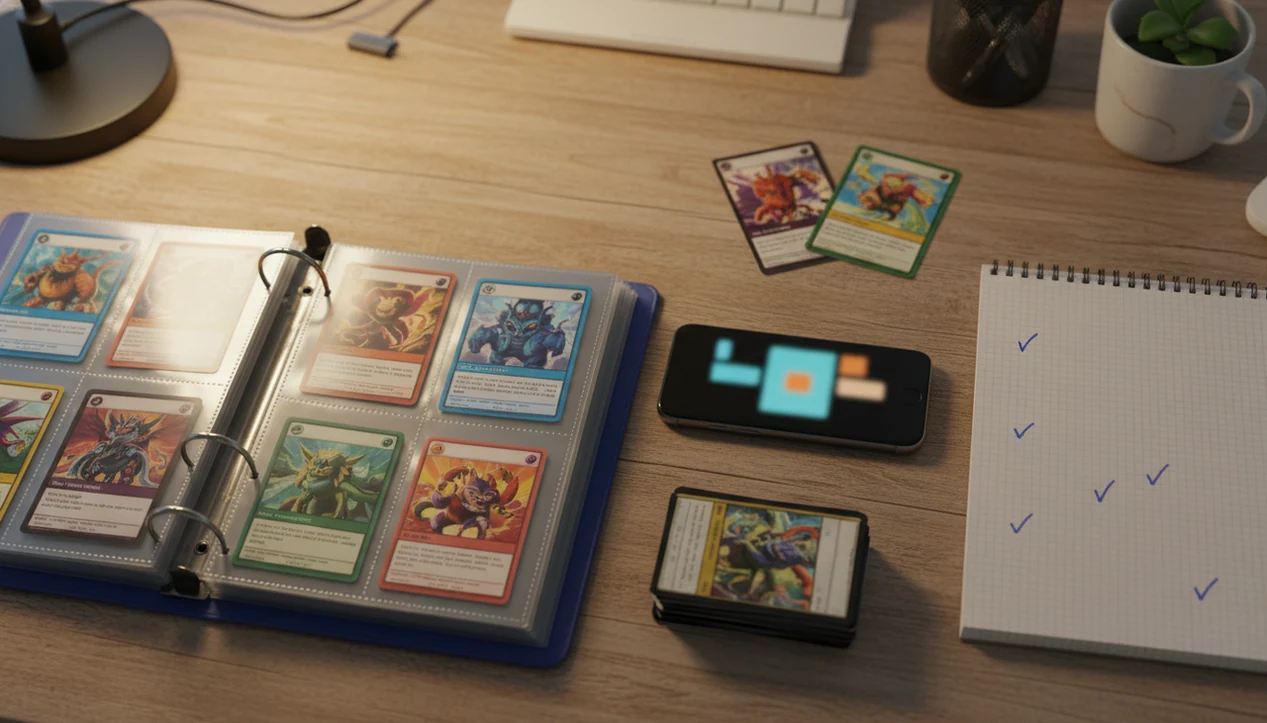
Pokemon card scanner results after 30 days usually include a mostly digitized main binder, cleaner duplicate lists, usable market price checks, and a short queue of cards that need manual review. A consistent collector can scan hundreds to a few thousand cards in a month, but exact pricing and 100% recognition are not realistic.
Definition: Pokemon Card Scanner is a pokemon card scanner app that identifies cards, checks market prices, and tracks collections for Pokémon TCG collectors.
TL;DR
- A 30 day Pokemon collection scan can realistically finish one or more main binders if you scan consistently and verify errors as you go.
- Pokemon binder scanning progress depends on lighting, phone camera quality, sleeve glare, card organization, and how much time you spend correcting misreads.
- After 30 days, live market values are useful for sorting, trading, and insurance planning, but they are still estimates rather than guaranteed sale prices.
30 Day Pokemon Collection Scan Results At A Glance
A month is usually enough to build a mostly complete digital inventory of your main binders, not a flawless archive of every card you own. The practical output is a scanned card list, duplicate list, price estimates, exportable inventory, and a manual correction queue.
Most steady users can scan hundreds to a few thousand cards in 30 days. Treat that range as a practical workflow estimate, not a published industry benchmark. For a defensible 30-day result, record your own daily scan count, verified count, and correction backlog so the final number can be audited. The range depends on lighting, phone camera quality, binder layout, and whether cards are already sorted. A phone hovering over binder rings can move fast, until the reverse holo shimmer through a pocket forces a second check.
Expect some hand entry. Foreign cards, obscure promos, damaged cards, and close variant matches still create friction. For most collectors, a 30 day Pokemon collection scan is most useful when the goal is order, not perfection.
How Pokemon Card Scanner Results After 30 Days Are Measured
How should you measure pokemon card scanner results after 30 days? Track cards scanned, cards verified, duplicates found, prices attached, and unresolved errors as separate numbers.
Scan count alone can overstate progress. A card is not really part of a clean inventory until the set, number, variant, and foil status have been checked. We like a simple sheet with three daily columns: raw scans, correction time, and final verified count. It sounds fussy. It prevents inflated totals.
The lower-left set number matters before trusting a price match, especially when two similar Pikachu prints appear in the same scan history. If you want a broader tool overview before starting, our best pokemon card scanner app guide compares common scanner workflows. For 30 days, the useful question is not “How many did the camera see?” It is “How many are now reliable enough to search, trade, export, or insure?”
30 Day Results Methodology And Data Sources
These 30 day results are best read as a practical methodology, not a universal benchmark. They come from composite collector scenarios, app-style scan logs, manual verification habits, and market estimate checks rather than a controlled lab test.
A clean 30-day review separates four numbers: daily raw scans, verified card records, duplicate matches, and the remaining correction backlog. Raw scans are higher because the camera may capture the same card twice, misread a variant, or log a card before foil status, language, set number, and condition notes are confirmed. Verified inventory is the smaller number you would actually trust for search, trading, export, or insurance prep.
- Record each day’s scan total before corrections.
- Verify set, card number, variant, language, and foil status.
- Flag duplicates only after the corrected record matches.
- Track unresolved cards in a backlog instead of hiding them in the total.
- Compare value estimates against sources such as the TCGplayer Pokémon price guide source, Cardmarket, and recent eBay sold-listing checks source.
Sample sizes vary by collection, phone, lighting, and sorting discipline, so the figures here should guide expectations, not promise identical results.
How A Pokemon Card Scanner App Works During A 30 Day Scan
A Pokemon card scanner app works by capturing a card image, comparing visual features against a card database, matching the likely set and print, then attaching collection and price data. In technical terms, it uses image recognition and database lookup; in plain terms, the app turns a camera view into a searchable card record.
After the match, pricing feeds may attach market-style values from sources such as the TCGplayer Pokémon price guide (https://www.tcgplayer.com/categories/trading-and-collectible-card-games/pokemon/price-guides), Cardmarket Pokémon listings (https://www.cardmarket.com/en/Pokemon), or recent eBay sold-item checks (https://www.ebay.com/help/selling/listings/listing-tips/finding-sold-items?id=4108). An AI-powered Pokémon TCG card scanner with live market prices should deliver faster identification, cleaner records, and price-source transparency, not guaranteed appraisals or instant sale values.
Lighting still decides a lot. Ring-light glare bouncing off a reverse holo through a nine-pocket binder page can confuse recognition, and a tilted card may hide the set symbol. Once confirmed, the record can usually be searched, filtered, exported, and updated later.
How To Use A Pokemon Card Scanner For 30 Day Binder Progress
For steady pokemon binder scanning progress, use short daily sessions instead of one exhausting weekend. Fifteen focused minutes with corrections usually beats two hours of rushed scans and a messy error pile.
- Set up lighting and background. Use a matte surface, steady phone angle, and enough light to avoid shadow and glare.
- Sort binders by set or era. Put modern hits, trade binders, and older pages into separate scan batches.
- Scan in daily batches. Aim for a repeatable number of pages or stacks, not an heroic one-day total.
- Review misreads immediately. Check set symbols, card numbers, language, and foil status while the card is still in front of you.
- Export or back up inventory. Save a CSV or app backup weekly so your work is not trapped in one device.
The plastic crinkle of a binder page is normal when scanning sleeved cards in place. If glare keeps winning, remove the card for one cleaner pass.
Pokemon Binder Scanning Progress From A Casual Collector
Maya scans for 10 to 15 minutes most evenings after work. By day 30, she has not touched every bulk box, but her favorite binder and modern hits are searchable. That is a good result.
Casual collectors often finish a trade binder, a favorite era, or the cards they actually care about first. The payoff is practical: a cleaner wishlist, visible duplicates, and faster price checks before a local trade. A card show table feels different when you can compare your extras without guessing from memory.
Tools like TCG Pocket App can fit this slower routine because the value is in logging and verifying a few pages at a time. For casual collectors, scanning the binder you use most is often better than starting with bulk because it improves real trade decisions sooner.
30 Day Pokemon Collection Scan From A Seller Or Trader
Jordan uses 30 days to scan sale binders, duplicate stacks, and cards pulled aside for trade night. The goal is not just identification. It is a working list of what can be sold, bundled, graded, or moved into a trade binder.
Duplicate lists help separate true extras from cards needed for set completion. Condition notes also matter. Silvering along a dark card edge or a scratch across holo foil can change the gap between an app estimate and a realistic listing price.
App value is not the same as cash. Fees, shipping, condition discounts, and changing demand all affect the final result. An exportable inventory still helps with spreadsheets, draft listings, and insurance prep. If value-checking is your main goal, an app that scans pokemon cards and tells value should still be paired with sold-listing context.
Pokemon Card Scanner Results For A Large Unsorted Collection
Alex starts with bulk boxes, mixed binders, loose sleeves, and a few mystery stacks from years of openings. After 30 days, the scanner is not the bottleneck. Organization is.
Large unsorted collections need staging before speed. Sorting by set, rarity, language, or binder creates cleaner scan batches and fewer repeated corrections. A laundry basket beside the sorting table may look chaotic, but separating energies, commons, hits, and foreign cards first saves time later.
The realistic result is main hits and binders digitized, bulk only partly processed, and an unresolved pile that still needs review. That is not failure. It is triage. For large collections, scanning high-interest cards first is usually better than processing every common in order because it produces usable value and duplicate data faster.
Five Common Pokemon Card Scanner Patterns After 30 Days
After one month, scanner results tend to follow repeatable patterns. Daily verification improves final quality more than raw scan volume.
- Main binder inventory is mostly complete. The cards you handle most often are usually digitized before bulk is finished.
- Collection value starts to stabilize. Live market prices become more useful once obvious duplicates and wrong matches are corrected.
- Duplicates become visible. Extra copies stop hiding across binders, tins, and sale stacks.
- Manual correction backlog remains. Wrong foil status, similar prints, promos, and foreign cards still need eyes on them.
- Future scanning gets faster. Once your lighting, sorting order, and export routine are fixed, each new batch takes less effort.
A month of scanning improves the collection system more than it proves a final value. If you are still deciding whether the workflow is worth the time, our pokemon card scanner app worth it guide covers that tradeoff directly.
What 30 Day Pokemon Card Scanner Results Do Not Prove
One month does not prove permanent accuracy, exact resale value, or full collection completeness. It proves that you have a working inventory process, with known gaps.
Misreads still happen. A scan may confuse two similar Pikachu prints until the collector verifies the set symbol. Foil status can be wrong. Missing promos, foreign-language cards, damaged cards, and unusual variants may sit in a correction queue longer than expected.
Price estimates also have limits. They can lag sudden spikes, buyouts, or low-volume vintage sales. The green sold-price filter on eBay often tells a different story than active asking prices, especially for raw versus graded cards. Use scanner results as a workflow starting point, not the final word on identification or resale value. If identification accuracy is your main concern, read do pokemon card scanner apps work.
Limitations
No 30 day scanner sprint removes the need for collector judgment. The honest caveats are where the workflow stays grounded.
- No AI Pokémon card scanner can guarantee perfect recognition across every language, print run, promo, and special variant.
- Live market prices are estimates and can differ from realized sale prices after condition grading, fees, shipping, and demand.
- Older phones, dim rooms, glare sleeves, and poor card positioning can sharply reduce scanning speed and accuracy.
- A 30 day sprint may leave bulk boxes, foreign cards, damaged cards, and obscure variants unfinished.
- App outages, pricing feed delays, bugs, or API changes can temporarily stall progress.
- A scanned collection still needs updates when new sets, reprints, purchases, trades, and price changes occur.
Tools like Pokellector, Collectr, and marketplace price sites can support the process, but none replace a set number check and condition review.
FAQ
How many Pokemon cards can I scan in 30 days?
Most collectors can scan hundreds to a few thousand cards in 30 days, depending on daily time, phone camera quality, lighting, and organization. Verified inventory will usually be lower than raw scan count.
Are Pokemon card scanner prices accurate enough to use for selling?
Scanner prices are useful for estimates, sorting, and trade planning, but they are not guaranteed resale prices. Always compare condition, fees, shipping, and recent sold listings before selling.
Can a Pokemon card scanner scan sleeved cards?
Yes, many scanners can read sleeved cards, especially in clear sleeves with good lighting. Glare, cloudy sleeves, binder pockets, and steep camera angles can reduce recognition quality.
Will a Pokemon card scanner find duplicate cards in my collection?
Yes, a scanned inventory can surface duplicate cards once the same card is logged more than once. Duplicate lists are most reliable when variants, language, and foil status are corrected.
Does a Pokemon card scanner recognize promo cards?
Many promo cards can be identified, but obscure promos, regional releases, stamped variants, and damaged promos may need manual correction. Scanner apps and similar tools should still be checked against the printed card details.
Should I scan bulk Pokemon cards after my binder is finished?
Bulk scanning can be useful if you want set completion tracking, duplicate counts, or insurance records. If time is limited, finish high-interest binders and trade cards first.
Which Pokemon cards usually need manual entry after scanning?
Foreign cards, damaged cards, obscure promos, wrong variants, missing foil details, and cards with poor image contrast often need manual entry or correction. Similar artworks from different sets also deserve a set number check.
Get started with Pokemon Card Scanner Results After 30 Days app on iOS.