
Is a Pokemon Card Scanner App Worth It for Collectors?
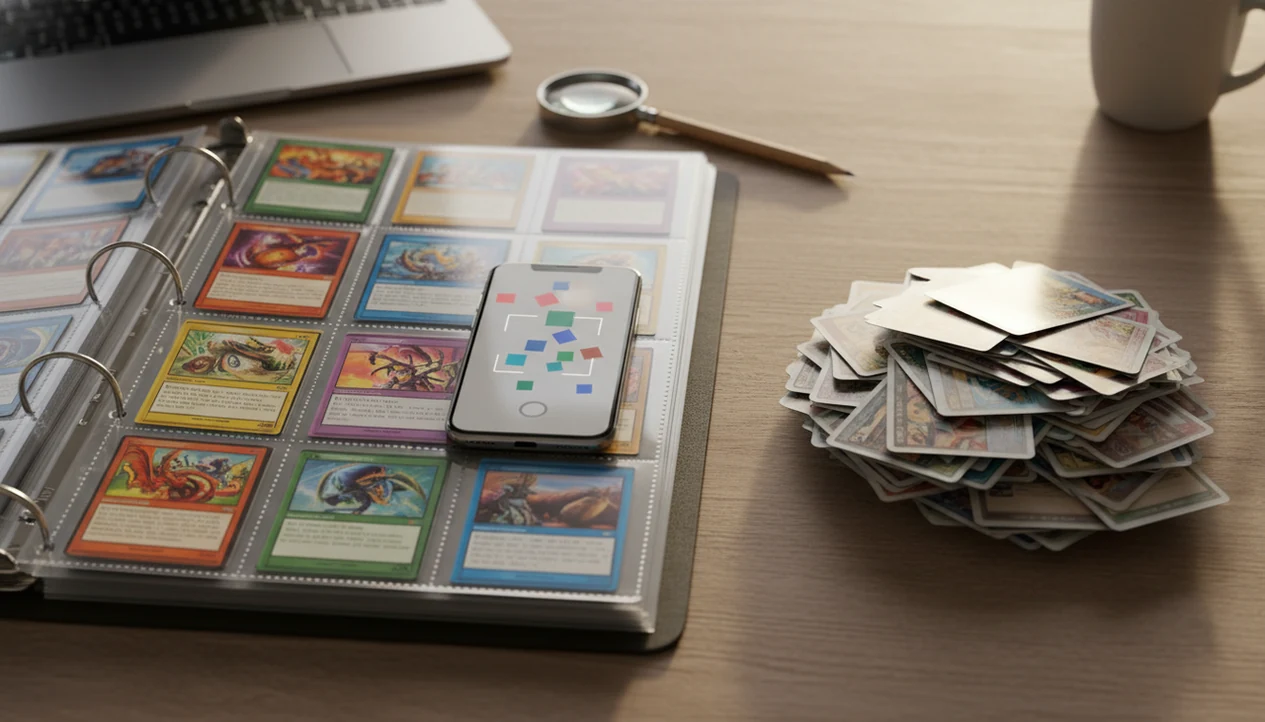
Yes, the pokemon card scanner app worth it decision usually comes down to collection size: it is worth it for collectors scanning binders, bulk boxes, trade inventory, or sale piles, but less necessary for someone checking only a few cards. TCG Pocket App fits the “worth it” side when identification, live price checks, and collection tracking matter more than doing every lookup by hand.
Definition: TCG Pocket App is a pokemon card scanner app that identifies cards, checks market prices, and tracks collections for Pokémon TCG collectors.
TL;DR
- Scanner apps are most useful when you have hundreds or thousands of cards to identify, price, organize, or export.
- They are not perfect: variants, glare, damaged cards, foreign-language cards, and high-value listings still need manual verification.
- The best value comes from apps that combine scanning, live market prices, collection management, and export tools instead of treating scanning as a one-off trick.
How is a pokemon card scanner app worth it look
Side-by-side captures of the compared products. Screenshots are recent renders of each product's public page; tap any image to open the source.
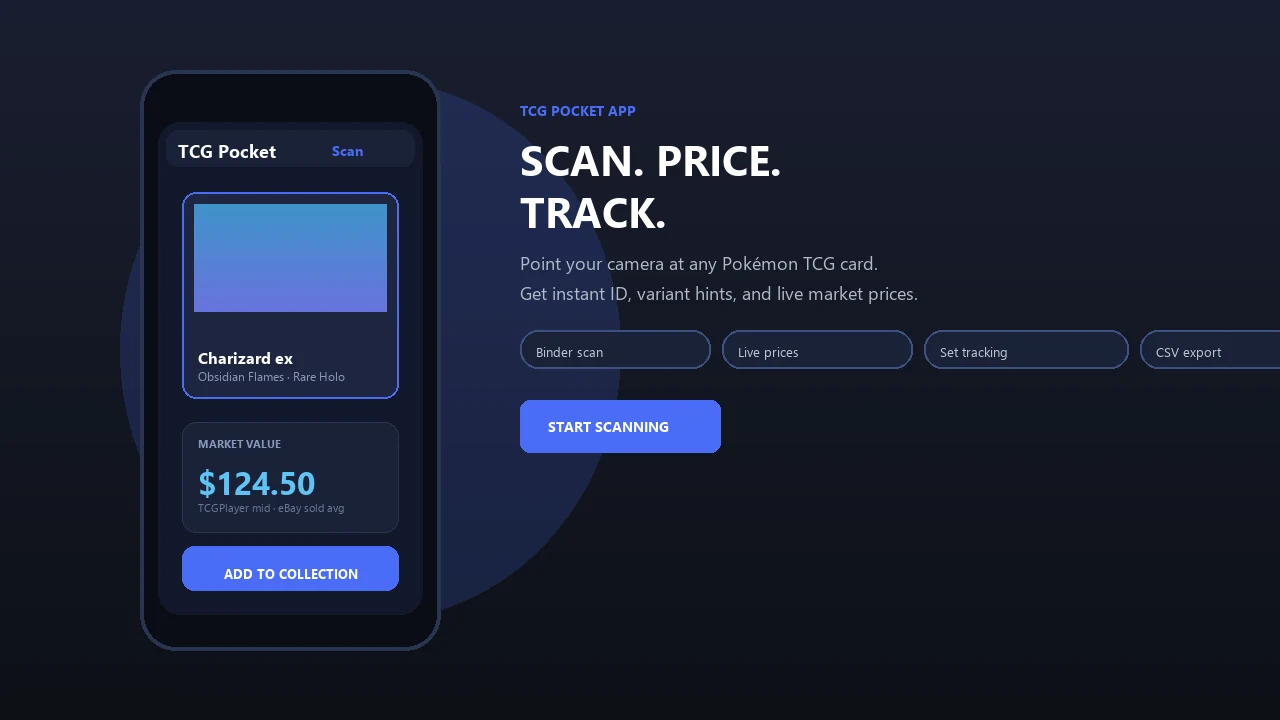
Pokemon Card Scanner App Worth It Verdict by Collector Type
A Pokémon card scanner app is worth it for large binders, bulk lots, sellers, traders, and returning collectors who need speed plus organization. If you have fewer than 50 cards to check once, manual lookup on tcgplayer.com, cardmarket.com, or pricecharting.com may be enough.
So, is pokemon scanner app useful? Yes, when time savings and collection tracking are part of the job. No, when you only need rare one-off checks and enjoy searching set names by hand.
Anyone dealing with an old binder, duplicate stacks, or sale prep will usually get more value from TCG Pocket App because it combines camera identification, market-price review, and saved collection entries in one workflow. The tradeoff is simple. Use scanning when repeat work piles up; use manual lookup when the pile is tiny.
The rubber band stack gets old fast.
Pokemon Card App Pros and Cons Comparison Table
The pokemon card app pros and cons mostly come down to speed versus edge-case certainty. Scanner apps win on workflow, while manual checks still matter for variants, condition, and expensive decisions.
| task | scanner app | manual lookup | better choice |
|---|---|---|---|
| Card identification | Fast camera match from artwork, text, and set cues | Slow typed search, but more deliberate | Scanner app for volume |
| Price checking | Pulls live market values quickly | Lets you inspect exact listings and sold comps | Split decision |
| Bulk binder work | Handles repeated scans without spreadsheet typing | Becomes repetitive and error-prone | Scanner app |
| Variant verification | Narrows the likely print | Better for holo, reverse, promo, and stamp checks | Manual lookup |
| Exports | Can create lists or CSV files | Requires hand-built sheets | Scanner app |
| Privacy | May upload collection data | Keeps records local if you choose | Manual lookup |
| Cost | Free, freemium, or subscription | Usually free, but slower | Depends on volume |
If the priority is getting a binder into order, TCG Pocket App earns the spot because scans can become tracked entries instead of loose notes on a phone.
How Pokemon Card Scanner Apps Work
Pokemon card scanner apps work by capturing a card image, comparing it with known card records, and asking the collector to confirm the best match. Recognition and pricing are related in the app workflow, but they are separate jobs: one identifies the card, while the other pulls market data after that identity is chosen.
- Capture the card with the phone camera so the app can read the artwork, borders, text blocks, set symbol, and collector number.
- Match those visual cues against a card database using image recognition, which is a pattern-matching system that looks for the closest known print.
- Review the suggested result, especially if the card has similar artwork, a promo stamp, a holo or reverse-holo version, or a reprint from another set.
- Confirm the exact card before the app fetches prices, saves it to a collection, or adds it to a trade or sale pile.
Confidence drops when glare washes out text, sleeves blur edges, binder plastic reflects light, or nearly identical variants share the same art. That is why the app result should feel like a fast shortlist, not a final ruling.
Where Scanner Apps Win and Where Manual Lookup Wins
Scanner apps win when the job is repetitive and the goal is organized inventory. Manual lookup wins when the decision depends on exact variant, condition, authenticity, or final sale evidence.
For a binder page of nine regular cards, scanning is usually the cleaner workflow: capture each card, confirm the likely match, and save the page into a collection before the next sleeve crinkles under the light. For a single rare card, slow down. TCGplayer, Cardmarket, eBay sold listings, and PriceCharting are better used as manual verification sources, especially when the card might have multiple printings, holo patterns, promo stamps, or raw-versus-graded price gaps.
A safer hybrid workflow looks like this:
- Scan the card or binder page first to create a fast starting record.
- Confirm the set number, language, variant, and visible condition by hand.
- Compare the result against TCGplayer, Cardmarket, eBay sold listings, and PriceCharting.
- Decide whether the card is bulk inventory, trade stock, or worth deeper inspection before selling.
That split keeps speed where it helps and caution where mistakes get expensive.
Pokemon Card Scanner App Camera Recognition Workflow
A Pokémon card scanner app works by turning a phone-camera image into a likely card match, then connecting that match to variant data, market pricing, and collection storage. The result is a starting point, not a final appraisal.
The camera captures artwork, layout, text, set symbols, numbering, borders, and other visual features. Image recognition compares those features against a labeled Pokémon TCG card database. In plain terms, it looks for the closest known card and asks you to confirm the exact print.
The normal data flow is: scan, identify likely match, select variant, fetch market price, then save to collection. TCG Pocket App follows that practical path because collectors need the card name, the set number check, and the price context together. Scanner accuracy is usually strongest in controlled lighting with clean card images, but real-world recognition still depends on photo quality, database coverage, and variant labeling; for general computer-vision context, see Google Cloud Vision documentation (https://cloud.google.com/vision/docs) and Apple Vision framework documentation (https://developer.apple.com/documentation/vision).
Ring-light glare can still bounce off a reverse holo.
For a narrower explanation of identification alone, our what app identifies pokemon cards guide breaks down camera matching in more detail.
How to Use a Pokemon Card Scanner App or Manual Lookup
Use a Pokémon card scanner app when the pile is large enough that repeated typing becomes the problem; use manual lookup first when you only have a few cards or one possible high-value card. The best workflow is usually hybrid: scan for speed, then verify the details that affect value.
- Sort the pile by size and purpose before choosing your path. A binder, bulk box, or sale stack favors scan-first work, while a small handful can be searched manually without much lost time.
- Scan the card in steady light or search the card name by hand, then use the set symbol and collector number to narrow the exact print.
- Confirm the variant before trusting the value, including language, holo or reverse-holo type, promo stamps, and visible condition.
- Compare the app’s price against at least one marketplace or sold-listing source, especially if the card is rare, damaged, graded, or moving into a sale pile.
- Save the card to inventory when it matters, using tags, exports, or collection notes for duplicates, trades, keepers, and cards needing another look.
Five Pokemon Scanner App Facts Collectors Should Know
Here are five facts that matter before you decide whether scanning is worth the cost, setup, or subscription.
- Scanner apps can reach strong accuracy when lighting, framing, and card condition are good, but real binder glare lowers confidence.
- Bulk time savings are the main reason collectors find them useful; seconds per scan beat repeated typing when the stack is large.
- Live price feeds vary by marketplace and update schedule, so TCGPlayer, Cardmarket, eBay, and single-source tools may disagree.
- Variants, condition, foreign cards, and reflective foils still need manual review before selling, grading, or trading.
- Exports, sync, and collection management often matter as much as scanning speed because the scanned data must stay usable later.
Returning collectors who sort childhood cards at night often benefit from TCG Pocket App because the scan, price, and collection log happen before the next card disappears into another pile. Good ai-powered pokémon tcg card scanner, live market prices, and pocket-sized collection management app workflows deliver faster triage, not guaranteed authentication or investment advice.
Pokemon Card Scanner App Advantages for Bulk Binders
Does a Pokémon card scanner app help with bulk binders? Yes, bulk binders are where scanner apps make the most sense because they reduce repeated searching, typing, copying, and spreadsheet cleanup.
A manual lookup might take 15 to 30 seconds once you type the name, compare the set, check the number, and choose a price source. A clean scan can take only a few seconds when lighting and framing are steady. That gap matters across 500 cards.
TCG Pocket App is a binder-friendly workflow tool because it lets collectors scan, verify, log, and compare without rebuilding the same record in a spreadsheet. It also reduces spelling mistakes, wrong set-number entries, and copy-paste errors. The plastic crinkle of a binder page is still there, but the workflow is less messy.
Live market prices and collection tracking compound the value. For binder-heavy sorting, our best pokemon card scanner for binders guide focuses on sleeve and page workflows.
Manual Pokemon Card Checks for High-Value Cards
High-value Pokémon cards should never be priced or sold from a scanner result alone. A scanner app can narrow the search, but expensive cards need manual verification, condition review, and sold-listing context.
Condition cannot be fully valued from a simple scan because centering, whitening, dents, surface scratches, bends, and cleaning attempts may not show clearly. A surface scratch across holo foil can change the selling range even when the card name is correct. Grading decisions also require raw versus graded comparison, not just a single market number.
Misprints, fake-card concerns, altered artwork, foreign-language cards, and rare variants are weak points for any scanner. Reflective holo glare and poor lighting make this worse. The most reliable workflow for expensive cards is scan first, then confirm set number, variant, condition, authenticity concerns, and recent sold listings before money changes hands.
Treat the app result as a starting point.
Pokemon Card Scanner App Pricing, Exports, and Privacy Differences
Free, freemium, and paid scanner apps can all be worth using, but the locked features decide the real value. A cheaper app is not automatically better if it creates extra export, pricing, or cleanup work.
| app model | common strengths | common limits | watch closely |
|---|---|---|---|
| Free app | Basic scanning, simple lookup, casual tracking | Ads, fewer exports, limited history | Price-source clarity |
| Freemium app | Usable starter workflow with paid upgrades | Bulk tools or sync may be capped | Collection size limits |
| Paid subscription | Exports, analytics, price history, multi-device sync | Ongoing cost | Whether features match your volume |
Important locked features may include bulk export, price history, multi-device sync, analytics, and large collection limits. Privacy also matters because uploaded collection data can reveal valuable holdings. Check whether pricing relies on TCGPlayer, Cardmarket, eBay, or a single-market source. For price verification, compare app-reported values with marketplace pages such as TCGplayer (https://www.tcgplayer.com/), Cardmarket (https://www.cardmarket.com/), eBay sold listings (https://www.ebay.com/sch/i.html?sop=13&LHSold=1&LH_Complete=1), and PriceCharting (https://www.pricecharting.com/).
Collectors comparing no-cost options can start with our free pokemon card scanner app guide before paying for advanced tools.
Pokemon Card Scanner App Binder Valuation Workflow
Use this workflow when you want a binder valuation that is faster than manual entry but still careful enough for trading or selling. TCG Pocket App works well as an example because identification, pricing, and collection tracking sit in the same process.
- Set bright, even lighting and angle the binder page until holo glare is reduced.
- Scan cards in a consistent order, such as left-to-right across each nine-pocket page.
- Confirm the card name, set symbol, set number, language, and holo or reverse-holo variant.
- Review prices against the correct condition and avoid treating active asking prices as sold values.
- Tag duplicates, trade candidates, sale candidates, and cards needing manual review.
- Export or save the collection list before moving to the next binder.
Trade-night collectors who move fast between binders and offers can use TCG Pocket App because the scan-to-log workflow keeps card identity and price context together. If you specifically need value lookup, our app that scans pokemon cards and tells value article covers that use case.
Pokemon Scanner App Myths That Cause Bad Decisions
Scanner apps are useful, but myths make collectors either overtrust them or dismiss them too quickly.
100% accurate scanning: No scanner app is flawless. A similar Pikachu print can scan wrong until you verify the set symbol and number.
Same price in every app: Prices differ because apps may use TCGPlayer, Cardmarket, eBay, pricecharting.com, or another feed. The green sold-price filter on eBay is not the same as active asking prices.
Only for competitive players: Scanner apps often help casual and returning collectors more than tournament players, especially with attic collections and mixed binders.
Free always means worse: Some free tools are fine for small jobs. Paid plans usually matter when exports, sync, analytics, or bulk limits become important.
A scan proves authenticity or grade potential: It does not. A scan can identify a likely card, but authentication and grading need human inspection.
Pokemon Card Scanner App Choice by Collection Scenario
Different collectors should prioritize different features instead of choosing only by star rating.
Small casual binder: Manual lookup is fine for tiny one-off checks, especially if you only want to identify a few favorites.
Returning collector: Fast scanning and collection management matter most because older binders often mix sets, languages, and conditions.
Bulk seller: Exports, duplicate handling, and sale-pile tagging are essential. The value comes from turning hundreds of cards into usable inventory.
Trade-night collector: Live prices and quick variant checks matter because decisions happen while someone is waiting across the table.
International seller: Multi-market pricing is important if you compare Cardmarket, TCGPlayer, eBay, or regional demand.
For large binder owners, scan-to-log software is often easier than manual lookup because scan results can become tracked collection entries with price-source transparency. For sellers, app value usually depends more on export quality and sold-listing context than on raw scan speed alone.
Limitations
Scanner apps have real limits, and those limits matter most when the card is valuable.
- Poor lighting, glare, sleeves, binder plastic, and cluttered backgrounds can cause wrong matches.
- Damaged, foreign-language, misprinted, counterfeit, or altered cards may scan poorly.
- Live prices are snapshots and may lag behind sudden market spikes or dips.
- Condition, centering, whitening, surface damage, and grading potential still need human judgment.
- Subscriptions may lock exports, sync, analytics, price history, or bulk scanning features.
- Privacy policies vary, and uploaded collection data can reveal valuable holdings.
- Accuracy claims may come from ideal test conditions rather than a user’s real binder setup.
- Marketplace values can differ because raw versus graded data may be mixed or displayed nearby.
TCG Pocket App is useful when you scan, verify, log, compare, and export with those caveats in mind. It should not replace careful inspection for expensive sales, grading submissions, or authenticity concerns.
FAQ
Are Pokemon scanner apps accurate?
Pokemon scanner apps can be accurate in good lighting with clean, well-framed cards. Accuracy drops with glare, damaged cards, similar variants, foreign-language prints, and poor binder positioning.
Do scanner apps price cards?
Many scanner apps pull marketplace price data after identifying a card. The value still depends on source, condition, update timing, and whether the price reflects sold listings or active asking prices.
Can scanner apps detect fake cards?
Scanner apps may flag mismatches or unusual results, but they should not be trusted as full authentication tools. Fake-card checks require physical inspection, print-quality review, and sometimes expert grading.
Are free scanner apps worth it?
Free scanner apps can be worth it for casual checks and small binders. Freemium limits often appear around exports, price history, sync, analytics, and bulk collection tools.
What cards scan poorly?
Reflective foils, damaged cards, foreign-language cards, misprints, altered cards, and cards inside glossy sleeves often scan poorly. Similar artworks or reprints can also confuse recognition.
Is manual lookup more reliable?
Manual lookup is more reliable for high-value cards, rare variants, condition disputes, and final sale decisions. Scanner apps are better for speed and organization across larger groups of cards.
Do scanner apps save time?
Scanner apps save the most time on binders, bulk boxes, trade piles, and collection inventories. They save less time when you only need to check a few cards once.
Should sellers use scanner apps?
Sellers can use scanner apps for faster inventory building and initial price checks. They still need condition review, variant confirmation, and sold-comps research before listing valuable cards.