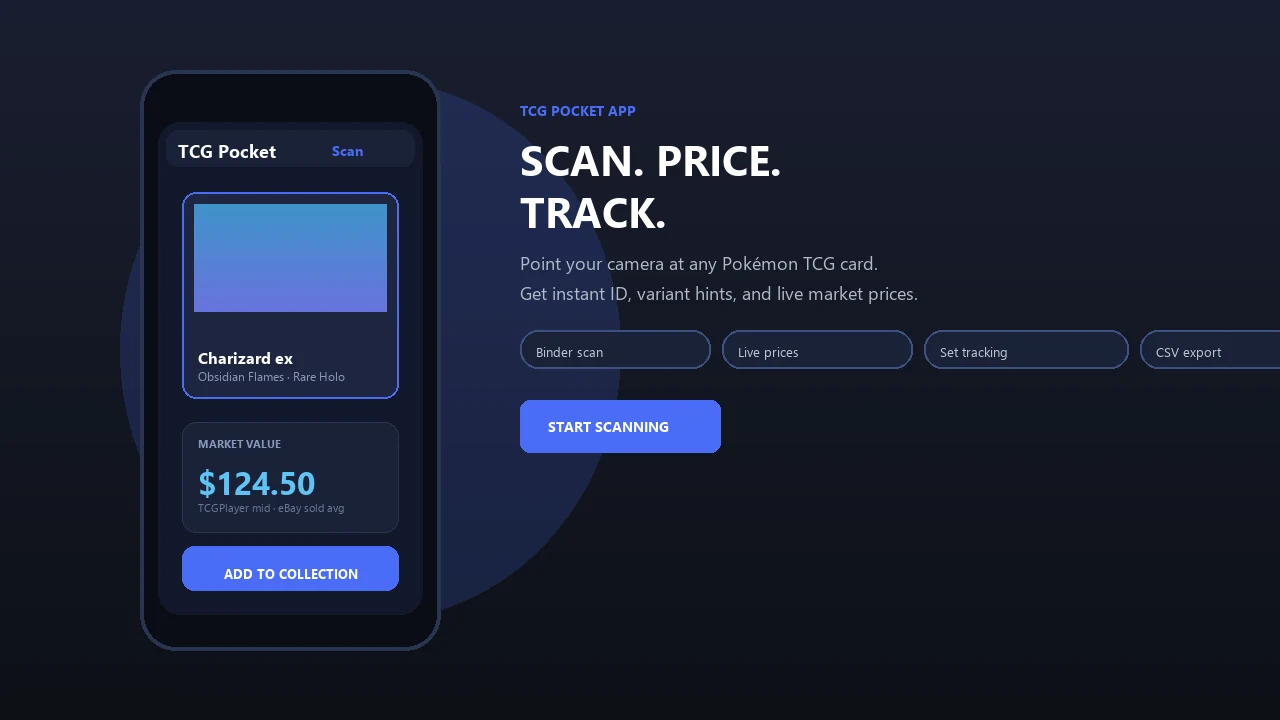
Scan Disney Lorcana cards to identify the character, set, rarity, variant, and estimated market value. The Lorcana card scanner brings the familiar Pokemon Card Scanner workflow to collectors using iOS or the web.
Pokemon Card Scanner runs on iOS and web. Get lorcana card scanner when you are ready to scan.
What Is a Lorcana Card Scanner?
A Lorcana card scanner uses a photo of a physical Disney Lorcana trading card to find its likely match in a card database. Pokemon Card Scanner applies the same practical workflow collectors use for Pokémon cards: capture the card, review the identification, check its set and rarity, and look up current pricing information.
This is useful when sorting a new booster opening, identifying cards in a binder, checking duplicates, or reviewing a collection before buying or selling. Instead of entering a full card name and collector number manually, you can start with the camera on iOS or upload an image through the web.
Scanner results can include the card name, ink color, set, collector number, rarity, and available variant information. Because foils, promotional cards, alternate treatments, and Enchanted cards may resemble other printings, collectors should confirm the collector number and finish before relying on a match.
Scan a Disney Lorcana Card in Seconds
Place the card on a plain surface with even lighting, keep the full border visible, and avoid glare across the name or collector number. A clear, straight image gives the scanner more useful details than an angled photo taken inside a reflective binder sleeve.
- Open the Lorcana card scanner on iOS or the web.
- Photograph the front of the card or upload an existing image.
- Review the suggested card name, set, rarity, and number.
- Confirm whether the card is regular, foil, promotional, or another special treatment.
- Check the displayed price information and save the result to your collection workflow.
For binder scanning, work through one page at a time and verify each result before moving on. This reduces mix-ups between cards with shared character names or artwork issued in multiple sets.
Disney Lorcana Set Coverage
Set browsing helps collectors distinguish reprints, locate missing cards, and measure progress toward a complete release. The scanner is designed to identify cards across major Disney Lorcana releases, with card records organized by set and collector number.
- The First Chapter
- Rise of the Floodborn
- Into the Inklands
- Ursula’s Return
- Shimmering Skies
- Azurite Sea
- Archazia’s Island
- Reign of Jafar
- Promotional cards and supported special variants
Coverage can include regular cards, foil versions, promos, and higher-rarity treatments when the relevant printing is available in the database. Check the scanner for newly added releases as the Disney Lorcana catalog grows.
Set coverage is an established priority among Lorcana collectors. The Lorscana and LanaKit product listings describe recognition across every set, while LanaKit also highlights promos, foils, Enchanted rarities, chase cards, and set completion. These category features show why accurate set and variant confirmation matters when cataloging physical cards.
Check Lorcana Card Prices
A scanned match provides a faster starting point for researching what a Lorcana card may be worth. Market values can differ by printing, foil treatment, card condition, language, seller location, and recent demand, so a displayed estimate should not be treated as a guaranteed sale price.
Collectors commonly compare marketplace information from TCGplayer and Cardmarket. Recent eBay sold listings can provide another reference for cards with limited sales history or special treatments. LanaKit names TCGplayer, Cardmarket, and eBay in its pricing features, while Lorcery describes live prices from TCGplayer and Cardmarket. These sources reflect common pricing practices in the Lorcana scanning category.
Before valuing a card, confirm that the marketplace result matches the exact collector number and variant. Compare several recent sales where possible, and account for shipping, fees, condition, and regional price differences.
Organize Foils, Promos, Enchanted Cards, and Duplicates
Identification is only one part of a useful scanning workflow. Saving confirmed matches helps turn a stack of physical cards into an organized collection that can be reviewed by set, rarity, or value. It also makes it easier to spot duplicates and prepare a list of cards available for trade.
- Record regular and foil versions separately.
- Keep promotional printings tied to the correct release.
- Flag Enchanted and other special treatments for closer review.
- Track duplicates instead of counting each card manually.
- Create a want list for missing cards.
- Review set progress before purchasing singles.
Lorcery and TCG Stacked list collection tracking alongside card recognition and pricing, while LanaKit emphasizes completion progress. That combination reflects how collectors use scanners in practice: identify a card first, verify the variant, and then place it in the right part of a collection.
Get Better Lorcana Scanning Results
Image quality has a direct effect on card matching. Remove the card from a sleeve if glare hides important details, clean the camera lens, and use indirect light. A background that contrasts with the card border also makes the edges easier to detect.
- Capture the entire front of the card without cropping corners.
- Keep the camera parallel to the card.
- Make sure the name and collector number are readable.
- Avoid shadows, fingers, and reflective overhead lighting.
- Scan unusual foils from more than one angle if necessary.
- Verify every high-value result manually before selling or trading.
Pokemon Card Scanner is available through iOS and the web, so collectors can scan with an iPhone or review card information from a browser. Disney Lorcana and related names remain the property of their respective owners, and the scanner is intended as an independent collecting tool.