
App To Help Sell Pokemon Cards At Fair Prices
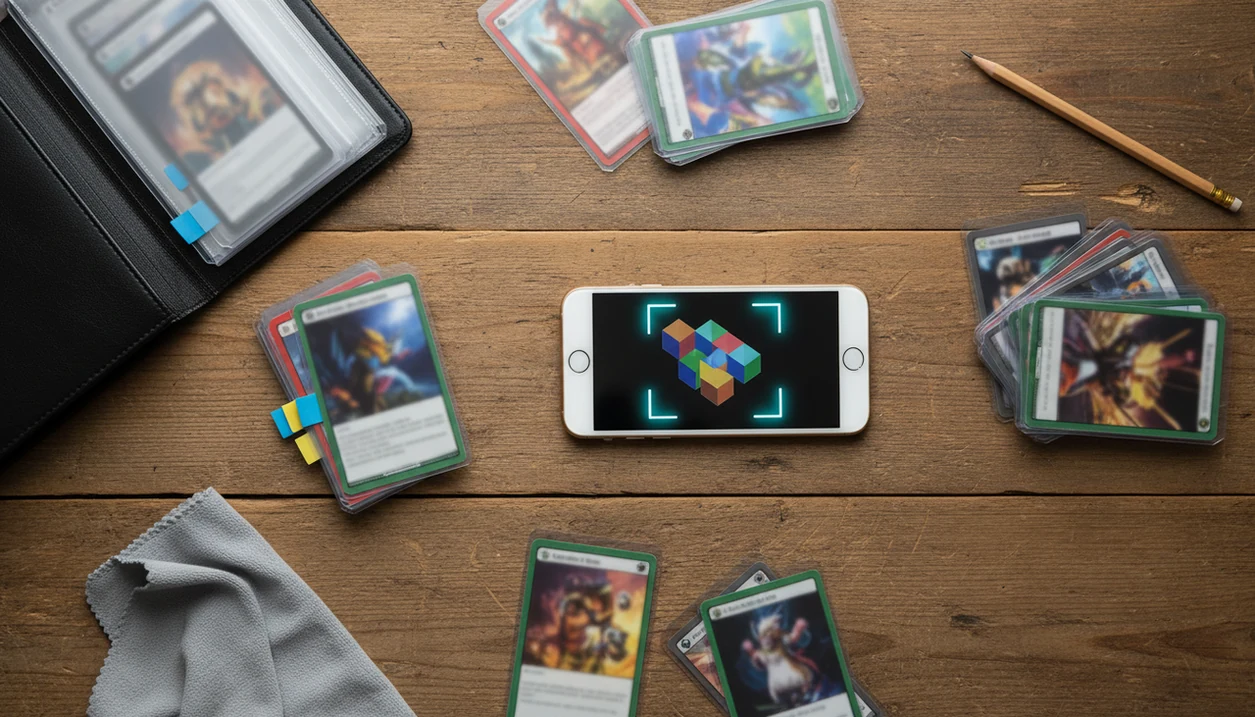
The best app to help sell pokemon cards is one that scans exact physical cards, checks recent market prices, and helps you turn a binder or box into a clean sell list. Use the app for identification, comps, and organization, then verify condition and high-value variants before you list.
> Pokemon Card Scanner is a pokemon card scanner app that identifies cards, checks market prices, and tracks collections for Pokémon TCG collectors.
For sellers, TCG Pocket App works best as a prep tool: scan the card, confirm the exact print, compare market signals, then build a cleaner sell list before posting anywhere.
- Scan cards first to identify the exact name, set, number, rarity, and variant before pricing.
- Use live market comps as pricing guidance, not a guaranteed sale price.
- Export or group cards into sell-ready lists for eBay, TCGplayer, Facebook Marketplace, local buyers, or card shops.
How these apps look
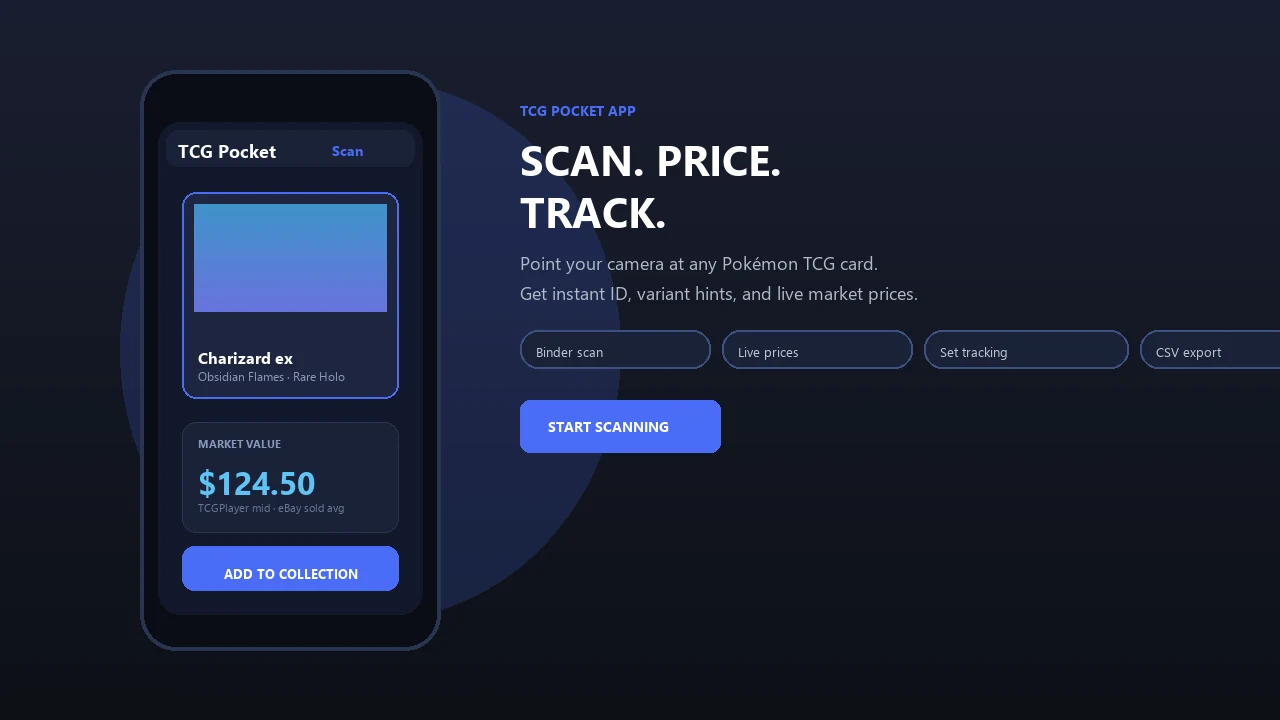
Side-by-side captures of the compared products. Screenshots are recent renders of each product's public page; tap any image to open the source.
What a Sell Pokemon Cards App Should Actually Do
A sell Pokemon cards app should help you identify, price, organize, and prepare cards for sale; it should not promise that a buyer will pay the displayed number. The useful job is listing preparation, not instant cash.
A practical app scans the card, checks the exact print, pulls market guidance, tags duplicates, and exports a sell list. That matters when a Charizard, Pikachu, or trainer card has several similar versions. The set number check in the lower-left corner often decides whether the price is ordinary or worth slowing down.
Physical Pokémon TCG resale tools are different from digital game apps. You are pricing cardboard condition, print version, language, and demand. Pokemon Card Scanner is a pokemon card scanner app that identifies cards, checks market prices, and tracks collections for Pokémon TCG collectors.
6 App Features for Pricing Pokemon Cards Before Selling
A good sell pokemon cards app should reduce lookup time while making seller checks easier to see. Mobile-first tools fit how people actually sort cards now, often from a couch, card-show table, or half-finished binder session.
| Feature | Why it matters | Seller caution |
|---|---|---|
| AI card scanner | Speeds up name, set, and number lookup | Glare can cause wrong matches |
| Live market prices | Shows recent demand signals | Not a guaranteed sale price |
| Collection manager | Keeps scanned cards in one place | Bad tags create messy exports |
| Duplicate grouping | Helps build lots quickly | Check variants before grouping |
| Exportable sell list | Moves cards into listing workflows | Review titles before posting |
| Manual verification | Catches expensive mistakes | Slower, but necessary |
Mobile commerce accounted for roughly 60% of global retail e-commerce sales in 2023, according to Statista (https://www.statista.com/statistics/806336/mobile-retail-commerce-share-worldwide/), so phone-based selling tools match normal resale behavior. For deeper sorting workflows, an app to help sort pokemon cards can be useful before pricing.
How an App To Help Sell Pokemon Cards Works
An app to help sell Pokemon cards works by turning a phone-camera image into a likely card match, then connecting that match to price data and collection records. The technical layer usually relies on image recognition, set metadata, and database lookup.
- The camera captures artwork, text, borders, set symbol, and collector number.
- Visual matching compares the image against known Pokémon TCG prints.
- Variant matching checks holo, reverse holo, promo, language, and special print clues.
- Market retrieval pulls recent sold-listing context or marketplace averages, not static guidebook numbers.
- The saved record can be tagged, grouped, compared, and exported for listing.
Ring-light glare bouncing off a reverse holo through a nine-pocket binder page can confuse recognition. So can sleeves, foreign-language text, unusual foils, and similar reprints. An AI-powered Pokémon TCG card scanner, live market prices, and a pocket-sized collection management app give faster prep, not a final appraisal.
Before You Start: What You Need to Price Pokemon Cards
Before you price Pokemon cards, set up a simple sorting station and a way to double-check the numbers an app gives you. Good light, clean handling, and a condition routine will prevent most early seller mistakes.
- Choose bright, indirect light so glare does not wash out holo patterns, text, or edge wear. A clean table or desk works better than a bed, carpet, or cluttered counter.
- Keep sleeves and binders nearby for anything that looks valuable, freshly pulled, or easy to scratch. Do not leave likely singles loose in a pile while you sort.
- Separate the stack first into obvious bulk, damaged cards, and cards that deserve a slower value check. This keeps low-value commons from interrupting high-value research.
- Open price references such as eBay sold listings, TCGplayer, or PriceCharting before you start scanning. App values make more sense when you can compare them against real market signals.
- Use a condition checklist for corners, edges, surface, centering, dents, bends, and whitening before trusting any displayed value.
6 Steps to Use a Sell Pokemon Cards App Before Listing
Use a sell Pokemon cards app in short, repeatable passes: scan, verify, price, tag, group, and export. For sellers with binders or bulk boxes, that workflow is usually easier than typing every card into separate marketplace searches.
- Scan each card in steady light, keeping the card flat inside the sleeve or binder pocket when possible.
- Confirm the exact print by checking the set symbol, collector number, rarity, language, and foil type.
- Check recent comps against sold-listing context, marketplace averages, and raw versus graded differences.
- Tag sell cards as singles, duplicates, bulk, damaged, or needs-review during the same session.
- Group lots or singles based on value, theme, set, duplicate count, and buyer demand.
- Export the list into a format you can adapt for eBay, TCGplayer, Facebook Marketplace, or a local buyer.
The plastic crinkle of a binder page is normal. Removing every sleeved card is not always necessary, but valuable cards deserve a second look.
Exact Print Checks That Prevent Pokemon Card Pricing Mistakes
“Why isn’t the card name enough to price my Pokémon card?” Because the same card name can appear across many sets, promos, languages, and foil treatments, with very different resale values.
Before trusting a price, check the set symbol, collector number, rarity, holo or reverse holo status, promo stamp, language, first edition mark, and special variant label. A scan may confuse two similar Pikachu prints until you verify the set symbol. That small pause can prevent a bad listing title.
Card name is only the beginning.
High-value cards, misprints, errors, graded cards, and foreign-language cards need extra manual review. For newer sellers, a pokemon card scanner for beginners can help explain why exact-print identification comes before pricing. For most sellers, exact print verification is more important than speed because one wrong variant can change the expected sale range.
Live Market Prices vs Inflated Pokemon Card App Values
Live market prices are useful when they reflect real buyer behavior, especially recent sold listings and marketplace averages. Inflated values usually come from active asking prices, thin data, or ignoring condition and fees.
| Price signal | What it tells you | Seller risk |
|---|---|---|
| Recent sold listings | What buyers actually paid | May include outliers |
| Marketplace averages | Current platform-level guidance | Can blur condition differences |
| Active listings | What sellers hope to get | Often higher than realistic sale prices |
| Asking prices | Public sticker price | Not proof of demand |
| Buylist offers | Fast-sale floor from shops | Usually lower than retail resale |
| Graded-card premiums | PSA, BGS, or CGC context | Not valid for raw cards |
The green sold-price filter on eBay is different from active asking prices. For source-checking, compare app prices against eBay's sold-item search guidance (https://www.ebay.com/help/selling/listings/listing-tips/finding-sold-items?id=4145) and TCGplayer's Market Price definition (https://help.tcgplayer.com/hc/en-us/articles/201357836-What-is-Market-Price). Platform fees, shipping, negotiation, and condition all reduce take-home value. Grand View Research estimated the global trading card games market at USD 7.8 billion in 2024 (https://www.grandviewresearch.com/industry-analysis/trading-card-games-market-report), but broad category demand does not make every individual card liquid.
4 Common Myths About Apps To Sell Pokemon Cards
Seller myths usually start when an app number gets treated like a cash offer. The safer habit is to scan, verify, log, compare, then decide how to list.
Myth 1: The app price is guaranteed. App prices are estimates based on available market data. Your realized price depends on condition, demand, timing, platform, and buyer trust.
Myth 2: Apps can perfectly judge condition. Most apps cannot reliably see whitening, dents, centering, surface scratches, or edge wear. A whitened edge under a desk lamp still needs human eyes.
Myth 3: Every valuable-looking card sells quickly. Some cards sit because demand is narrow or the listing photos are weak. Price cards before selling, then adjust if buyers ignore them.
Myth 4: Apps replace basic card knowledge. They help, but set, rarity, variant, and grading basics still matter. A pokemon card scanner for resellers is most useful when paired with manual comp checks.
Sale-Ready Pokemon Card List Checks Before You Post
A sale-ready list should be accurate enough that a buyer can understand exactly what is included without guessing. Treat app exports as a starting point, not a substitute for honest listing details.
Before posting, check:
- Listing title includes card name, set, number, variant, and language.
- Photos show front, back, corners, surface, and any damage.
- Condition notes mention whitening, dents, scratches, bends, or edge wear.
- Pricing range reflects sold comps, not only active listings.
- Shipping cost, platform fees, and packaging are included in your math.
- Lot contents match the exported list, especially duplicates and variants.
Sell strong singles individually when the value justifies photos, packing, and messages. Group lower-value cards into lots by set, type, rarity, or character. Local cash buyers, card shops, marketplaces, and online platforms may pay different amounts for the same stack.
Limitations
Scanner apps are useful selling tools, but they do not remove the need for seller judgment. The condition caveat is real, especially when money is on the line.
- AI scanning can misread cards with glare, sleeves, foreign languages, unusual foils, or similar reprints.
- App prices are estimates and are not guaranteed sale prices.
- Apps cannot reliably judge subtle condition issues like whitening, dents, centering, surface scratches, or edge wear.
- Third-party price feeds can lag behind sudden market moves, new releases, or low-volume sales.
- Rare errors, misprints, graded cards, and very high-value cards need manual research or expert review.
- Platform fees, shipping, local demand, taxes, and negotiation can reduce the realized sale price.
- Raw versus graded comparisons can mislead sellers if a PSA 10 comp is applied to an ungraded card.
- Binder scans can miss corner damage hidden behind a plastic seam.
Use the app result as a starting point, not the final word.
FAQ
What app can price Pokemon cards?
Scanner and collection apps can estimate Pokémon card values by identifying the card and matching it to market data. Tools like TCG Pocket App, tcgplayer.com, and pricecharting.com can support price research.
Can I scan Pokemon cards with my phone?
Yes, many apps let you scan physical Pokémon TCG cards with a phone camera. You should still verify the set number, variant, and condition before selling.
Are Pokemon card app values accurate?
Pokemon card app values are estimates, not guaranteed sale prices. Accuracy depends on the card match, market data, condition, and platform used.
How do I price my Pokemon cards before selling?
Identify the exact print, check recent sold comps, adjust for condition, and account for fees and shipping. Valuable cards need extra manual verification.
Where can I sell Pokemon cards?
Common options include eBay, TCGplayer, Facebook Marketplace, local card shops, card shows, and private buyers. Each channel has different fees, speed, and buyer expectations.
Should I sell Pokemon cards as singles or lots?
Sell higher-value or in-demand cards as singles when the effort is worth it. Group bulk, duplicates, and lower-value cards into lots.
Can apps grade Pokemon cards?
Apps may help record rough condition notes, but they do not replace professional grading. PSA, BGS, and CGC grading require separate submission processes.
Do Pokemon card app prices include seller fees?
Displayed app prices may not include platform fees, shipping, taxes, or negotiation. Calculate your expected net before choosing a listing price.
Which Pokemon cards need manual checks before selling?
High-value cards, graded cards, errors, misprints, promos, foreign-language cards, and unusual variants need manual checks. TCG Pocket App can help organize them, but verification is still required.
Get started with App To Help Sell Pokemon Cards on iOS.