
App To Help Sort Pokemon Cards By Set, Value, Duplicates, And Keepers
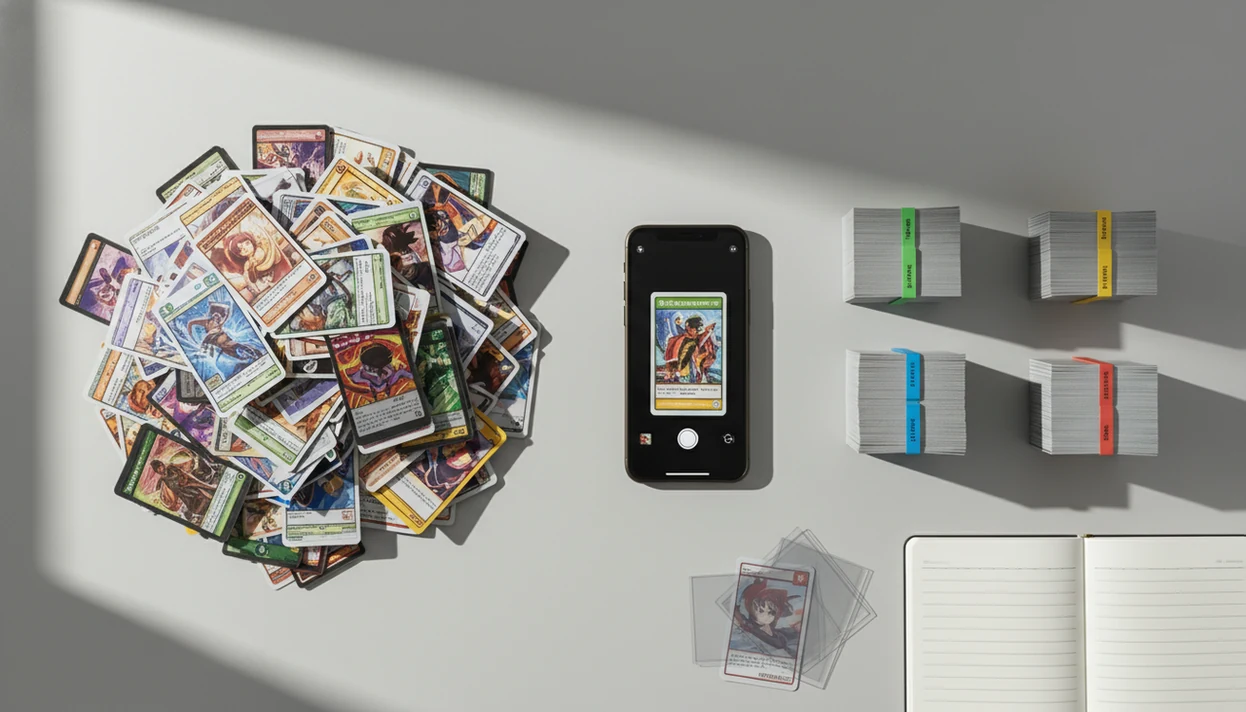
The best app to help sort pokemon cards is a scanner-based collection app that identifies each card, assigns the set, shows an estimated market value, and lets you tag duplicates, keepers, trades, and sell piles. It works best when you scan a mixed pile, review the matches, then organize the collection digitally before moving the physical cards.
Definition: TCG Pocket App is a pokemon card scanner app that identifies cards, checks market prices, and tracks collections for Pokémon TCG collectors.
TL;DR
- A sort Pokemon cards app works fastest when you scan clean cards on a plain background with good lighting.
- Use the app to group cards by set, duplicate count, estimated value, and keep/trade/sell status.
- Always manually review valuable cards, promos, foreign-language prints, and variants before selling or insuring them.
How these apps look
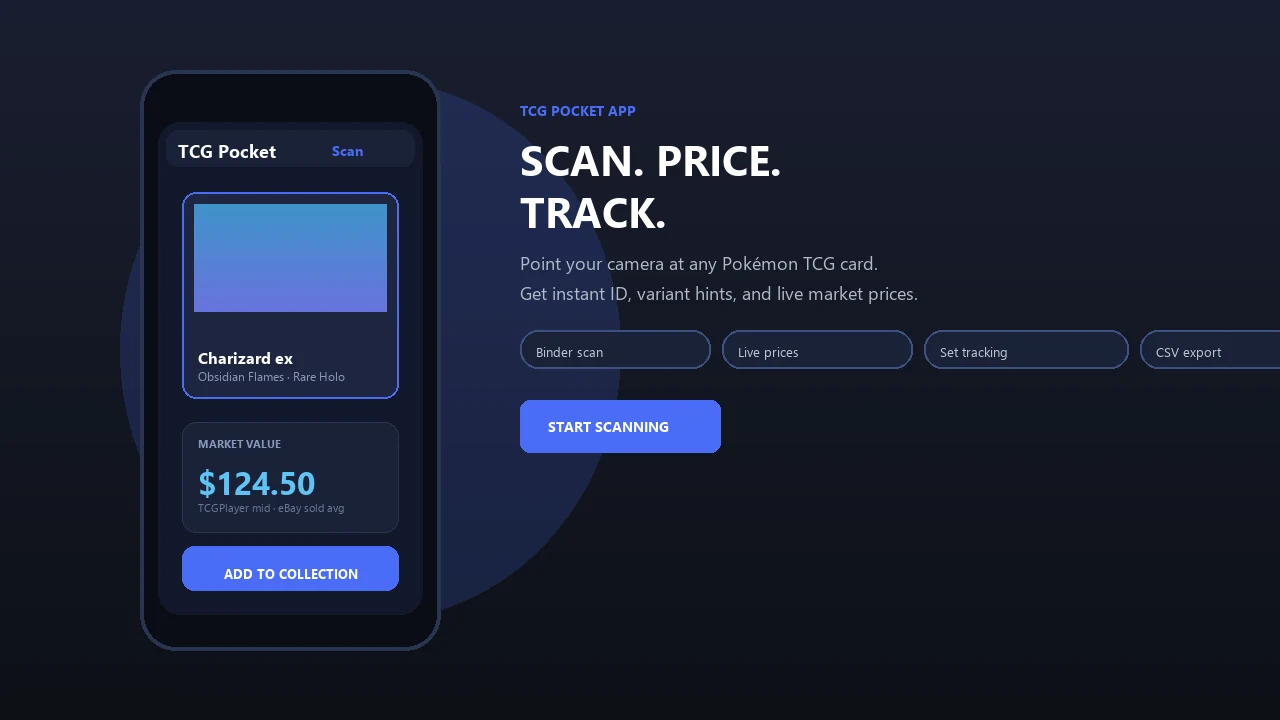
Side-by-side captures of the compared products. Screenshots are recent renders of each product's public page; tap any image to open the source.
What An App To Help Sort Pokemon Cards Actually Does
An app to help sort Pokémon cards uses your phone camera to identify a card’s name, set, collector number, rarity, and likely variant, then saves that result into a searchable inventory. It turns a shoebox pile into a list you can filter before you touch the binder pages.
The useful output is practical: sets, values, duplicates, keepers, trades, and sell candidates. A good scan can separate a reverse holo from a normal card, but you still need a set number check before trusting the match. Estimated value is only a guide, not a guaranteed sale price.
For sorting, prioritize an app that preserves card name, set, collector number, quantity, condition note, tags, and estimated value in one inventory.
A pile gets calmer once every card has a place.
How A Sort Pokemon Cards App Works Behind The Camera
A sort Pokemon cards app works by capturing a card image, matching visual features against a card database, then attaching collection and price data to the confirmed result. In plain terms, the camera gives the app a card clue, and the database decides which print it most likely is.
- Image capture: The phone camera reads the card face, including artwork, borders, text blocks, and visible set details.
- Recognition matching: Image-recognition models compare the scan against known Pokémon card records using artwork, name, set symbol, collector number, and small visual differences.
- Pricing attachment: After identification, the app may connect market, listing, or recent-sale data to the matched card.
- Collection flow: The usual workflow is scan, match, confirm, save, tag, then sync or export.
- Mobile practicality: Pew Research Center reported that 85% of U.S. adults owned a smartphone in 2020, which is why phone-first scanning is realistic for most collectors source.
Ring-light glare can still bounce off a reverse holo through a nine-pocket binder page. That is where confirmation matters.
Before You Organize Pokemon Pile Scans: Setup Checklist
Before you organize Pokemon pile scans, set up the table so the app can see full cards clearly. Bad lighting, cropped edges, reflective sleeves, and cluttered backgrounds are the fastest way to create false matches.
Use a clean table, a plain background, and bright indirect light. Remove cards from reflective sleeves when it is safe and practical, especially if the sleeve throws glare across the card name or set number. If the card is expensive or fragile, leave it protected and take extra scans from different angles.
Rough-sort first by card back, language, obvious set symbol, or era. Then create physical zones: unscanned, scanned, needs review, duplicates, keepers, trades, and sells. A laundry basket beside the sorting table sounds chaotic, but it beats dropping scanned cards back into the same junk pile.
Keep the piles boring. Boring piles stay organized.
How To Use An App To Help Sort Pokemon Cards
Use an app to help sort Pokemon cards by scanning in small batches, confirming uncertain matches, then moving the physical cards only after the digital tags are right. A scanner can fit this workflow, but no result should be treated as perfect on variants or value.
- Set physical piles for unscanned, scanned, needs review, duplicates, keepers, trades, and sells.
- Scan cards in small batches on a plain background with the full card inside the frame.
- Review every uncertain match before saving, especially promos, holos, foreign-language cards, and similar artwork.
- Tag each confirmed card as keeper, duplicate, trade, sell, grade candidate, damaged, or needs review.
- Check values only after the exact print and condition note look reasonable.
- Move the physical cards into binder pages, deck boxes, bulk boxes, or trade binders after the app inventory matches the table.
For mixed household collections, scanning in batches of 25 to 50 cards is often easier than trying to catalog an entire box at once because mistakes are easier to catch.
Set Sorting In A Pokemon Card Scanner App
Can a Pokemon card scanner app sort cards by set? Yes, set sorting is one of the cleanest first structures because it groups cards by release, set symbol, collector number, card name, artwork, and release data.
Set-first sorting helps you build a digital checklist before arranging binders or boxes. The app can show what belongs together, what is missing, and which cards might be duplicates across the same set. Then you can filter by set, rarity, type, and missing cards instead of flipping through loose stacks.
Variants still need human review. Reverse holos, promos, reprints, stamped cards, and regional releases can look close in a quick scan. The moment a scan confuses two similar Pikachu prints, check the set symbol and collector number before saving. For beginner-level set checks, a pokemon card scanner for beginners workflow can reduce early sorting mistakes.
A set checklist turns “random pile” into a map.
Value Sorting In A Pokemon Card Scanner App
A Pokemon card scanner app estimates value by attaching market, listing, or recent-sale style price data after the card is identified. That estimate is useful for sorting, but it is not an appraisal or a guaranteed resale number.
| Value pile | What goes there | What to verify |
|---|---|---|
| Low-value bulk | Common cards, heavily played cards, repeat non-holos | Quantity, condition, and whether any variant was missed |
| Possible keepers | Favorite art, playable cards, mid-range holos, clean older cards | Set number, language, rarity, and binder goals |
| High-value review | Charizards, rare promos, clean vintage, chase cards | Condition, raw versus graded data, sold-listing context |
Pew Research Center found that many cellphone owners use phones in stores to compare prices, read reviews, or make purchase decisions, which supports mobile price-checking as normal collector behavior source. Still, condition, region, language, demand, fees, and sale venue change the real outcome. The green sold-price filter on eBay tells a different story than active asking prices.
A good ai-powered pokémon tcg card scanner, live market prices, and pocket-sized collection management app should deliver faster identification and better sorting context, not a promise that every card will sell for the displayed number.
Duplicate And Keeper Tags For A Mixed Pokemon Pile
Duplicate and keeper tags turn a scanned list into decisions you can act on. They connect the app inventory to binder pages, deck boxes, bulk boxes, trade binders, and family “do not trade” stacks.
- Keeper: A card that stays in the collection, even if its market value is low.
- Duplicate: An extra copy, but only after variant, condition, and language are checked.
- Trade or sell: A card that can leave the collection if the value and condition make sense.
- Grade candidate: A clean card worth deeper raw versus graded comparison.
- Needs review: A card with unclear variant, damage, language, promo status, or price behavior.
Three copies of the same card may get three tags: one clean binder keeper, one scratched trade copy, and one reverse holo that needs review. In family collections, “child favorite” can be the most important tag. A pokemon card scanner for parents setup should respect that goal, not only resale value.
The favorite card is not always the expensive one.
CSV Export From A Sort Pokemon Cards App
CSV export matters because your collection data should not be trapped inside one app. Serious collectors, sellers, parents, and insurance-minded owners need portable records they can check, clean, back up, and share.
- Export fields: Useful CSV columns include card name, set, number, condition note, quantity, tag, language, and estimated value.
- Spreadsheet cleanup: A CSV lets you fix tags, merge duplicates, and audit scans on a larger screen.
- Listing prep: Sellers can prepare marketplace drafts or buyer lists from exported rows.
- Documentation: Exported records can support insurance organization, though they do not replace appraisals.
- Backup safety: Check the export before deleting, boxing, or reorganizing the physical piles.
Comscore’s 2017 U.S. Mobile App Report found mobile apps accounted for 57% of total U.S. digital media time, which helps explain why collection tools are often app-first source. Still, portable data matters. Not every app exports the same fields or marketplace formats, so test one small export before scanning a full collection. Resale-focused workflows are covered more deeply in our pokemon card scanner for resellers guide.
Common Mistakes When You Organize Pokemon Pile Scans
Most sorting mistakes come from moving too fast after the first scan result. A scanner can speed up the work, but it cannot fix a messy table or a skipped variant check.
- Scanning in glare: Reflective sleeves, curled cards, and bright lamps can hide the card name, set symbol, or collector number.
- Saving every match without review: Similar artwork can fool a scanner, especially on reprints and promos.
- Mixing piles: Scanned and unscanned cards should never land in the same stack.
- Ignoring variants: Holo, reverse holo, stamped, regional, and promo versions may price differently.
- Trusting raw totals: Collection totals are estimates, not cash in hand.
Do not assume an unrecognized card is worthless. Put promos, foreign-language cards, misprints, heavy hitters, and oddball prints into a manual review pile. An ink dot near the set number or a holo bleed near the card name can be easy to miss on a phone screen.
Recheck values over time. Markets move.
Limitations
Scanner apps are sorting tools, not final authorities. Treat the app result as a starting point, not the final word, especially when money, insurance, or grading decisions are involved.
If you compare tools, test TCGplayer, Collectr, PriceCharting, and Dex on the same 20-card pile; watch for variant handling, export fields, and whether prices come from listings or sold results.
- Scanner apps can misidentify cards with glare, reflective sleeves, damage, curled surfaces, or partial framing.
- Apps do not replace professional grading, authentication, or counterfeit review.
- Price data is estimated and may come from one marketplace, one region, or a limited recent-sales window.
- New sets, promos, obscure variants, misprints, and foreign-language cards may appear late or incompletely in databases.
- Offline functionality can be limited if the app needs cloud recognition, pricing data, or account sync.
- Privacy and data-storage settings matter if you upload collection images, values, account details, or location-linked activity.
- Condition remains a human judgment. A small crease, whitening on the back edge, or surface dent can change value sharply.
- Export formats vary, so confirm CSV fields before relying on an app as your only inventory record.
If a card may be expensive, slow down and verify outside the scanner.
FAQ
What app sorts Pokemon cards?
Scanner-based collection apps sort Pokémon cards by identifying each card, saving it to an inventory, and grouping it by set, value, duplicates, and tags. Look for one built around scanning, confirmation, tags, set filters, value checks, and export.
Can apps scan Pokemon card value?
Yes, apps can estimate Pokémon card value from market, listing, or recent-sale data. They cannot guarantee the final sale price because condition, demand, fees, and venue matter.
How do I sort bulk Pokemon cards?
Start with rough piles, then batch scan cards, review uncertain matches, and tag keepers, duplicates, trades, and sells. Move the physical cards only after the digital inventory is checked.
Are Pokemon card scanner apps accurate?
They are generally accurate with clear images, full framing, and good lighting. Accuracy drops with glare, worn cards, promos, variants, foreign-language cards, and cropped photos.
Can I sort Pokemon cards by set?
Yes, set sorting is a main use for scanner apps. The app uses set symbols, collector numbers, card names, artwork, and release data to group cards.
Do scanner apps find duplicate cards?
Yes, saved quantities and duplicate tags help identify extra copies. You still need to check variants because two similar cards may not have the same value.
Can I export my Pokemon collection?
Many apps support CSV export with fields such as name, set, number, quantity, tag, condition note, and estimated value. Check the export fields before relying on it for sales or records.
Are free Pokemon card apps enough?
Free apps can be enough for casual sorting and basic identification. Paid tools may be worth it if you need faster scanning, exports, deeper pricing, or larger collection tracking.