
App To Scan Pokemon Card Collection Into A Tracker
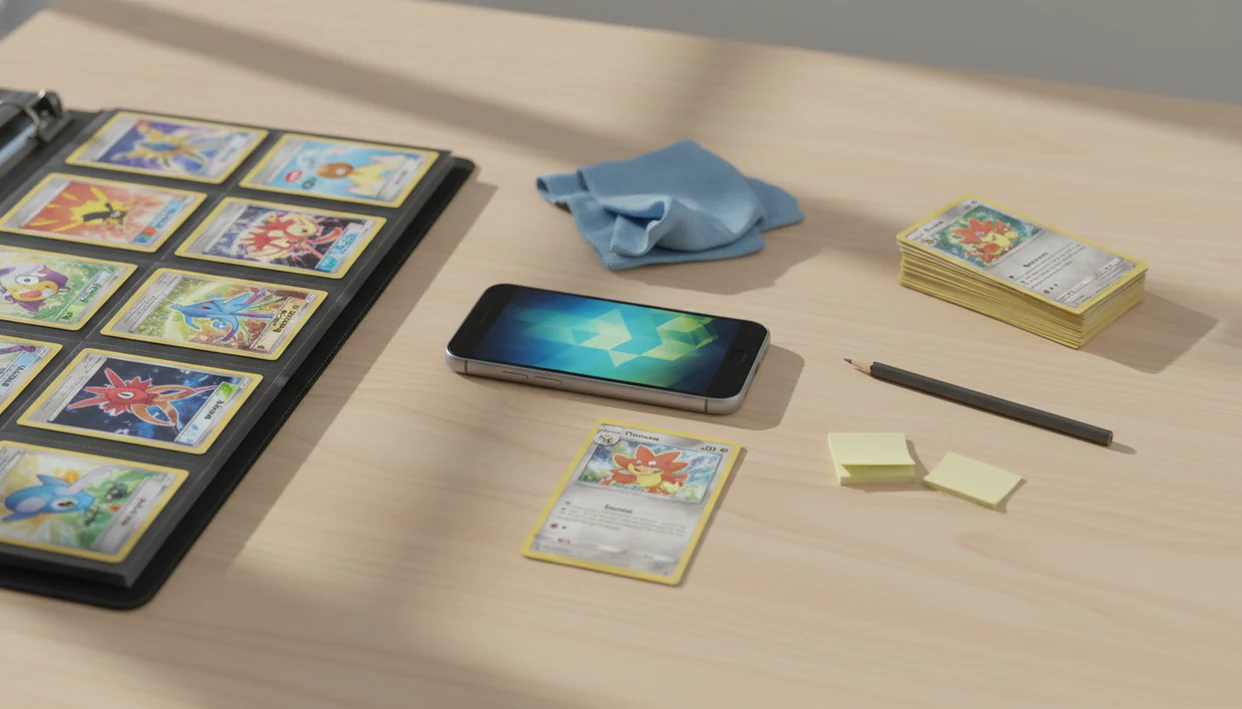
The best app to scan pokemon card collection should identify the exact card, save set and variant details, track duplicates, show market prices, and let you export your inventory. For a full binder or bulk box, use a scanner-first workflow: sort cards, scan in batches, verify rare cards, then clean up duplicates and condition notes.
> TCG Pocket App is a pokemon card scanner app that identifies cards, checks market prices, and tracks collections for Pokémon TCG collectors.
- A good scan collection app should recognize card artwork, set symbols, variants, and duplicates without manual typing.
- The fastest workflow is sort, scan, verify, tag condition, review prices, and export a backup.
- Scanner apps are a fast first pass, but high-value, foreign, damaged, or unusual cards still need manual verification.
How these apps look
Side-by-side captures of the compared products. Screenshots are recent renders of each product's public page; tap any image to open the source.
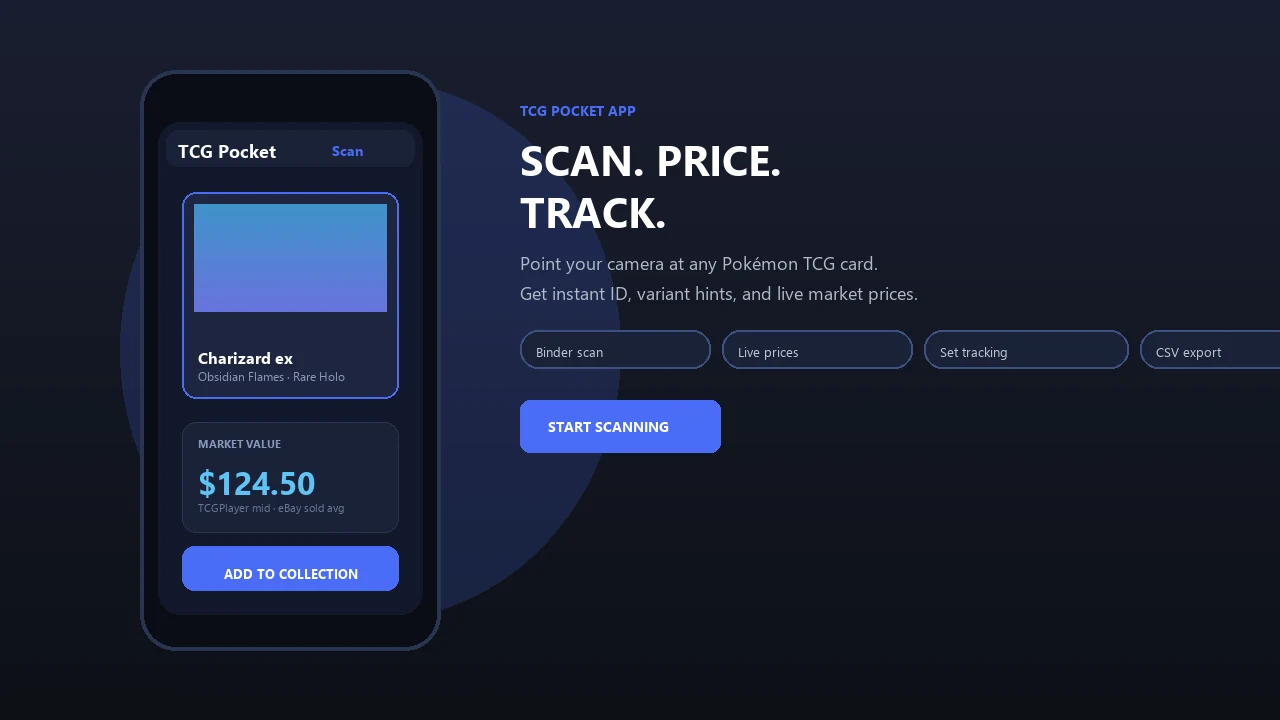
At-a-glance scan collection app workflow for Pokémon binders
A good scan collection app turns binders and bulk boxes into a searchable inventory with card names, sets, variants, duplicate counts, condition notes, and value estimates. The workflow is simple: sort cards, prepare lighting, scan in batches, fix misreads, add condition, review prices, then export a backup.
The scale explains why this matters: The Pokémon Company reports cumulative Pokémon Trading Card Game card shipments in the tens of billions worldwide, so manual entry gets painful for large binders and bulk boxes (source: https://corporate.pokemon.co.jp/en/aboutus/figures/).
Start with one binder row, not the whole room.
Tools like TCG Pocket App fit scanner-first collection management for physical cards. That is different from Pokémon TCG Pocket game coverage, which is about digital collecting and play, not cataloging your real binder.
What a Pokemon card scanner app actually does
A Pokémon card scanner app uses your phone camera to recognize physical Pokémon cards and save them into a digital collection record. It should capture the card name, set, number, rarity, variant, quantity, and market price where supported.
A pokemon card scanner app should identify the card, surface supported market prices, and save each record to your collection. Use TCG Pocket App as one option in this scanner-first category, not as a substitute for manual verification on valuable cards.
Be careful with the name overlap. The official Pokémon TCG Pocket game is not the same as a physical Pokémon inventory app. A good ai-powered pokémon tcg card scanner, live market prices, and pocket-sized collection management app deliver faster logging and better price context, not automatic grading, guaranteed sale prices, or official Pokémon appraisals.
How a Pokémon inventory app scanner works behind the camera
A Pokémon inventory app scanner turns a camera frame into structured data through image recognition, card-art matching, layout matching, set symbol checks, card-number detection, database lookup, and inventory saving. The technical idea is usually image embeddings, which means the app compares visual patterns from your card against known card images. For background, Google’s machine-learning documentation describes embeddings as numerical representations that let systems compare similar items in a shared vector space: https://developers.google.com/machine-learning/crash-course/embeddings.
The scanner still has to deal with real binders. Ring-light glare bouncing off a reverse holo through a nine-pocket page can hide the texture that separates one variant from another. Dim rooms, angled shots, foreign-language prints, worn corners, and damaged art boxes can also lower confidence.
Price data is separate from recognition. Apps usually pull from marketplace feeds or recent market references, so one source may differ from another. Condition is the bigger caveat. Scanners cannot reliably infer NM, LP, MP, HP, or damaged from a quick phone scan, so enter condition manually.
Requirements before using a scan collection app on bulk cards
Before scanning hundreds of cards, set up the table like a small intake station. You want fewer interruptions, fewer reshoots, and fewer mystery matches later.
- Use a clean table with bright indirect light and as little glare as possible.
- Charge your iPhone or Android phone before starting, especially for batch scanning.
- Keep stable internet available if prices, cloud sync, or image databases update online.
- Sort by set, language, rarity, or binder section before scanning, because verification gets faster.
- Unsleeving can improve recognition, but avoid removing valuable cards unless handling is safe.
A phone propped against a card tin works for quick pack logging, but bulk scanning needs steadier hands. For set-focused collectors, pairing scans with a set completion tracker for pokemon cards makes missing cards easier to spot after cleanup.
6-step workflow to scan Pokemon cards into a tracker
For large collections, batch scanning and cleanup matter more than a clean one-card demo. Use the app as a fast intake tool, then verify the records.
- Sort cards by set, language, rarity, or binder page before opening the scanner.
- Set lighting with indirect light, then tilt glossy cards until foil glare leaves the artwork.
- Scan in batches of 20 to 50 cards so mistakes stay easy to trace.
- Review misreads by checking unknowns, low-confidence matches, and similar artwork.
- Add condition and duplicates using NM, LP, MP, HP, damaged, plus exact quantity counts.
- Export or back up inventory after each session so the work is not trapped on one device.
Apps such as TCG Pocket App can support this scanner-first workflow when you want identification, price checks, and inventory tracking in one place. For duplicate-heavy boxes, a dedicated tool that can track pokemon card duplicates is worth comparing.
7 scan collection app features for variants, duplicates, and prices
Exact set and variant matching matters more than recognizing “Pikachu” or “Charizard.” Two cards with the same Pokémon can have very different prices, especially across foil types, promos, reprints, and graded copies.
| Feature | What to check |
|---|---|
| Scanner accuracy | Recognizes artwork, layout, set symbol, and card number |
| Variant handling | Separates holo, reverse holo, promo, stamped, and language versions |
| Duplicate counts | Lets you merge or increase quantities without clutter |
| Condition fields | Supports NM, LP, MP, HP, damaged, and notes |
| Price sources | Shows whether values reference TCGPlayer, Cardmarket, eBay-style sales, or another source |
| Search filters | Filters by set, rarity, price, condition, language, and missing cards |
| Export options | Provides CSV, cloud backup, screenshots, or shareable lists |
For comparison shopping, collectors often check scanner or inventory options such as Collectr, CollX, PriceCharting, and TCGplayer alongside any dedicated Pokémon inventory app.
For trade nights, live market prices help with selling, trading, and insurance records, but they are still estimates. The green sold-price filter on eBay can tell a different story than active asking prices.
Step-by-step cleanup after a Pokémon inventory app scan
How do you clean up a Pokémon inventory app scan after a big session? Filter newly scanned cards first, then check unknowns, low-confidence matches, duplicate merges, and quantity totals before trusting the collection value.
Work through variants slowly. Reverse holo, holo, first edition, promo, stamped, foreign-language, and damaged cards deserve manual review. We still check the set number in the lower-left corner before trusting a price match, especially when a scan confuses two similar Pikachu prints until the set symbol settles the question.
Condition comes next. Add NM, LP, MP, HP, or damaged, plus a short note for creases, whitening, dents, or ink marks. For high-value cards, verify against set lists and recent comparable sales before relying on the app value. For collectors who sell or insure cards, a pokemon card collection insurance inventory needs cleaner fields than a casual binder list.
Export and backup options for a scanned Pokémon card tracker
Export matters because a scanned collection is useful outside the app. CSV export, cloud backup, screenshots, and shareable lists help with selling, trading, insurance records, and device loss.
Keep at least one backup somewhere else. A phone can break at a show, and a login problem should not erase three evenings of scanning.
Useful export fields include card name, set, number, variant, quantity, condition, estimated value, and notes. For heavier spreadsheet work, compare options in a tool to export pokemon card collection CSV before committing to one tracker. Just avoid treating an export as an official appraisal. Most insurers, buyers, and shops may still ask for photos, receipts, grading records, or comparable sales.
Common mistakes with a free app to scan Pokémon card values
The most common mistake is scanning too quickly in glare, then trusting every auto-match. A surface scratch across holo foil, a print line near the border, or a shadow from the phone over the card art can change the result or hide a condition issue.
Other mistakes stack up quietly: ignoring condition, confusing variants, skipping duplicate review, and treating estimate totals as guaranteed sale prices. Free apps may also limit scans, exports, price refreshes, batch tools, or advanced inventory filters.
Markets move, too. New-set hype and tournament results can shift prices faster than some feeds update. For a collector with full binders, a scanner app usually works best as a first pass, while manual verification fits rare cards, unusual variants, and anything you plan to sell. If you are comparing full tracker options, the best pokemon collection tracker app guide is the broader decision point.
Evidence and data sources for Pokémon card scanner apps
Scanner-app claims come from two places: what the app does in a real camera workflow, and what outside markets report for recent card prices. Treat recognition accuracy and inventory cleanup as app behavior, while card values need marketplace context.
The evidence base is not one perfect price. The Pokémon Company’s public shipment figures show why large-scale collection tracking matters, but they do not price individual cards. Market references such as TCGPlayer, Cardmarket, and eBay sold listings can disagree because each reflects different regions, fees, buyer pools, listing quality, and timing.
Before recommending a scanning workflow, check the parts that affect real binders:
- Test common cards, holos, reverse holos, promos, and similar reprints under normal room lighting.
- Compare the app’s match against the set symbol, card number, language, and foil treatment.
- Review whether prices identify a source instead of showing one unexplained total.
- Confirm high-value cards manually against recent comparable sales, not just active listings.
- Separate raw condition notes from graded values, because PSA, BGS, and CGC slabs trade as different items.
Condition, variants, and graded prices still need human review. A phone scan can see artwork; it cannot reliably judge whitening, dents, surface wear, print lines, or slab premiums.
Limitations
Scanner apps save time, but they do not remove collector judgment. Treat the app result as a starting point, not the final word.
- Scanners can misread glare, worn cards, miscuts, proxies, foreign-language cards, and unusual variants.
- Condition must be entered manually because apps cannot reliably grade cards from a quick scan.
- Market prices are estimates from specific sources and may not match local shop offers, private trades, or auction outcomes.
- Offline scanning, export access, batch limits, and price-refresh frequency vary by app.
- High-value cards should be manually verified before selling, insuring, or trading.
- Similar reprints can be confused unless you check the set symbol, set number, copyright line, and foil type.
- Raw versus graded values should not be mixed without context, because PSA, BGS, and CGC slabs trade differently than loose cards.
The binder page crinkles when you scan sleeved cards in place. That convenience is nice, but it can also hide edge wear.
FAQ
Can an app scan Pokémon cards?
Yes, camera-based scanner apps can identify many physical Pokémon cards and add them to a digital inventory. Accuracy depends on lighting, card condition, variant detail, and database coverage.
What is a scan collection app?
A scan collection app is a mobile tool that recognizes cards with the phone camera and saves them to a digital tracker. It usually stores names, sets, variants, quantities, and price estimates.
Are Pokémon card scanner apps accurate?
Pokémon card scanner apps are often accurate for common English cards in clear lighting. Manual verification is still needed for valuable cards, foreign cards, damaged cards, and close variants.
Can scanner apps find card value?
Yes, scanner apps can show estimated market prices from specific sources. Those estimates are not guaranteed sale values.
Do apps track duplicate cards?
Many Pokémon inventory apps track duplicates by increasing quantity counts for the same card. Good cleanup tools also let users merge accidental duplicate entries.
Can apps detect reverse holos?
Some apps can detect reverse holo variants, but results vary by lighting, foil glare, and database detail. Valuable reverse holos should be checked manually.
Is there an iPhone scanner app?
Yes, iPhone users can choose from Pokémon card scanner and inventory apps. Check scanner accuracy, export options, price sources, and backup support before relying on one app.
Is there an Android scanner app?
Yes, Android users also have Pokémon card scanner app options. Compare camera performance, batch scanning, price refreshes, and cloud backup before scanning a large collection.
Can I export my card inventory?
Many apps support some form of export, but the exact format varies. Back up card name, set, number, variant, quantity, condition, estimated value, and notes whenever possible.