
Tool To Export Pokémon Card Collection CSV Files
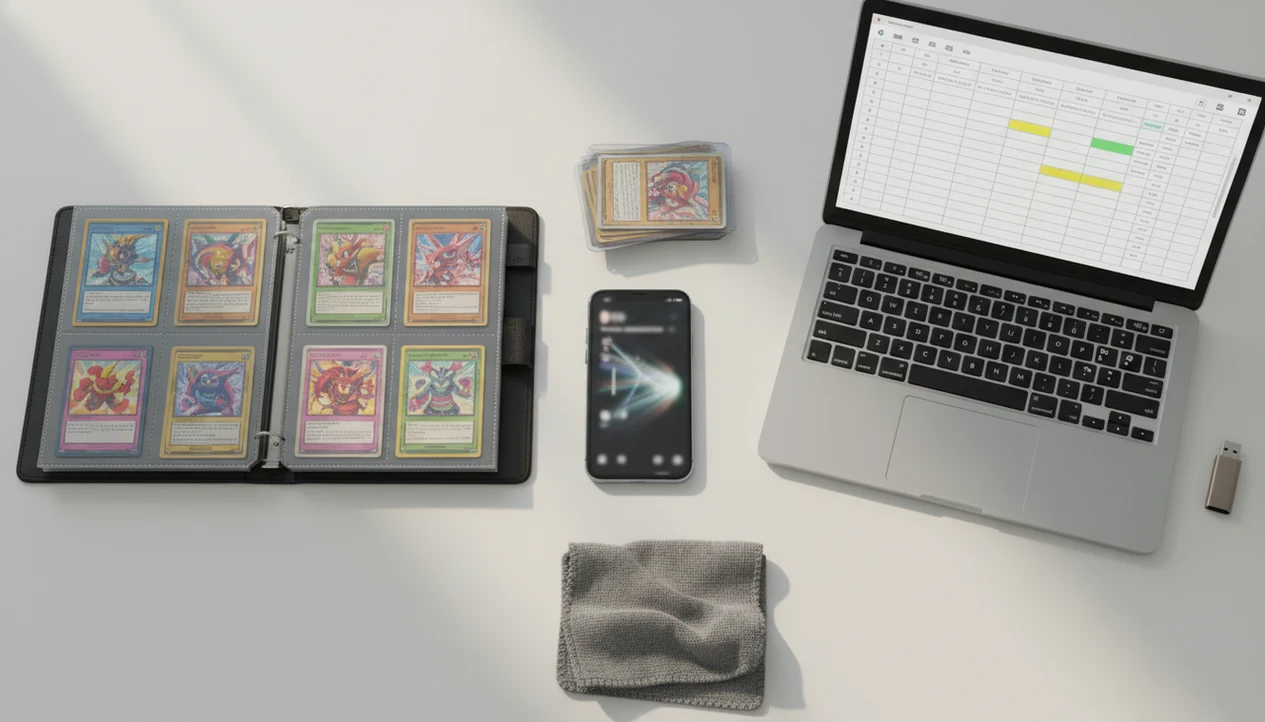
A tool to export pokemon card collection CSV files turns your scanned Pokémon TCG inventory into a spreadsheet you can back up, sort, value, and share. In TCG Pocket App, the goal is to move from binder scanning to a usable CSV record for insurance, selling, collection tracking, and Google Sheets or Excel workflows.
> TCG Pocket App is a pokemon card scanner app that identifies cards, checks market prices, and tracks collections for Pokémon TCG collectors.
- A useful Pokémon collection CSV export should include card name, set, number, rarity, condition, quantity, and market value fields.
- CSV files are useful for backups, insurance records, selling lists, spreadsheet analysis, and wantlists.
- Always review scanner results before exporting because card variants, set symbols, and conditions can affect value.
How tool to export pokemon card collection csv files look
Side-by-side captures of the compared products. Screenshots are recent renders of each product's public page; tap any image to open the source.
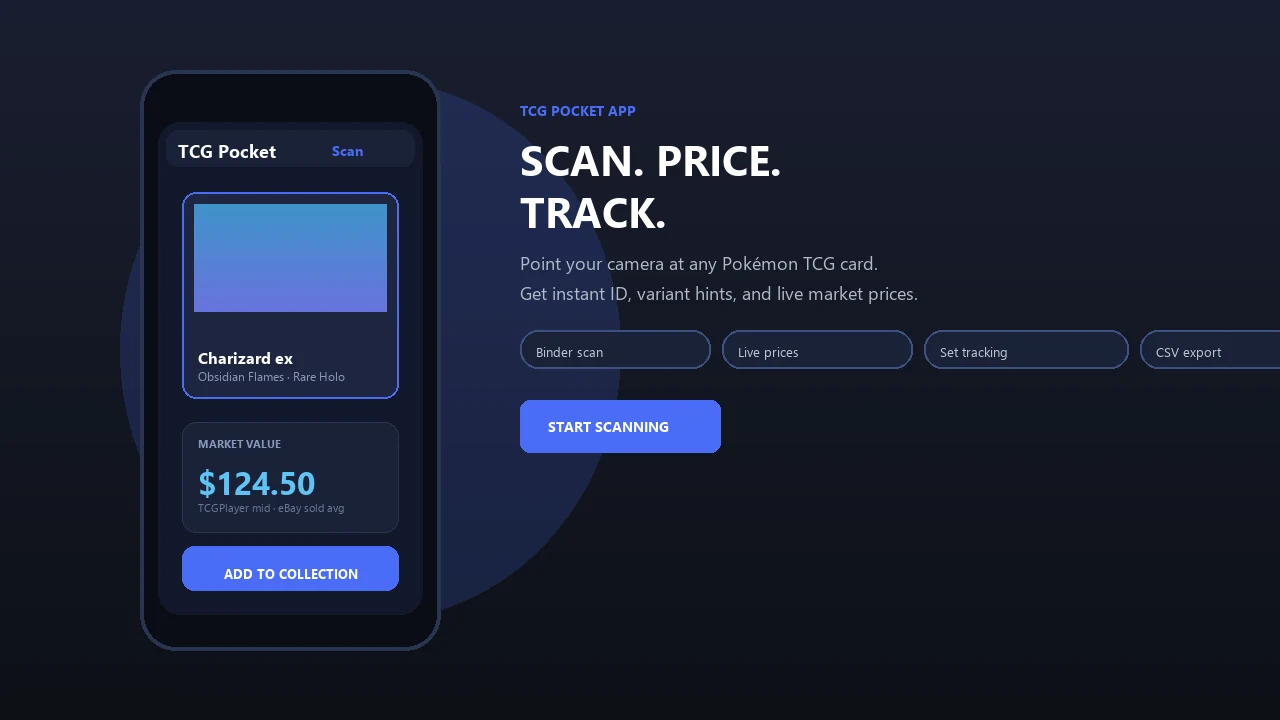
How a tool to export Pokémon card collection CSV files works
A Pokémon card CSV export turns each scanned or manually logged card into one spreadsheet row. Each row usually has columns for card name, set, card number, quantity, condition, and market price.
CSV means “comma-separated values,” a flat text format that opens in Excel, Google Sheets, Apple Numbers, and many inventory tools. The useful part is boring on purpose. Plain rows travel well. TCG Pocket App uses scanning to speed up entry, then the collector still reviews the variant match before treating the file as a record.
Ring-light glare can bounce off a reverse holo through a nine-pocket page. That is exactly when a set number check matters. AI-powered Pokémon TCG card scanners, live market prices, and pocket-sized collection management apps deliver faster inventory records, not automatic appraisal certainty.
Five facts about Pokémon collection CSV export files
- A proper Pokémon collection CSV export includes card name, set or expansion, card number, rarity, condition, quantity owned, and optional market price.
- Most exports start from a collection screen, share menu, settings menu, or export option inside the collection manager.
- Missing cards can be represented with a quantity field such as `NumberOwned = 0`, which helps filter wantlists.
- CSV files can power pivot tables, charts, filters, and total value summaries by set, rarity, condition, or quantity.
- Dated exports help document ownership after purchases, trades, grading returns, or major pulls.
For collectors comparing apps, a scan-first workflow fits best when you want card identification first and spreadsheet cleanup second. Our broader best pokemon collection tracker app guide covers that category in more detail.
How to use a card inventory spreadsheet export
Use a card inventory spreadsheet export as a repeatable routine, not a one-time cleanup project. The cleanest workflow is scan, verify, export, save, then review.
- Scan your cards in TCG Pocket App, working binder page by binder page or stack by stack.
- Review the card name, set symbol, card number, variant, condition, and quantity before export.
- Export the collection as a CSV from the current collection or export menu.
- Save the file to cloud storage and a local device using a dated name like `pokemon-collection-2026-05-26.csv`.
- Open the CSV in Excel, Google Sheets, or Numbers, then sort by set, value, rarity, or missing quantity.
Plastic crinkles when a sleeved card stays in the binder page. That small friction is still faster than typing 600 rows by hand.
When a Pokémon collection CSV export is most useful
When should you export a Pokémon collection CSV? Export when the collection needs to exist outside the app for backup, insurance, selling, spreadsheet analysis, or wantlist tracking.
Insurance documentation
A dated CSV can support a pokemon card collection insurance inventory by showing owned cards, quantities, and approximate values. Keep photos and receipts too, because insurers may ask for more than a spreadsheet. The Insurance Information Institute recommends keeping a home inventory with photos, receipts, and serial or identifying details where possible source.
Selling and trade lists
Sellers can filter by duplicates, condition, set, and value before sending a list to a buyer. TCG Pocket App is useful for collectors preparing trade-night or marketplace lists because exported rows can separate raw cards from cards needing more price research.
Spreadsheet value tracking
A CSV helps summarize total value by set, rarity, condition, or quantity. For set builders, combining export data with an app that tracks pokemon set completion makes missing-card checks less scattered.
What a CSV export looks like in TCG Pocket App
TCG Pocket App is an AI-powered scanner and collection manager for collectors who want identification, market context, and exportable inventory records in one workflow. A practical export should include fields such as card name, set, number, rarity, condition, quantity, and value.
Live market prices make an exported spreadsheet more useful than a static card list because the file can carry price context into sorting and review. Still, the exact export fields and menu path can change by app version, so verify the current options before relying on a file for selling or documentation.
Use those fields as an export checklist rather than a guarantee. Before relying on a CSV for resale or insurance, open a fresh export and confirm which columns are included in your current app version.
Collectors trying to turn a binder into a spreadsheet will usually get more value from TCG Pocket App when they check the lower-left set number before export. One wrong Pikachu print can move the value column more than expected.
Tool to export Pokémon card collection CSV vs manual spreadsheets
A CSV export tool is faster for binder-sized collections because scanning creates structured rows before the spreadsheet work begins. Manual spreadsheets give maximum control, but they require more typing, lookup time, and consistency checks.
| Workflow factor | Scanner plus CSV export | Manual spreadsheet |
|---|---|---|
| Speed | Faster for binders and bulk lots | Slower card-by-card entry |
| Accuracy | Fast, but needs variant review | Depends on user research |
| Data richness | Can include set, rarity, quantity, and value | Custom fields are unlimited |
| Price updates | May include live market values | Usually updated manually |
| Insurance usefulness | Good for dated inventory snapshots | Good if maintained carefully |
| Effort | Lower after setup | Higher ongoing effort |
For collectors who need a fast first pass, TCG Pocket App handles the scan-and-export path better than a blank sheet because it reduces manual entry. A dedicated app to scan pokemon card collection is often easier than building every row from scratch.
CSV backup habits for Pokémon card inventory spreadsheets
Export after major purchases, trades, grading returns, convention pickups, or new pulls. A monthly binder count on the couch is enough for many collectors, especially when the duplicates stack is already beside the laptop.
Save one CSV to cloud storage and one copy to a local device. Pew Research reported that among internet users who store personal data online, about 80% use cloud storage services such as Google Drive or iCloud, which makes cloud backup a familiar place for collection files source.
Use clear dated names, such as `pokemon-collection-2026-05-26.csv`, so you can compare snapshots later. Off-app records reduce risk if a phone breaks, an account is lost, or a device gets wiped. TCG Pocket App works best when the export is treated as a backup habit, not just an emergency button.
Evidence and data sources for Pokémon collection CSV exports
The claims here come from two places: observed collection-app workflow, and external guidance used to check valuation and documentation practices. Scanning and export steps are workflow observations; insurance and pricing expectations should be verified against outside records.
- Separate app behavior from proof. Treat TCG Pocket App’s scan, match, and CSV export flow as the starting record, then keep the evidence that supports it.
- Compare prices against marketplace references such as TCGplayer, Cardmarket, PriceCharting, and Collectr before using one number for a sale, trade, or value total.
- Review every scanner result by hand, especially variant, set number, foil treatment, language, and condition. A clean scan can still choose the wrong print or miss edge wear.
- Keep insurance materials together: dated CSV exports, binder or card photos, purchase receipts, grading paperwork, and appraisals for higher-value cards.
- Refresh the file after big collection changes so price checks, ownership records, and photos do not drift apart.
That extra review feels slow, but it is where a spreadsheet becomes evidence instead of just a card list.
Limitations
CSV exports are useful, but they are not a full replacement for careful collection documentation. Treat the app result as a starting point, not the final word.
- CSV files do not preserve card images, app visuals, foil effects, animations, or rich in-app media.
- Some exports may omit condition, purchase date, grading status, notes, or live price fields.
- AI scanning can misread card versions, variants, set symbols, or card numbers.
- Spreadsheet formatting may need cleanup after opening the file in Excel, Sheets, or Numbers.
- Some tools may restrict export behind paid tiers or device-specific workflows.
- Market prices change, so a CSV value snapshot can become outdated quickly.
- Insurance use may require photos, receipts, appraisals, or insurer-specific forms beyond the CSV.
- Price references can differ because each marketplace handles listings, completed sales, regions, and condition grades differently; compare sources such as TCGplayer, Cardmarket, PriceCharting, and Collectr before treating one value as definitive.
FAQ
What is a Pokémon CSV export?
A Pokémon CSV export is a spreadsheet file where each row represents a card in your collection. It usually includes fields such as name, set, card number, condition, quantity, and price.
Can I export Pokémon cards to Excel?
Yes, CSV files open in Excel. You can sort, filter, total values, and create tables from the exported card data.
Can I use CSV in Google Sheets?
Yes, Google Sheets can import or open CSV files. After import, you can filter by set, rarity, condition, quantity, or value.
What fields should a Pokémon card CSV include?
A useful Pokémon card CSV should include card name, set, card number, rarity, condition, quantity, and price. Extra fields such as grading status, purchase date, and notes are also helpful.
Does a CSV export help with Pokémon card insurance records?
Yes, a dated CSV can support insurance documentation by showing what you owned and approximate values. Insurers may still require photos, receipts, appraisals, or other proof.
Can a CSV export track missing Pokémon cards?
Yes, missing cards can be tracked with quantity-zero rows or a similar field. You can then filter the spreadsheet into a wantlist.
Are Pokémon scanner CSV exports always accurate?
No, scanner exports can contain database or recognition errors. Always review variants, set symbols, card numbers, and condition before relying on the file.
Is a CSV export better than manual Pokémon card entry?
A CSV export is usually faster for large collections because scanning reduces manual typing. Manual spreadsheets offer more control but take more time to maintain.