
Tool That Can Track Pokémon Card Duplicates in Binders
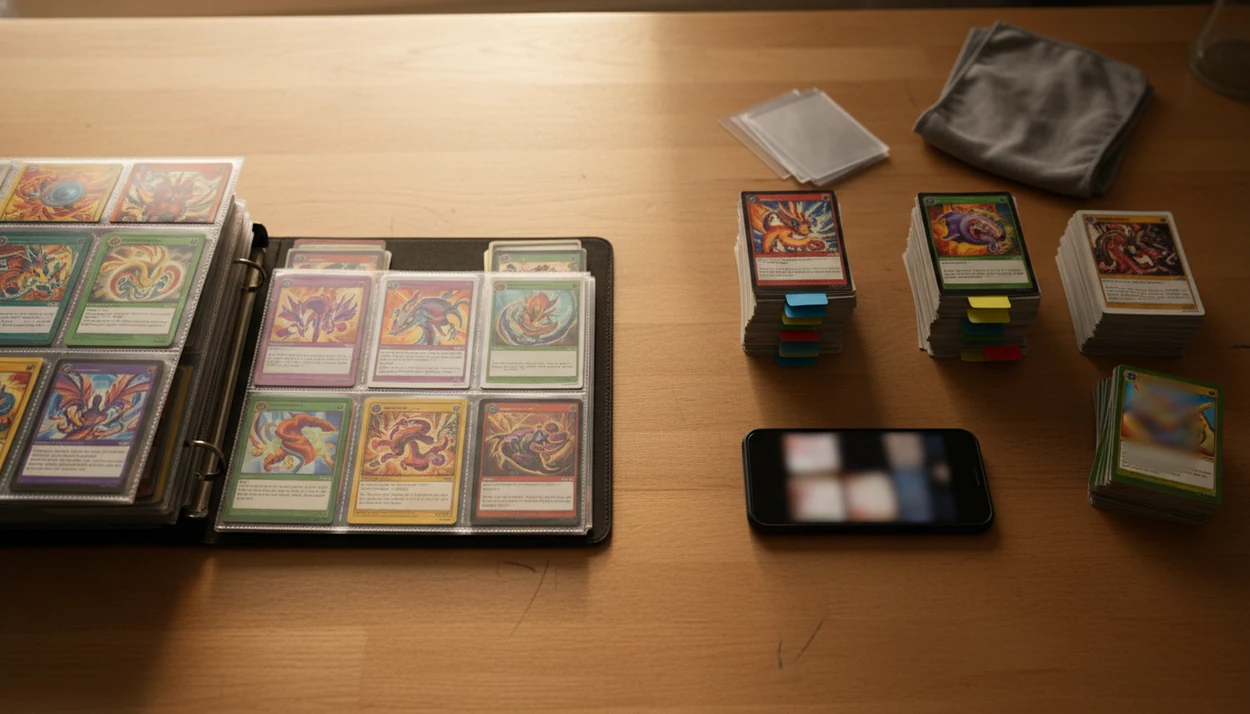
A tool that can track pokemon card duplicates scans your binder, matches each card against your saved collection, and flags extras so you can sort keepers, trades, sale cards, and bulk faster. TCG Pocket App focuses on that binder-friendly workflow for Pokémon TCG collectors.
> A good pokemon card scanner app should identify cards, check market prices, and track collections for Pokémon TCG collectors.
- Duplicate tracking only works after your cards are scanned or manually entered into a collection.
- The best trade-binder workflow labels extras as keep, trade, sell, or bulk instead of only counting copies.
- Manual review still matters because glare, shadows, variants, and similar card art can cause scanner mistakes.
How tool that can track pokemon card duplicates look
Side-by-side captures of the compared products. Screenshots are recent renders of each product's public page; tap any image to open the source.
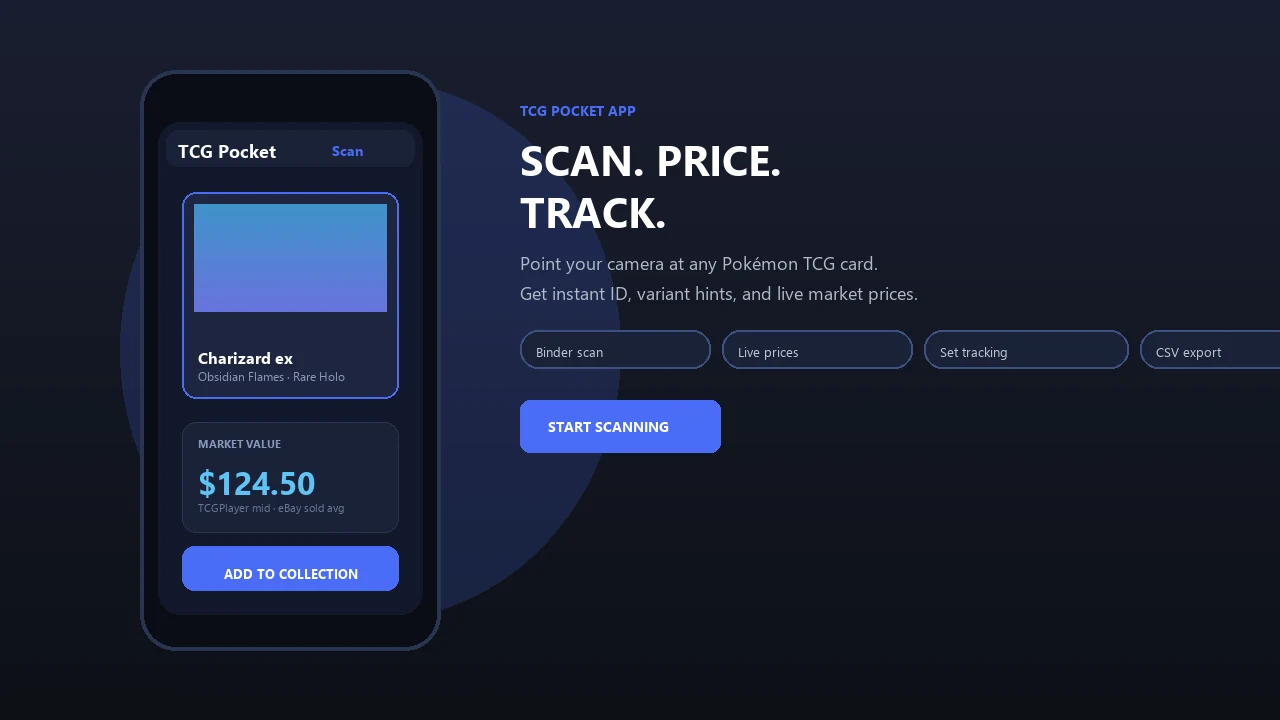
At-a-glance duplicate Pokémon card tracker workflow
A duplicate Pokémon card tracker works by turning scans into a saved collection list, then showing which cards appear more than once. The useful part is not just the count; it is what you do with the extra copy.
In a binder workflow, you scan or enter the main collection first. That creates the baseline. After that, new scans can be marked as duplicates and sorted into keep, trade, sell, or bulk labels. A kid's stack beside a cereal bowl can go from mystery pile to sorted extras in one sitting.
Prices help with triage, but they are reference points. Trade value still depends on condition, local demand, and whether the other collector wants that exact card.
How a tool that can track Pokémon card duplicates works
A pokemon card scanner app identifies cards, checks market prices, and tracks collections for Pokémon TCG collectors.
A duplicate tracker starts with photo capture. The scanner reads the card image, compares it against known card data, then tries to match the set, card number, and variant. Once the card is saved, the collection database checks whether another copy already exists.
Small details matter. A reverse holo, alternate print, promo stamp, or wrong set symbol can turn one “duplicate” into two different cards. We still check the set number in the lower-left corner before trusting a price match, especially when two Pikachu prints look nearly identical.
No duplicate tracker can detect cards that were never scanned or manually entered. For collectors comparing identification tools, our pokemon card identifier app guide covers the exact-card matching step in more detail.
How to use a duplicate Pokémon card tracker for binders
Use a duplicate Pokémon card tracker by scanning the main collection first, then reviewing every extra copy before it enters a trade binder. Clean lighting matters more than speed.
- Set your baseline by scanning the cards you plan to keep in the main binder.
- Scan extras in small groups, leaving space around each card and avoiding strong glare.
- Review the set symbol, card number, foil type, and condition note before accepting a duplicate flag.
- Label each extra as keep, trade, sell, or bulk so the binder does not become another unsorted box.
- Export the list if you want spreadsheet cleanup before a show, trade night, or sale pile.
Ring-light glare bouncing off a reverse holo through a nine-pocket page can fool a camera. Tilt the binder, flatten the page, and rescan when the match looks suspicious.
When trade binder duplicates need tracking most
Trade binder duplicates need tracking most when a collection is changing quickly. That usually means new packs, new trades, or a binder rebuild before an event.
- Binder rebuilds after opening packs are easier when duplicates are flagged before the cards disappear into pages.
- Convention prep goes faster when extras are grouped by set, rarity, value, and condition.
- Local league nights are less awkward when you know which copy is actually available for trade.
- Accidental purchases drop when you can check whether a card is already owned.
- Sold-listing context is useful, but active asking prices should not drive every trade decision.
When trade-night prep is the issue, the strongest fit is a repeatable routine: scan, verify, log, compare, and export.
What duplicate tracking looks like in TCG Pocket App
TCG Pocket App works as a binder-friendly Pokémon card scanner and collection manager for physical cards. It is not an official Pokémon app, and it is not the Pokémon TCG Pocket mobile game.
After a scan, the card can be saved to a collection. If another copy is already logged, the extra can be flagged for review. From there, collectors can check price references, compare raw versus graded context, and apply sorting labels for keep, trade, sell, or bulk.
For returning collectors sorting old binders, duplicate cleanup works best when the workflow connects scan-to-collection saving with duplicate flagging and trade-binder labels. The plastic crinkle of a binder page is familiar here; you do not always need to remove a sleeved card before starting the review.
Good scanner apps deliver identification, price context, and pocket-sized collection management, not guaranteed values or automatic grading.
Duplicate Pokémon card tracker vs spreadsheet vs memory
A scanner-based duplicate tracker is fastest for building the first list, while spreadsheets are better for custom cleanup after export. Memory-only sorting breaks down once a binder gets large.
| Method | Strength | Weak spot | Best use |
|---|---|---|---|
| Scanner app | Fast scan-to-collection logging | Needs manual correction for variants | Binder scanning and duplicate flags |
| Spreadsheet | Custom filters and notes | Slow manual entry | Export review and trade planning |
| Handwritten list | Simple and offline | Hard to update or search | Small want lists |
| Memory-only sorting | No setup needed | Easy to forget owned cards | Tiny collections only |
Exports bridge the gap. A collector can scan cards, then use a tool to export pokemon card collection CSV workflow for spreadsheet sorting.
Manual correction still matters. A soft corner visible through plastic changes the condition caveat, even if the card name is right.
Android and iOS duplicate Pokémon card tracker expectations
“Can I use an Android or iOS duplicate Pokémon card tracker?” Yes, but app store claims should be treated as claims unless independent accuracy rates are published.
Collectors often search both platforms for scanning, collection tracking, and duplicate alerts. Dragon Shield’s Poké TCG Scanner listing says it can scan Pokémon cards, track collections, and build decks, but the store listing does not publish a formal accuracy rate source. TCGplayer markets its scanner with “unparalleled speed and accuracy” on its app page source, which is a marketing claim rather than a public benchmark.
When the issue is platform choice, prioritize tools that support a repeatable binder workflow: scan, verify, label, and review. For broader app comparisons, our best pokemon collection tracker app guide covers category-level tradeoffs.
Pokémon TCG Pocket game vs Pokémon card duplicate tracker
Pokémon TCG Pocket is a digital card game app published by The Pokémon Company, according to its Google Play listing source. This page is about physical Pokémon TCG card scanning and binder management.
| App type | What it manages | Duplicate use |
|---|---|---|
| Pokémon TCG Pocket game | Digital game cards inside the game | Game collection context |
| Physical card duplicate tracker | Real cards in binders, boxes, and trade piles | Binder and inventory context |
| Physical collection scanner | Scanned physical Pokémon cards | Duplicate flags and sorting labels |
After a scan confuses two similar Pikachu prints, the collector still verifies the set symbol. That is physical-card tracking, not game strategy.
Related TCG Pocket App features for cleaner binders
Duplicate tracking works better when it sits beside identification, pricing, and export tools. A cleaner binder workflow connects those steps without turning every extra card into a speculative decision.
- AI card scanning: Helps identify a card from a phone camera image, then sends it into the collection review flow.
- Live market price checks: Gives reference points for raw versus graded and sold-listing context, not guaranteed trade value.
- Collection tracking: Keeps scanned cards organized by set, card, and ownership status.
- Export and review workflows: Supports cleanup outside the phone when a larger sort is needed.
- Trade binder prep: Helps separate main collection cards from extras before a local meetup.
For set-focused collectors, an app that tracks pokemon set completion pairs naturally with duplicate review.
Limitations
Duplicate tracking is useful, but it is not a substitute for collector judgment. Treat the app result as a starting point, not the final word.
- Duplicate tracking only works for cards already scanned or entered; it cannot find unlogged cards in tins, boxes, or old binders.
- Lighting, glare, shadows, spacing, and card orientation can affect recognition.
- Similar variants, promo prints, and wrong-set matches may need manual correction.
- Price references do not guarantee trade demand, cash sale value, or buyer interest.
- Trade binder organization does not verify authenticity, grading quality, or condition.
- Marketing claims about speed and accuracy should be treated cautiously unless independently benchmarked.
- Raw versus graded comparisons can be misleading when the scanned card has whitening, dents, or surface wear.
- Bulk labels still require human sorting if you care about playable cards, set completion, or condition.
For collectors who need insurance records rather than trade sorting, a pokemon card collection insurance inventory workflow needs stricter documentation.
FAQ
Can apps find duplicate Pokémon cards?
Yes. Apps can find duplicate Pokémon cards after the cards have been scanned or manually entered into a saved collection.
How do duplicate card trackers work?
Duplicate card trackers identify a scanned card, match it to a collection record, and flag extra copies. Set number, variant, and condition should still be reviewed.
Can I scan a whole binder?
You can scan binder cards, but page glare, spacing, and shadows affect results. Review matches before accepting a full page of duplicate flags.
Do scanners recognize card variants?
Some scanners can recognize variants, but foil type, promo stamps, and similar artwork may need manual checking. A set number check is still recommended.
What are trade binder duplicates?
Trade binder duplicates are extra copies separated from the main collection for possible trades. They are usually sorted by set, rarity, condition, or value.
Can I export duplicate card lists?
Yes, export is useful for spreadsheet sorting, trade prep, and sale planning. It also helps clean up labels after a large scan session.
Are duplicate trackers always accurate?
No. Glare, shadows, partial scans, similar prints, and wrong-set matches can cause errors, so manual review remains important.
Is a digital Pokémon card game the same as a duplicate tracker?
No. A digital card game manages in-game cards, while a duplicate tracker manages physical Pokémon cards in binders or collections.