
Is There an App That Checks Pokémon Card Value Accurately?
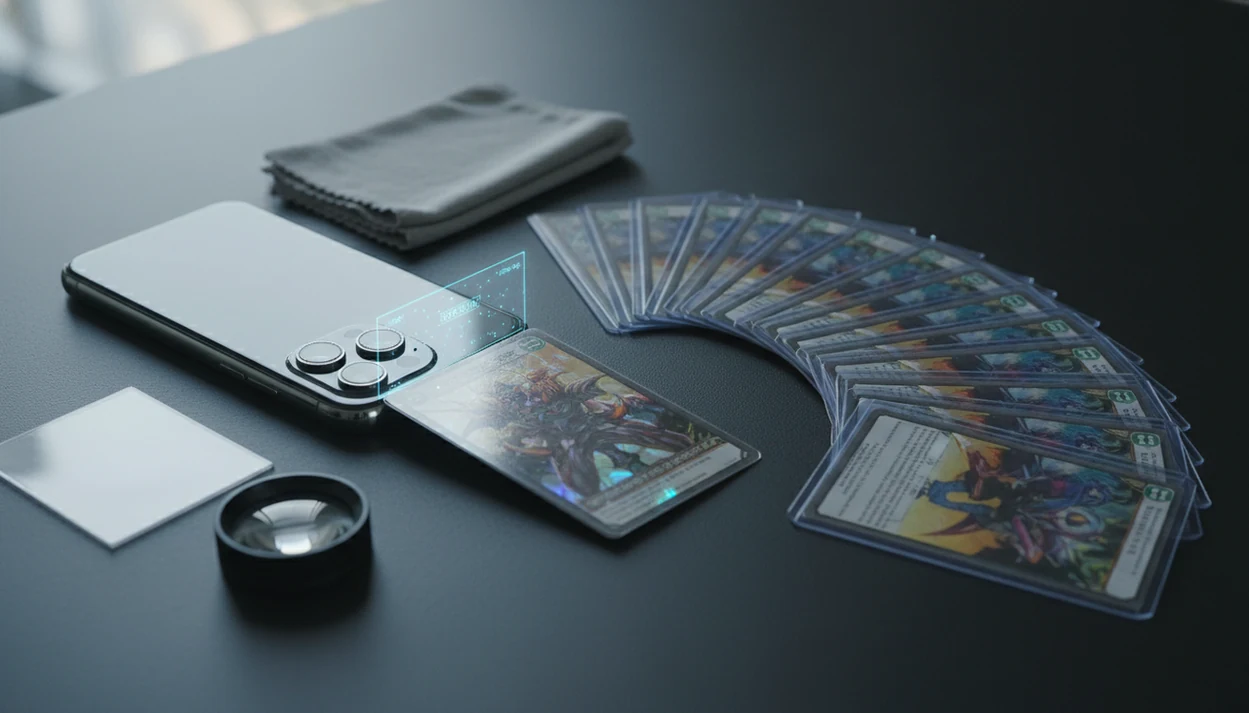
Yes, if you're asking “is there an app that checks pokemon card value,” a Pokémon value scanner can identify a physical card from a phone photo and show an estimated market price, but accuracy depends on the exact print, condition, and pricing data source.
Definition: TCG Pocket App is a pokemon card scanner app that identifies cards, checks market prices, and tracks collections for Pokémon TCG collectors.
TL;DR
- A Pokémon card value app can scan a card, match it to a database, and estimate market value from live or frequently updated price feeds.
- The app must identify the exact version: set, number, rarity, holo style, promo stamp, language, and printing can change the price dramatically.
- Scanner prices are estimates, not guaranteed buy offers; high-value cards still need manual sold-listing checks and condition review.
How these apps look
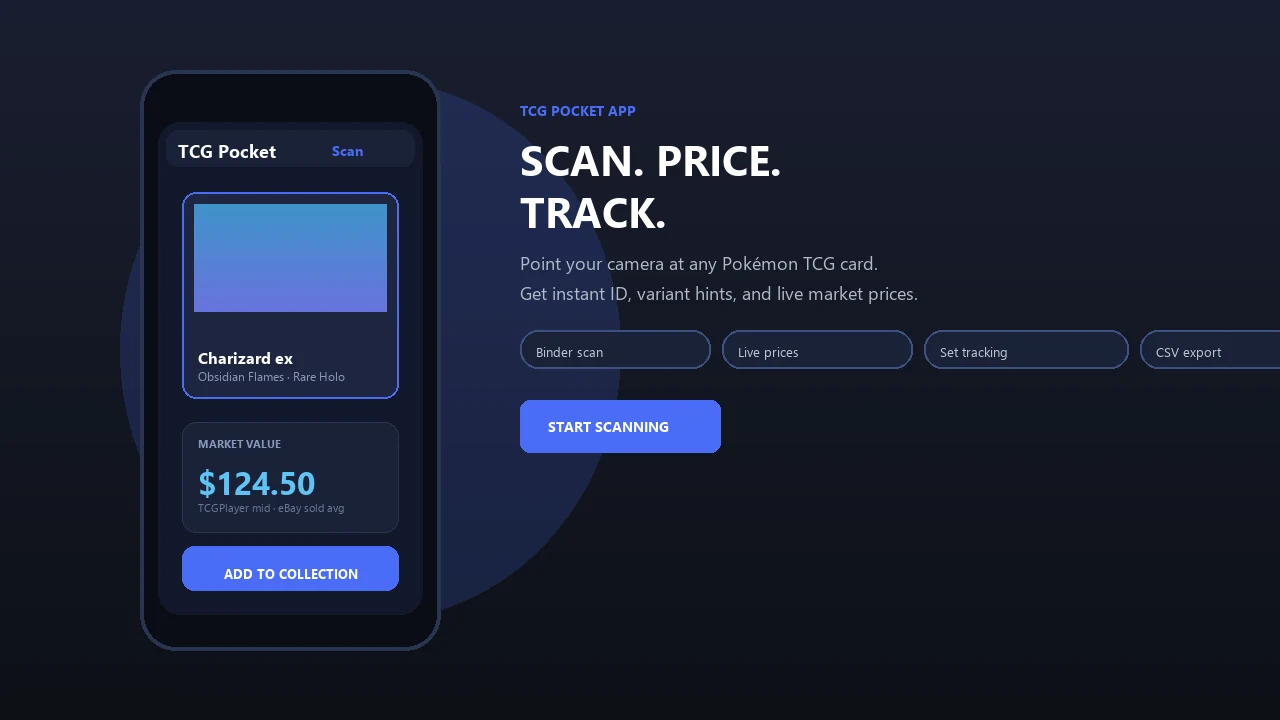
Side-by-side captures of the compared products. Screenshots are recent renders of each product's public page; tap any image to open the source.
Pokémon Value Scanner Apps: The Direct Answer
“Is there an app that checks Pokémon card value?” Yes. Dedicated Pokémon value scanner apps use your phone camera to identify physical Pokémon cards and return an estimated market value.
That estimate is not the same as a sale price, a trade-in quote, or a card shop payout. It is usually a market-based number pulled from listings, recent sales, regional feeds, or price-guide data. For a Charizard in a binder page, the app can get you close fast. The final check still depends on exact print and condition.
The scale of the hobby explains why these tools exist: The Pokémon Company says more than 64.8 billion Pokémon TCG cards had been produced worldwide as of March 2024 (https://corporate.pokemon.co.jp/en/aboutus/figures/). The Pokémon Trading Card Game has sold over 64.8 billion cards worldwide as of March 2024, according to The Pokémon Company. A fast scan beats typing long card names at a show table.
Important distinction: this page covers apps for valuing physical Pokémon TCG cards, not digital-only Pokémon card game collection tools.
Pokémon Card Scanner Technology Behind the Camera
A Pokémon card scanner works by turning a phone photo into a database match, then attaching price data to that matched card.
The usual flow is simple: camera image, AI recognition, OCR or visual matching, card database lookup, price feed retrieval, and optional collection save. Under the hood, image embeddings compare visual patterns, while OCR reads text and collector numbers. In plain English, the app is asking, “Which known card does this photo most resemble?”
Version matching matters because many Pokémon cards share a name or artwork. A scan can confuse two similar Pikachu prints until the collector verifies the set symbol. Check the lower-left collector number before trusting the price.
Key identifiers include set symbol, collector number, rarity, promo code, holo or reverse holo treatment, language, and edition. Price accuracy depends as much on the marketplace feed as on the scanner model. A good ai-powered pokémon tcg card scanner, live market prices, and pocket-sized collection management app deliver faster lookup and organized records, not guaranteed appraisals.
Five Facts About Pokémon Card Value Scanner Accuracy
- Scanner apps can identify many Pokémon cards quickly from a phone camera image, especially modern English cards with clear text and artwork.
- Exact print identification is the biggest accuracy issue because set, number, promo stamp, holo type, and language can change value.
- Market feeds can differ by region; North American pricing and European pricing may diverge for the same card.
- Condition and grading are not fully solved by current scanner apps; surface wear, whitening, dents, and centering still need human review.
- High-value cards should be cross-checked against recent sold listings and multiple sources before selling, trading, grading, or insuring them.
Ring-light glare bouncing off a reverse holo through a nine-pocket binder page can make a confident scan look better than it is. Small details matter. For expensive cards, the safest workflow is scan, verify, then compare sold-listing context.
Pokémon Card Scan Preparation Checklist
Cleaner photos produce better card matches. Before you scan, remove glare, use strong indirect light, and place the card on a plain background with the full border visible.
Scan unsleeved when it is safe to do so. For valuable or fragile cards, keep the sleeve or top loader on and manually confirm the result afterward. The plastic crinkle of a binder page can blur text just enough to throw off a set number check.
Before accepting the app result, inspect the set symbol, collector number, promo stamp, and holo type. Reverse holo and standard holo copies often price differently. A print line crossing a shiny border can also affect real-world value, even if the app shows the same market estimate.
Choose condition manually. Near mint, lightly played, moderately played, and damaged are not cosmetic labels; they are pricing inputs. For beginners, our how to check pokemon card value with phone workflow breaks down the same process in more detail.
Six Steps to Check Pokémon Card Value in an App
Use a scanner app as a fast first pass, then verify the details that change value. Do not accept the first scan blindly when a card has many variants.
- Scan the card in clear light with the full card visible, including borders and bottom text.
- Match the exact print by checking the set symbol, collector number, language, rarity, and holo type.
- Select condition manually after inspecting corners, whitening, dents, scratches, and surface marks.
- Review the price source so you know whether the estimate reflects listings, market averages, or recent sales.
- Save or export the card if you want collection tracking, duplicates, set progress, or portfolio value later.
- Cross-check expensive cards against sold listings, grading data, and more than one marketplace before making a decision.
For bulk piles, scanning first and sorting later is often faster than manual search because each card gets logged as you go.
Pokémon Card Price Sources That Change Scanner Estimates
Two apps can show different values for the same Pokémon card because they may use different price sources. Asking prices, market averages, and sold prices are not interchangeable.
| Price source type | Strength | Weakness |
|---|---|---|
| Marketplace listings | Shows current seller expectations | Can include inflated unsold prices |
| Recent sales averages | Closer to real transaction behavior | Thin data can swing the average |
| Regional market feeds | Useful for local buyer demand | North America and Europe may differ |
| Manual price guide data | Stable reference point | May lag fast-moving cards |
Prices can move daily because of reprints, tournament demand, social media attention, supply changes, or a sudden rush on one card. The green sold-price filter on eBay is different from active asking prices, and that distinction matters when money is involved.
For regional differences, the TCGplayer vs Cardmarket for pokemon prices comparison is a useful starting point.
Four Myths About Apps That Check Pokémon Card Worth
Myth 1: The app shows the exact amount a card shop will pay. Most apps show estimated market value, not a buylist quote. A shop may offer less because it needs margin, liquidity, and condition confidence.
Myth 2: The scanner can perfectly judge condition. Apps cannot reliably grade centering, scratches, whitening, dents, or print lines from one phone photo. A centering gap along a yellow edge still needs your eyes.
Myth 3: All apps use the same price data. They do not. Some lean on marketplace listings, others use recent sales, regional feeds, or blended averages.
Myth 4: Digital Pokémon card game apps price physical cards. Digital-only Pokémon card game apps focus on in-game cards, pack opening, and digital collections. They are not real-money pricing tools for physical Pokémon cards.
If you want physical-card pricing, look for a pokemon card price checker app built around scans, variants, and market data.
Example Workflow for Faster Pokémon Card Value Checks
TCG Pocket App is one example of a pokemon card scanner app that identifies physical cards, checks market prices, and tracks collections for Pokémon TCG collectors.
The practical workflow is binder-friendly: scan many cards, confirm exact versions, view live market prices, and save cards to a collection. A collector can work through a trade pile separated by a sticky note, then review duplicates and set progress later. That is more useful than checking one card and losing the record.
Digital collection tracking has become a practical part of the hobby: collectors expect scanners to save results, organize duplicates, and show price changes over time. The app result should still be treated as a starting point, not the final word.
Portfolio value, collection tracking, and price movement monitoring help organize decisions over time. For deeper collection workflows, compare scanner features with a best pokemon collection tracker app guide.
Limitations
Scanner apps are useful, but they have clear limits. Treat every value result as an estimate until the card version, condition, and price source are checked.
- AI scanners can misread cards in poor lighting, glare, sleeves, top loaders, or binder pages.
- Apps may confuse similar artwork, reprints, promo variants, reverse holos, and regional printings.
- Most apps cannot reliably grade centering, surface wear, dents, whitening, scratches, or print lines.
- Market values may reflect listings or averages, not guaranteed sold prices or shop buylist offers.
- Price feeds can lag behind sudden spikes, reprints, tournament results, or social media-driven demand.
- High-end, vintage, error, misprint, and graded cards still need expert review or multiple-source verification.
- Regional sources such as TCGPlayer-style and Cardmarket-style markets can produce different values.
- Raw versus graded values are separate markets; a PSA, BGS, or CGC slab changes the comparison set.
For graded decisions, the raw vs graded pokemon card value distinction matters more than the first scan result.
FAQ
Can an app price Pokémon cards?
Yes, an app can estimate Pokémon card market value by identifying the card and retrieving pricing data. It cannot guarantee the exact sale price or shop payout.
What is a Pokémon value scanner?
A Pokémon value scanner is an app that identifies a physical Pokémon card from a photo and retrieves estimated pricing data. It usually combines image recognition, card databases, and market feeds.
Are Pokémon card scanner apps accurate?
Pokémon card scanner apps can be accurate for identification, but value accuracy depends on exact version, condition, and price source. Similar prints and holo variants still need manual confirmation.
Can apps detect card condition?
Apps may help flag visible issues, but they cannot reliably judge all condition details. Centering, surface scratches, dents, whitening, and print lines should be reviewed by a person.
Do official digital Pokémon card apps scan physical cards for prices?
No. Digital Pokémon card apps focus on digital cards, pack opening, and in-app collections. They do not usually price physical Pokémon cards for real-money sale or trade decisions.
What app checks Pokémon card worth?
Look for a physical Pokémon card scanner with camera identification, live or frequently updated market prices, variant matching, and collection tracking. TCG Pocket App is one example of this type of tool.
Are free Pokémon price apps reliable?
Free Pokémon price apps can be useful for quick estimates, but database coverage, data freshness, ads, and scan limits vary. Always verify valuable cards with multiple sources.
Should I check eBay sold listings before selling a Pokémon card?
Yes, recent sold listings are important for rare, vintage, graded, or high-value cards. Sold prices show completed transactions, while active listings only show what sellers are asking.